5
OSD Control
Operating Procedure
1) Press “MENU” to enter
the OSD menu.
2) Press “SOURCE” to Exit
the OSD menu (on screen display), or Exit adjustment item.
3) Press “+”and “-” to select
a main menu item. (Left/right)
4) Press “MENU” to confirm, and enter to the sub menu.
5) Press “MENU” and “▲” to select the sub menu items. (Up/down)
6) Press “+” and “-” to adjust the setting values, then press up or down to select next
item.
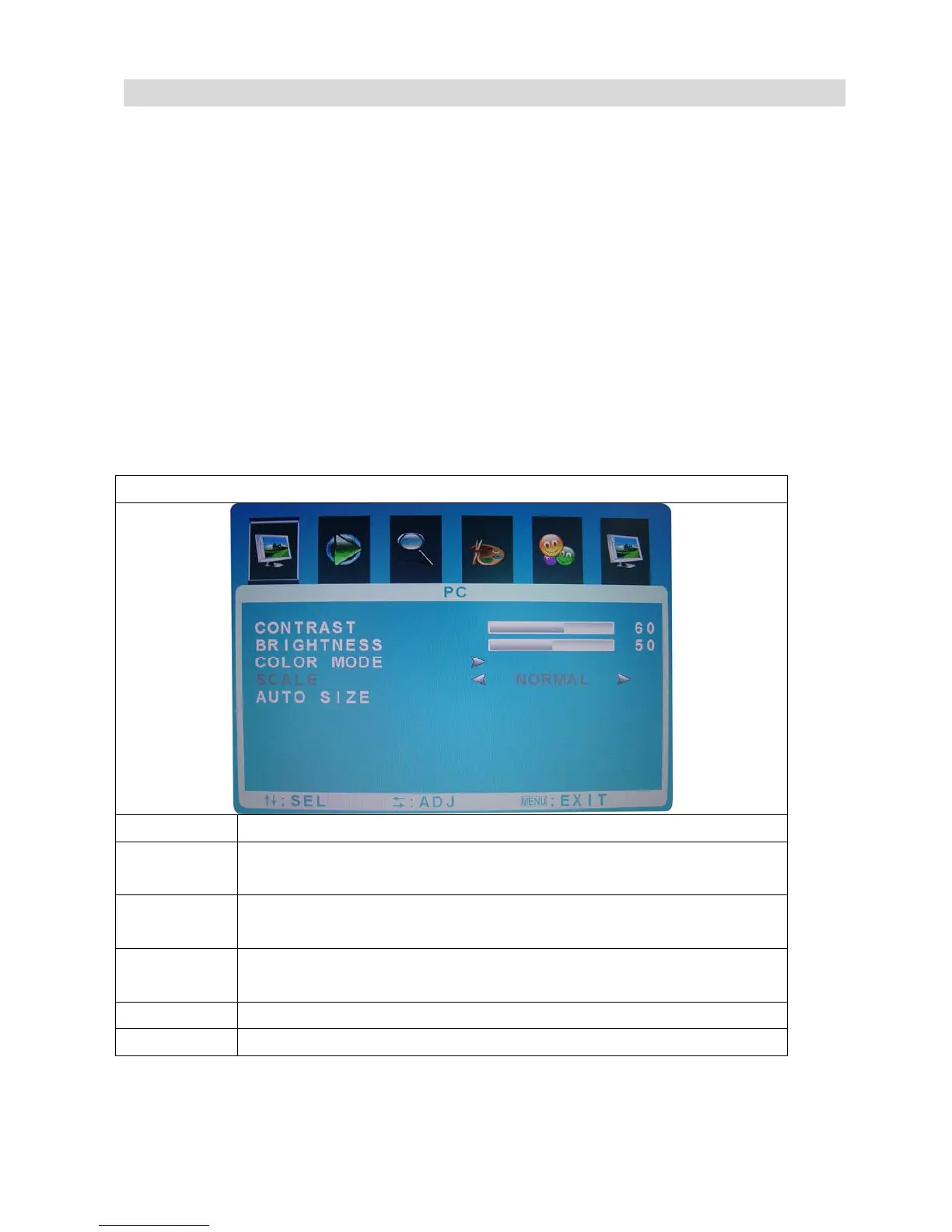
PC MODE
Function Description
Contrast press “+”and“-”to adjust the setting value(0~100) to adjust
contrast
Brightness press “+”and“-”to adjust the setting value(0~100) to adjust
brightness
Colour
Mode
Press “+”and“-”to adjust the colour mode.
( NORMAL, WARM,COOL,USER)
Scale Not available for this model
Auto Size press “+”and“-”to Auto tuning



 To Next Page