7
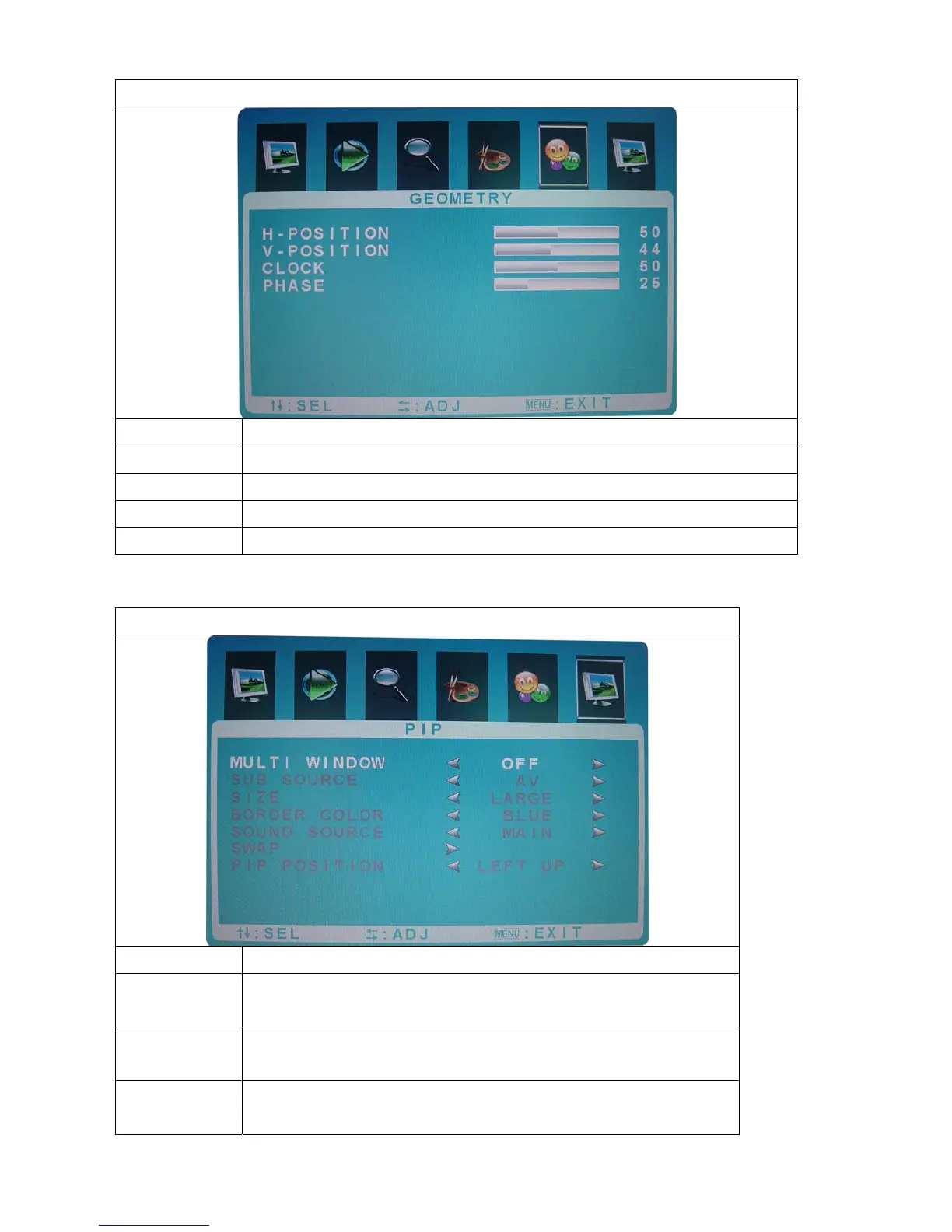
GEOMETRY
Function Description
H-Position Press “+” and“-” to move the screen right or left
V-Position Press “+” and“-” to move the screen up or down
Clock Press “+” and“-” to adjust the distortion character
Phase Press“+” and“-” to adjust the real image value of the ADC
PIP/POP FULL
Function Description
Multi
Window
Press“+” and“-” to select the function mode. (off,PIP,
POP Full)
Sub Source Press“+” and“-” to select the sub source.( AV source and
S-video source)
Size Press“+” and“-” to adjust the sub window size. (large,
middle and small)



 To Next Page