8
Border
Colour
Press“+” and“-” to adjust the Border colour of the sub
window. (Blue or Black)
Sound
Source
Press“+” and“-”to choose the sound source (main or the
sub window)
Swap Press“+” and“-”to change the displays between main
window and sub window.
PIP Position Press“+” and“-”to adjust PIP position. (left up, left down,
right up, right down)
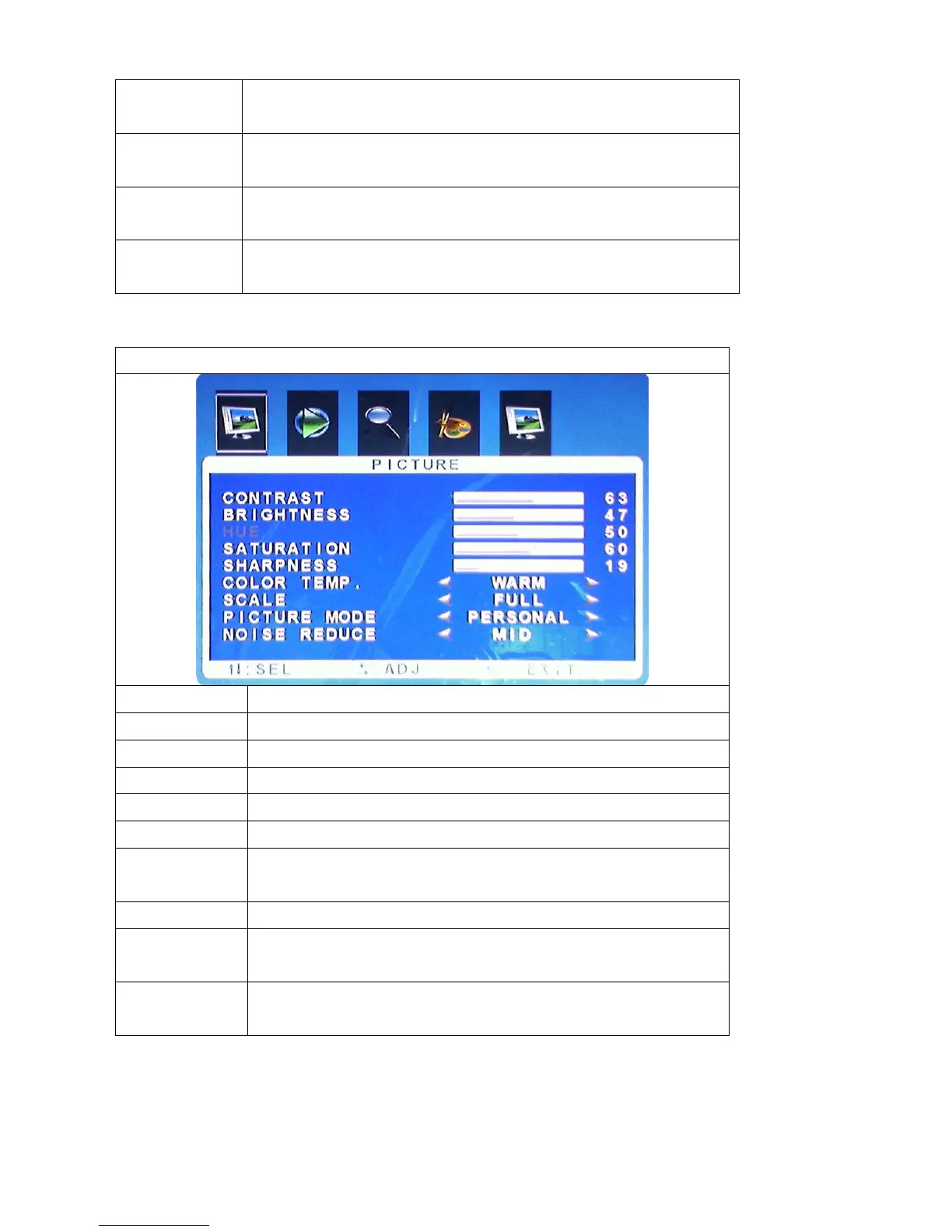
PICTURE
Function Description
Contrast press “+”and“-”to adjust the setting value(0~100)
Brightness press “+”and“-”to adjust the setting value(0~100)
HUE Not available for this model
Saturation press “+”and“-”to adjust
Sharpness press “+”and“-”to adjust
Colour Temp Press “+”and“-”to adjust the colour Temp.
(NORMAL, WARM,COLD)
Scale only “Full” setting
Picture Mode Press “+”and“-”to select the Picture Mode (Standard
Dynamic, Soft, Personal.)
Noise Reduce Press “+”and“-”to select the Reduce Mode for (Off,
Low, Mid, High or Auto)



 To Next Page