9
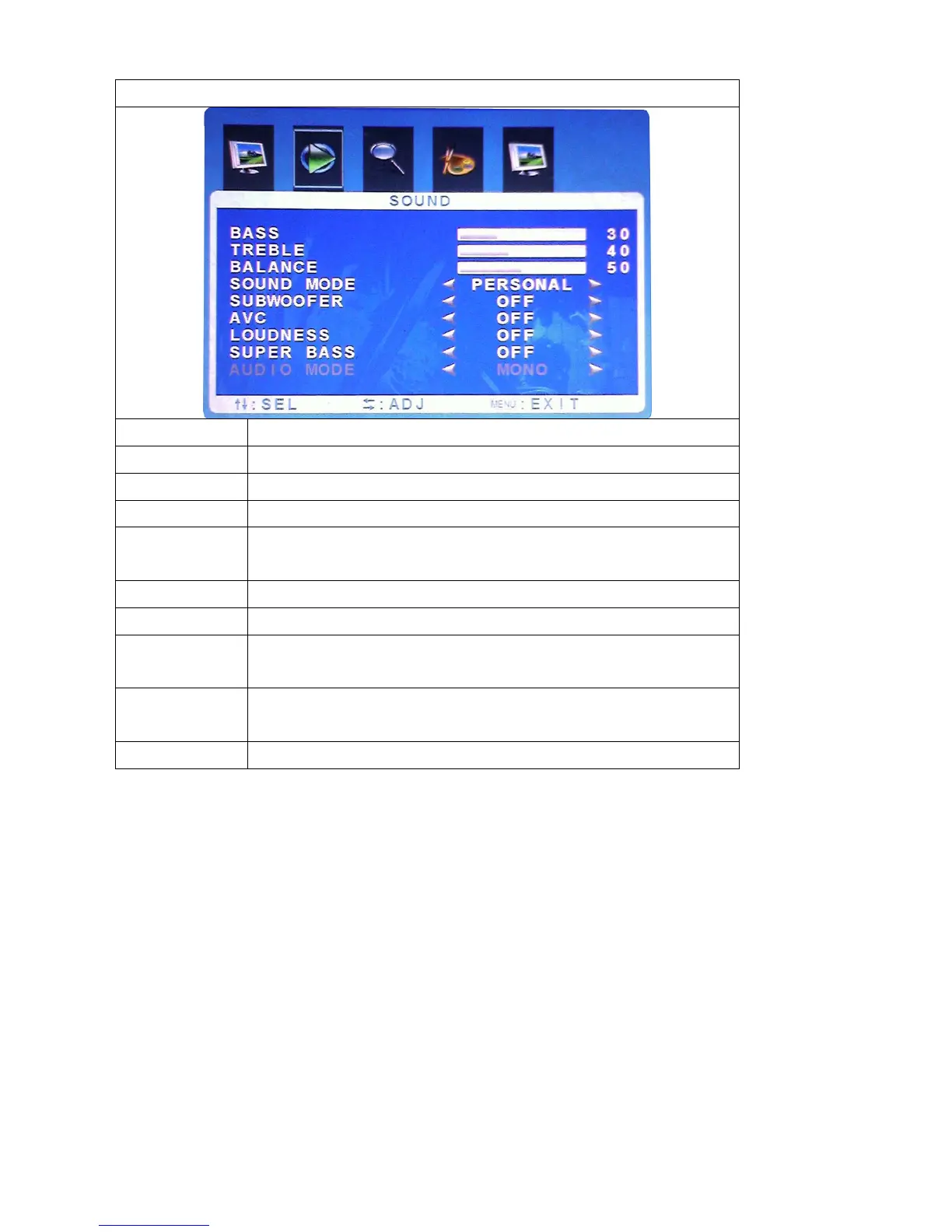
SOUND
Function Description
Bass Not available for this model
Treble Not available for this model
Balance Not available for this model
Sound Mode
Press “+”and“-” to select the sound mode (Standard,
Personal, Music, and News)
Subwoofer Press“+” and“-”to select the Subwoofer setting on or off
AVC Press“+” and“-”to select the auto turning setting on or off
Loudness Press“+” and“-”to select the Loudness mode.(close,
mode1, mode2, mode3, mode4)
Super Bass Press“+” and“-”to adjust the Super bass.
(include: 1,2,3,4,5,6,7,8,9,10,11,12)
Audio Mode Not available for this model



 To Next Page