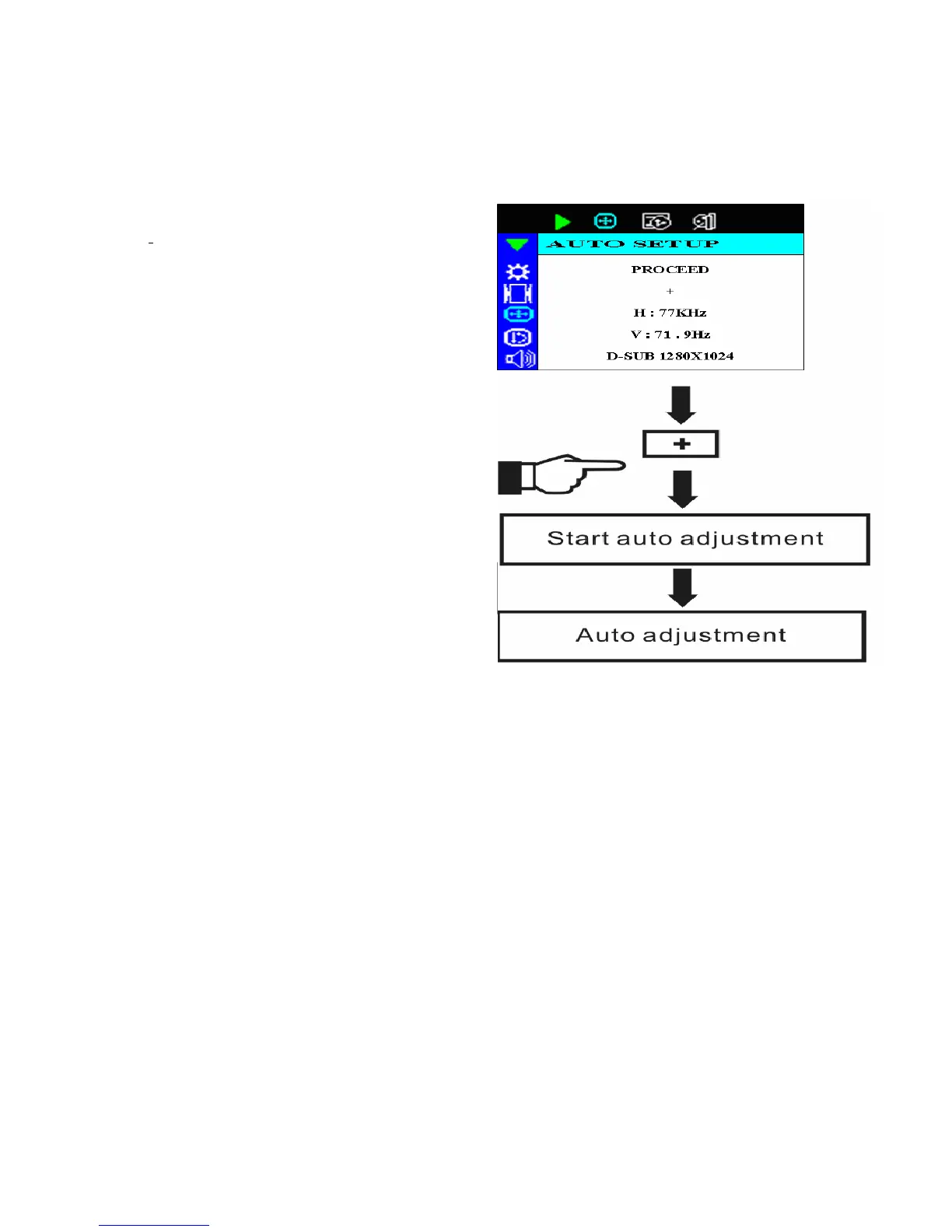
The Adjustment of Monitor’s Screen Display
There are two ways to adjust the monitor’s screen, i.e. auto adjustment and manual adjustment.
Auto adjustment
1. Power ON the LCD monitor and computer.
2. Select “AUTO SETUP” of OSD screens by
pressing the“d” button to “AUTO
SETUP”.
3. Press “+” button while displaying “AUTO
SETUP” screen.
4. The auto adjustment is started. “AUTO
SETUP” will be displayed during auto
adjustment. It takes about 10 seconds to
finish adjustment.
Manual adjustment
a) Power ON the LCD monitor and computer.
b) Adjust according to the aforementioned “Operating Procedure” and “Menu Table” to adjust the
screen to your favorable screen display.



 To Next Page