5.0 Operation
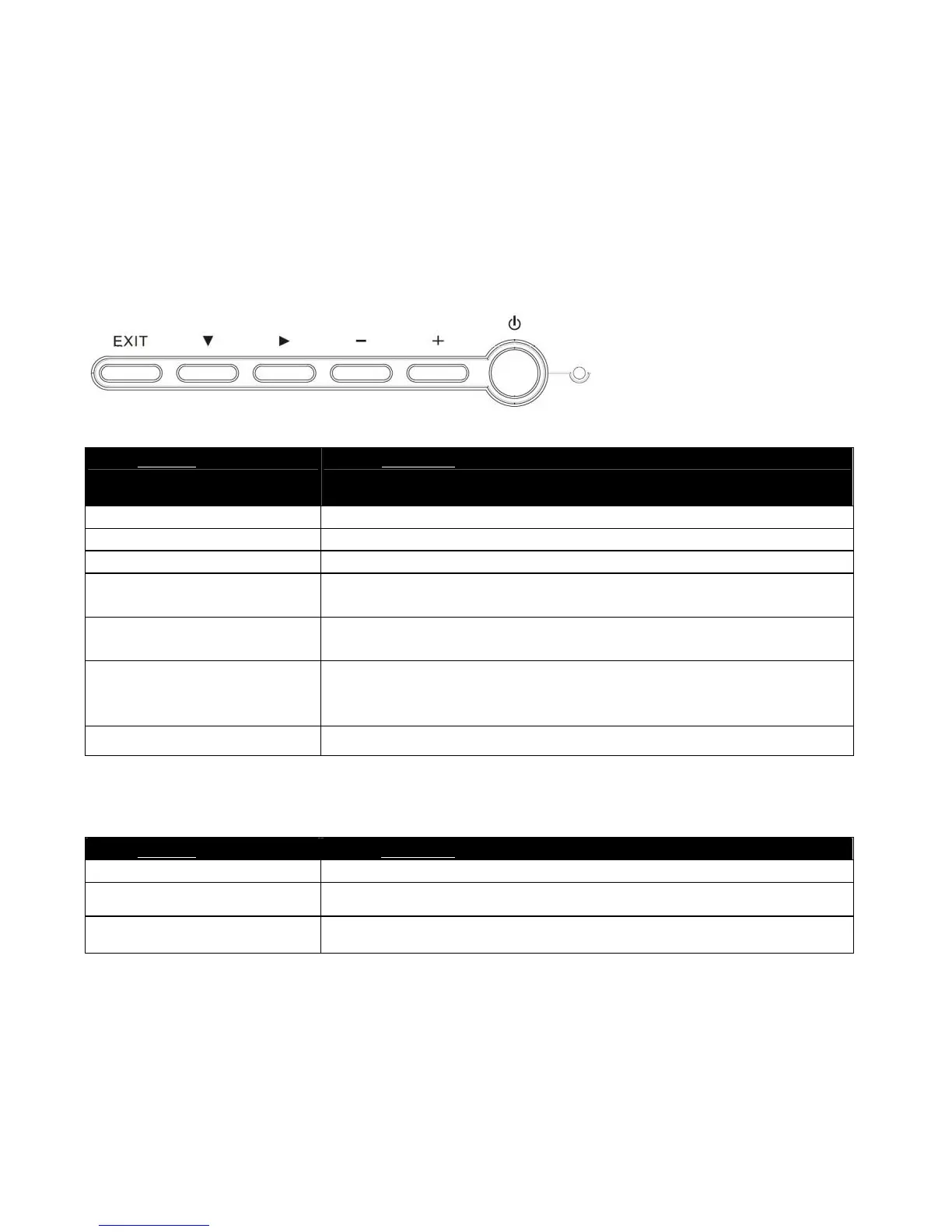
Keypad Operating
The LCD monitor has been preset at the factory with the Timing shown in Appendix to create optimal
picture. Users are also able to adjust the picture to the desired brightness and sharpness by following the
instructions.
Normal Key Define
Hot Key Define
Buttons Functions
EXIT Button
Exit the OSD (On Screen Display)
d
Press to bring up the On Screen Display and select main menu items
X
Press to bring up the On Screen Display and select sub menu items
-
Adjust sub-setting bars i.e. CONTRAST, BRIGHTNESS, etc. to
decrease setting values of the OSD
+
Adjust setting bars i.e. CONTRAST, BRIGHTNESS, etc. to increase
setting values of the OSD
LED power
status display
Green – Normal operation
Amber – Power Management
Off – Power turn off
Power Switch
For turning ON/OFF the monitor
Buttons Functions
EXIT Button
Auto setup
-
Volume Mute
+
Volume Adjust



 To Next Page