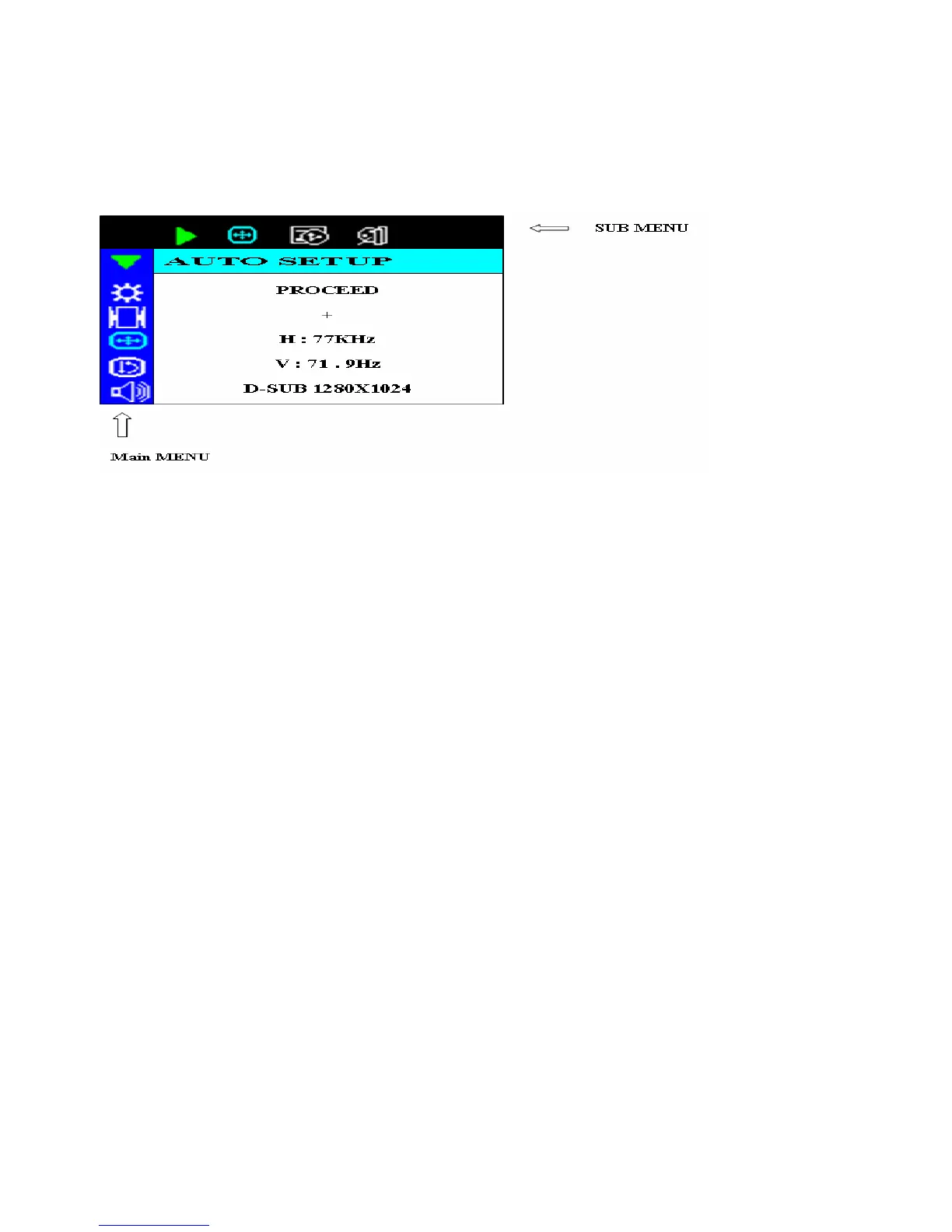
OSD Menu
OSD function allows the user to easily adjust the display to the desired quality.
Structure of OSD
Operating Procedure
1.Power on the LCD monitor.
2.Press “d” or “f “ to pop up OSD menu.
3.Press “d” to select main menu item.
4.Press “f “ to select sub menu item.
5.Press “+” and “-“ buttons to adjust.
6.Press the EXIT button when finish adjusting.



 To Next Page