3
¾ Installation of the Monitor
Please switch off the power supply to the computer and its peripheral
equipments first.
1. Connect the power cord to the AC power input socket at the back
of the unit, and connect the other end to the AC power socket.If
using an external power supply,you need to connect the AC power
cord to the external power supply and connect the DC plug in to
the DC socket at the back of the unit. Next connect the AC mains
plug to the AC power socket.
2. Connect the VGA Analog Signal Cable to the 15-pin connecting
port of the unit.
3. Turn on the screen and the power supply of the computer.
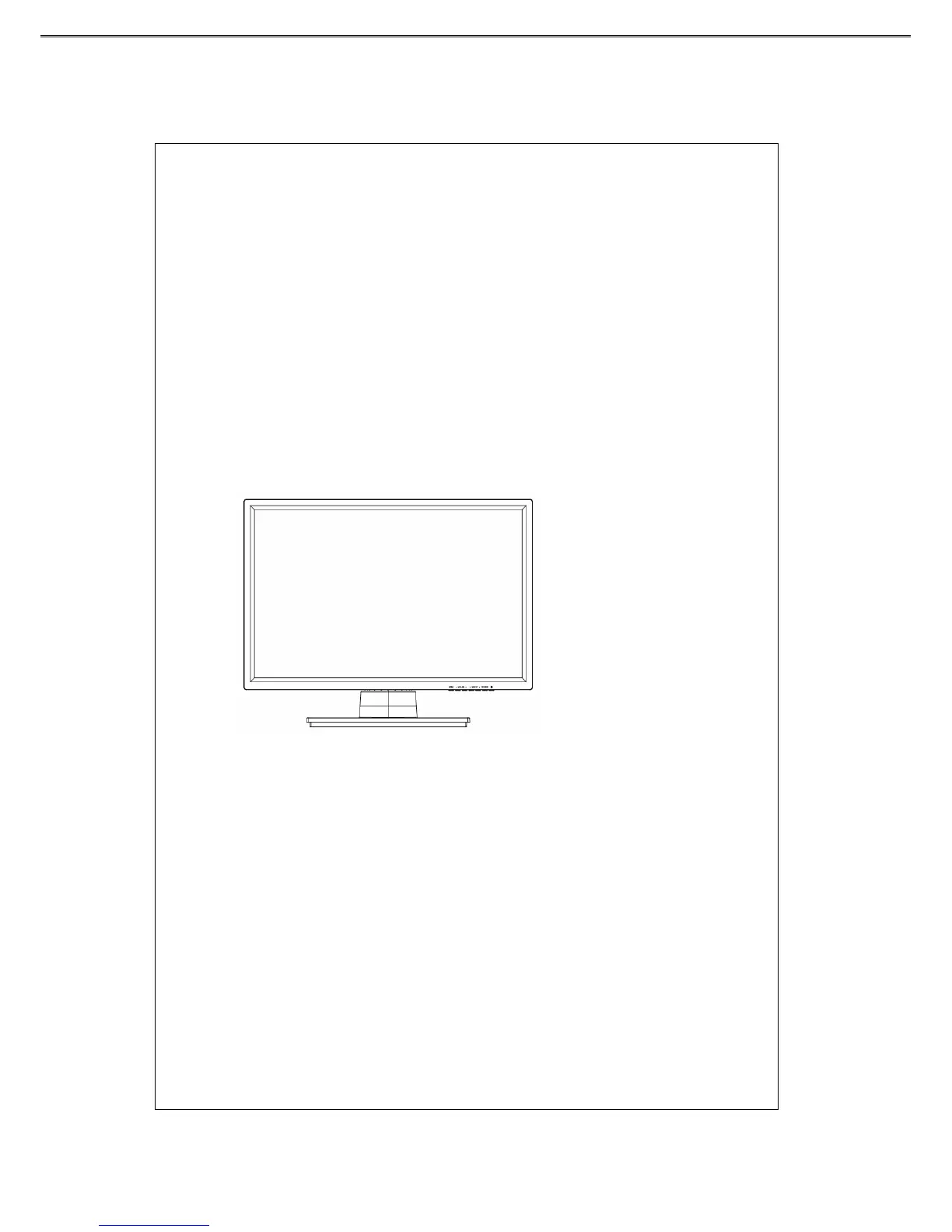
¾ Front Control Panel :
Tilting and Swiveling of the Screen
You can tilt the panel up by 15 ゚ or down by 5 ゚.



 To Next Page