5
Secondary Menu Settings
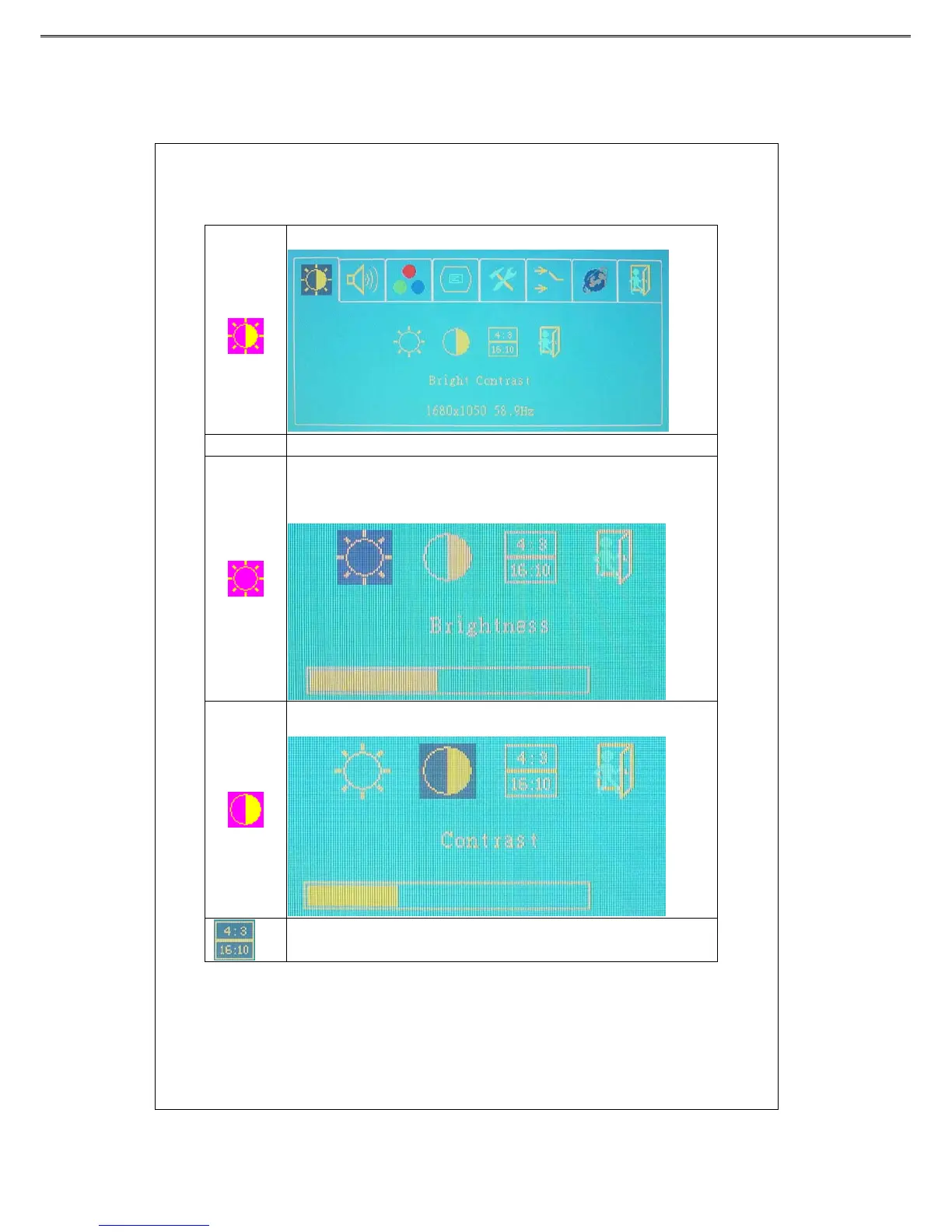
Bright Contrast
To adjust the brightness and contrast of the background.
Function Description
Press “+”or “-” key to adjust the numerical level of brightness (0~100). Press
“menu” key to save and menu key return to the previous page.
Press“+”or “-” key to adjust the numerical value of contrast (0-100). Press
“menu” key to save and menu key return to the previous page.
Press “menu” key to select the display mode (4:3 or 16:10)



 To Next Page