9
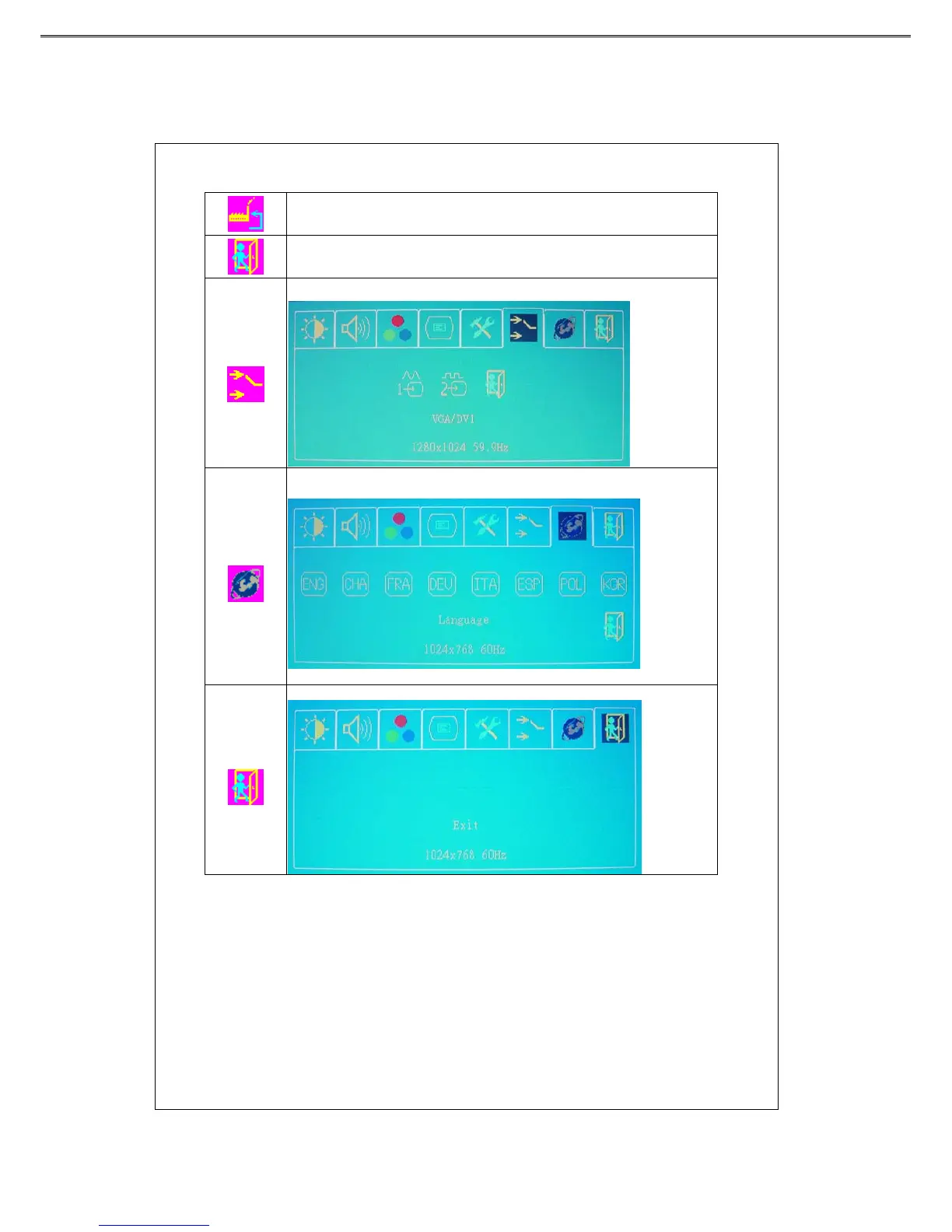
Sets the system to factory default value.
Back to the previous page.
VGA/DVI
Press“▲”or“▼”key to select the signal source option (D-SUB or DVI)
Language
Press
“▲”or“▼” key to select a language of OSD menu, and press
“menu” key to confirm.
Exit
To quit from the OSD Menu.
Power Saving Mode
This monitor meets the criteria of NUTEK/TCO and VESA DPMS
mode for display power management. It has a effective built-in power
management system that reduces power consumption automatically
when the PC is not used.



 To Next Page