8
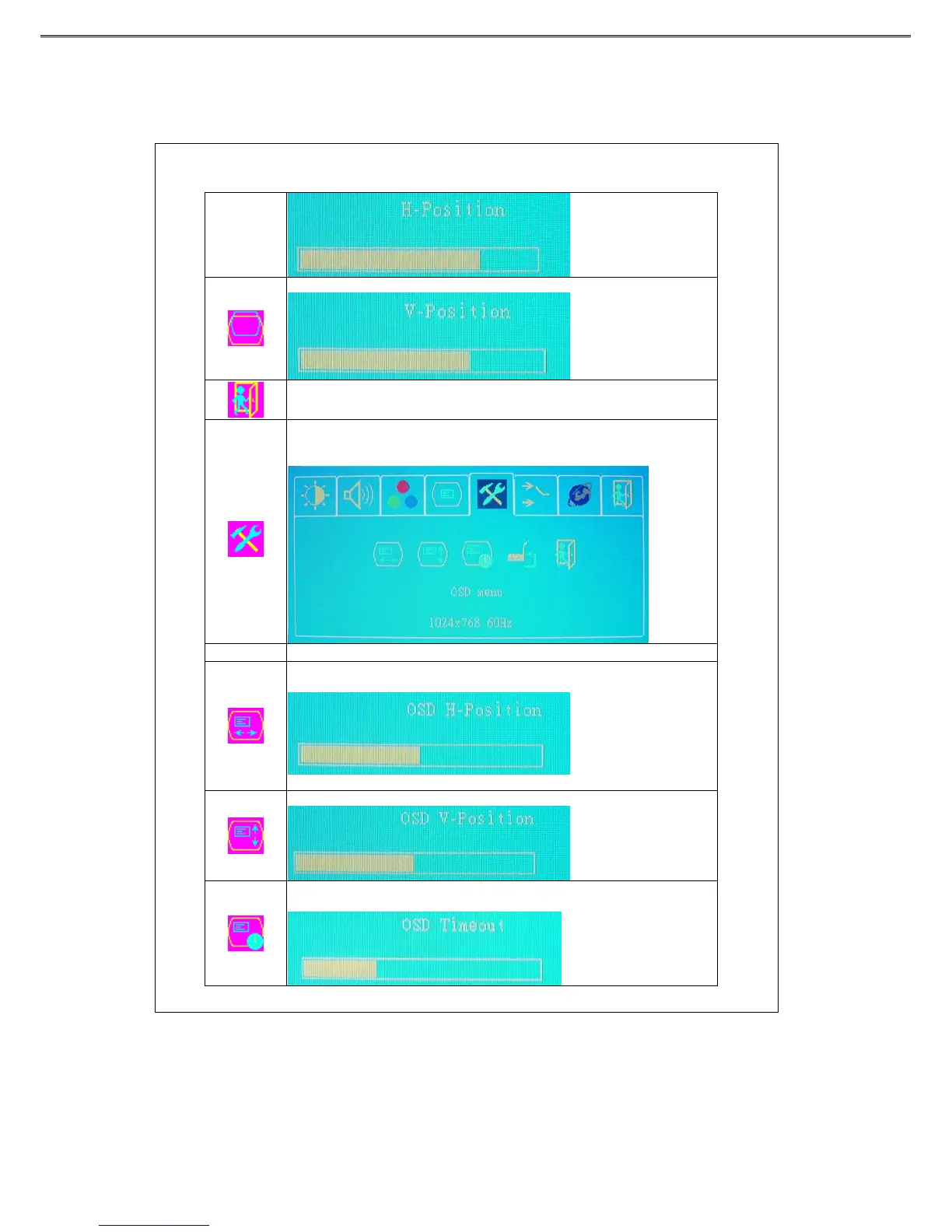
Press “+”or “-” key to move the screen up or down.
Back to the previous menu.
OSD menu
Press “ ▼”or “▲” key to select a function, and press “menu” to adjust. After the
adjustment is done, press “menu” key to save and “source” key to return to the
previous page.
Function Description
Press “+”or “-” key to move the OSD display position to the right or the left of the
screen.
Pr e s s “+”or “-” k e y to move the OSD display position up or down the screen.
Press “+”or “-” key to set the OSD off time and press “menu” key
to save it.



 To Next Page