7
Back to the previous page.
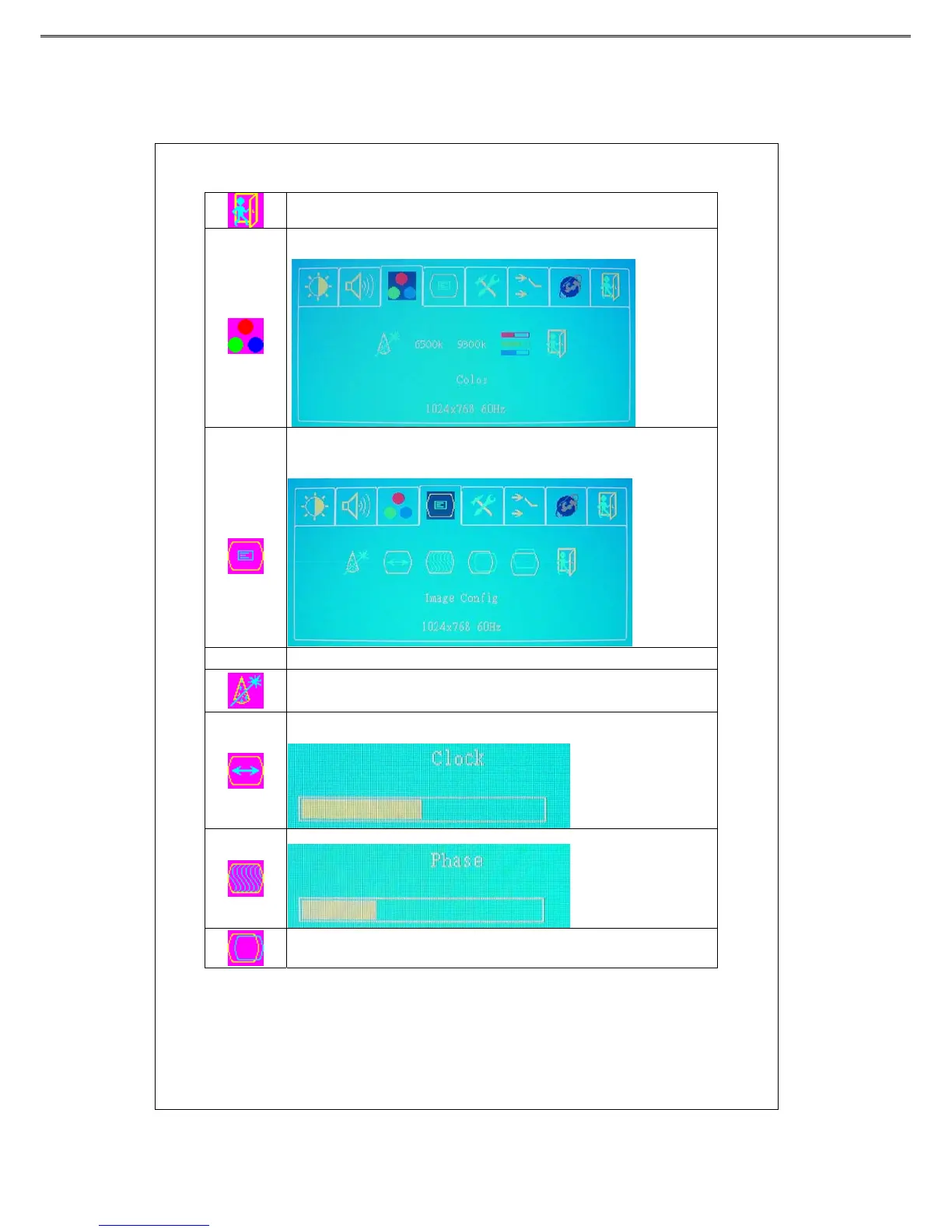
Color
Press “ ▼”or“▲” key to choose the function, and press “menu” key
to make adjustment.
Image
Config
Press “ ▼”or“▲” key to select a function, and press “menu” key to enter the
adjustment menu. After the adjustment is finished, press “menu” key to save and
“source” key exit.
Function Description
Press the “menu” key to adjust H/V positions, clock and phase automatically.
When there is distortion between characters, press “+”or “-” key to
correct this problem.
Press “+”or “-” k e y t o adjust the ADC sampling real image value.
Press “+”or “-” key to move the screen right or left.



 To Next Page