EasyManua.ls Logo

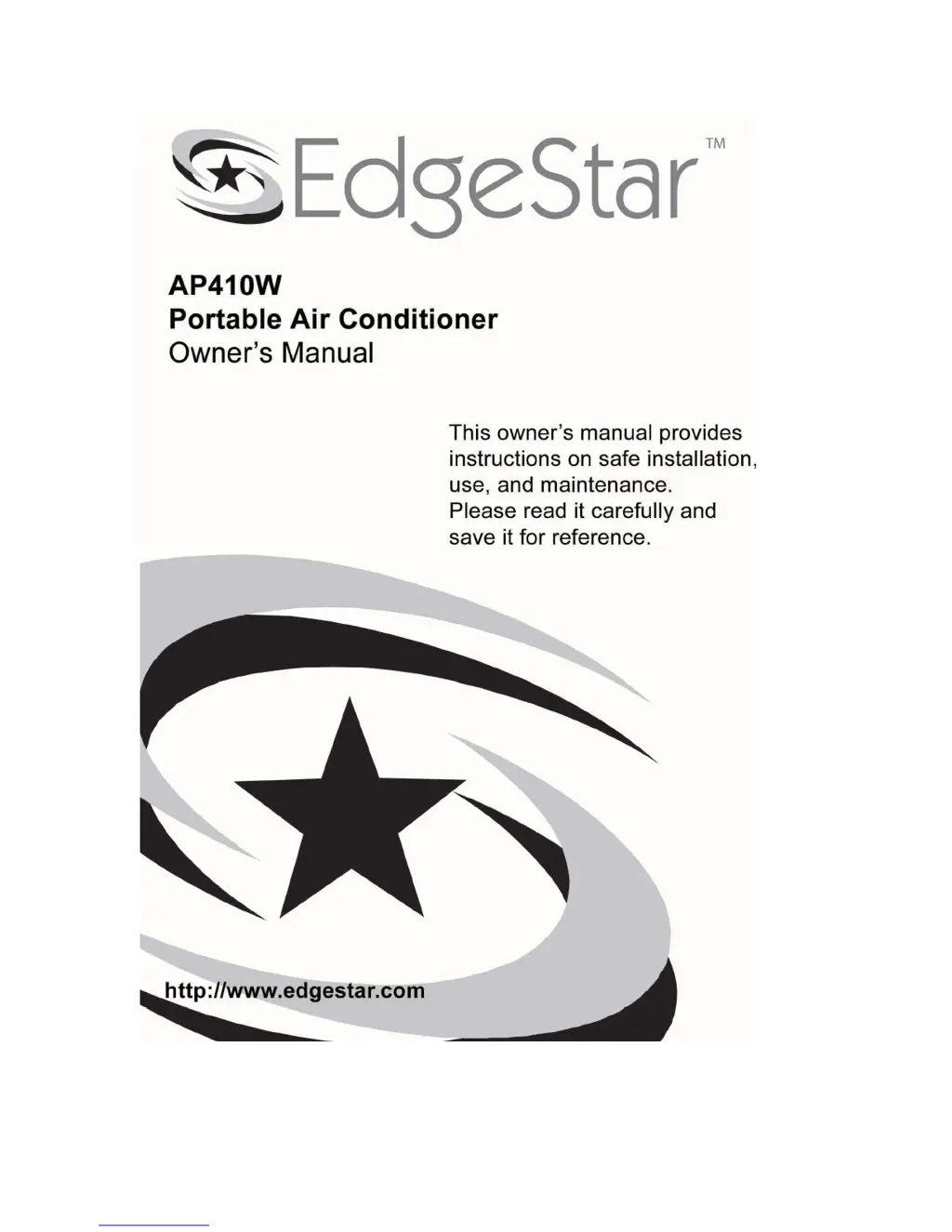
EdgeStar AP410W - User Manual

EdgeStar AP410W
25 pages
Print Icon
To Next Page IconTo Next Page
Loading...
1

Questions and Answers

  • J
    James PriceAug 14, 2025
    What to do if my EdgeStar Air Conditioner won't turn on?
    • J
      jasmine31Aug 14, 2025
      If your EdgeStar Air Conditioner isn't turning on, there are several possible causes. First, ensure the plug is properly inserted into the power outlet. Check your fuses, referencing the rating label on the back of the unit for the correct amperage. Also, drain the water reservoir if it's full. Finally, check the LCDI plug and press the reset button if it's tripped.
  • M
    Matthew TranAug 17, 2025
    Why does my EdgeStar Air Conditioner start and then cut out?
    • D
      David MorganAug 17, 2025
      Your EdgeStar Air Conditioner might be cutting out due to several reasons. Check that the exhaust hose isn't kinked and is as straight and short as possible. Ensure the unit is at least 20" away from walls or other obstructions. Remove any coverings from the unit. If the "Timer off" function is activated, press the power button to turn the unit back on. Lastly, make sure the room temperature is within the operational range of 61° - 97°F.
  • S
    Scott JenkinsAug 21, 2025
    How to improve cooling if my EdgeStar AP410W is not cooling effectively?
    • C
      cjonesAug 21, 2025
      If your EdgeStar Air Conditioner isn't cooling effectively, consider these factors: The room might be too large for the unit, so try using it in a smaller room. Direct sunlight can also impact cooling, so close curtains or blinds. Ensure windows and doors are closed. Remove any additional heat sources like servers or computer equipment. Lastly, a dusty or blocked filter can reduce efficiency, so clean the filter.
  • B
    Benjamin AllenAug 25, 2025
    What to do if the Run LED is blinking and my EdgeStar AP410W Air Conditioner is beeping?
    • R
      Randy GonzalezAug 25, 2025
      If the Run LED is blinking and your EdgeStar Air Conditioner is beeping, it likely means the internal water reservoir is full. You should drain the water reservoir.
  • P
    Paula ClarkAug 27, 2025
    What to do if my EdgeStar AP410W is leaking?
    • M
      michael37Aug 27, 2025
      If your EdgeStar Air Conditioner is leaking, there are a few things to check. If you are draining the unit into the drain pan, remember that it has no auto shut-off, so do not leave the unit unattended and monitor the water level manually. Ensure the drain stopple and plug are installed correctly. Also, make sure the unit is placed on a level surface.
  • J
    Jeremiah ThomasAug 30, 2025
    Why is my EdgeStar AP410W Air Conditioner so loud?
    • V
      Veronica MartinezAug 30, 2025
      If your EdgeStar Air Conditioner is too loud, it might be vibrating because it's positioned on a hard, uneven floor. Try moving the unit onto a level, carpeted surface.
  • J
    John LittleSep 3, 2025
    What does it mean if "E7" shows in the LED display of my EdgeStar Air Conditioner?
    • P
      Paula FisherSep 3, 2025
      If "E7" is displayed on your EdgeStar Air Conditioner, it indicates that the water reservoir is full. You should drain the water reservoir.
  • M
    Mary DanielsSep 6, 2025
    What to do if the control panel lights are blinking randomly on my EdgeStar AP410W?
    • D
      Daniel CarterSep 6, 2025
      If the control panel lights on your EdgeStar Air Conditioner are blinking randomly, it could indicate a minor electrical fault, or that the unit is plugged into an outlet that cannot supply the correct electricity. Try moving the unit to another circuit, or unplug the unit and plug it in again.
  • S
    savannah62Sep 10, 2025
    What to do if my EdgeStar AP410W Air Conditioner LED display shows it's on, but it's not working?
    • R
      Rita WilliamsSep 10, 2025
      If the LED display shows your EdgeStar Air Conditioner is on but not working, the "Timer on" feature may be activated. Turn the unit on with the power button to deactivate the "Timer on" feature.

Summary

Product Specifications and Safety

Technical Specifications

Details the model's performance metrics, dimensions, and power requirements.

Safety Precautions

Outlines essential safety guidelines for handling and operating the air conditioner.

Installation Procedures

Installing the Exhaust Hose

Step-by-step guide for connecting the exhaust hose to the unit.

Window Installation

Instructions for mounting the unit using the included window kit.

Wall Installation

Guidance for permanently installing the unit with a wall vent.

Operation and Controls

Maintenance and Drainage

Troubleshooting and Support

Troubleshooting Common Issues

Solutions for common issues encountered with the air conditioner.

EdgeStar AP410W Specifications

General IconGeneral
TypePortable Air Conditioner
Noise Level52 dB
Power Supply115V/60Hz
Fan Speeds3
Voltage115V
RefrigerantR-410A
Operating Voltage115V
Operating Frequency60 Hz

Related product manuals