Troubleshooting
Problem Solution
• Check if the power indicator light is ON
• T to turn up the volume using either the master volume
control or remote control.
• Ensure the audio cables are rmly connected and the
input is set correctly on the speakers.
• Check if there is signal output from the audio source.
• Make sure the speaker is switched to Bluetooth input, in
other audio input mode Bluetooth can not be paired or
connected.
Disconnect from any Bluetooth device by press and hold
the volume dial in Bluetooth mode, then t again.
• Eective Bluetooth transmission range is 10 meters,
please make sure operation is within the range.
• T another Bluetooth device for connection.
• Check if mains power is connected. or if the wall outlet
is switched on.
No sound
Cannot connect via Bluetooth
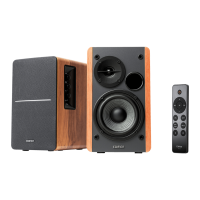
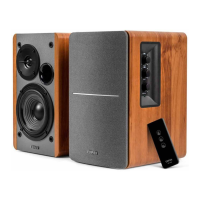
The R1280DB does not turn on
If you want to nd out more about EDIFIER, please visit our website at www.edier.com
For EDIFIER warranty queries, please visit the relevant count page on our www.edier.com and review the
section Warranty Terms.
USA and Canada: seice@edier.ca
South America: Please visit www.edier.com (English) or www.edierla.com (Spanish/Pouguese) for local
contact information.



 To Next Page