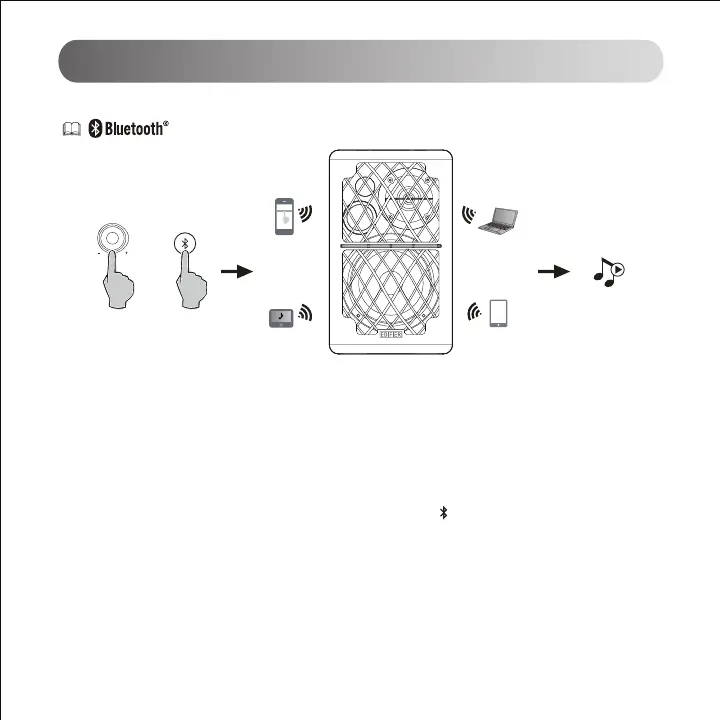
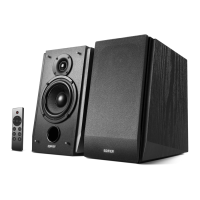
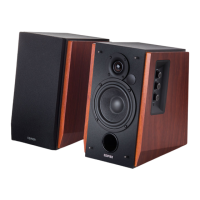
1. Turn on speaker and switch to Bluetooth mode by pressing the Bluetooth button on the remote control or press
the master volume control on back panel of the active speaker. The indicator turns to blue.
2. Go to setup section on your source devices (mobile phones, tablets, etc.) and search for nearby Bluetooth
devices, you will nd "EDIFIER R1280DB" in the list.
3. Pair your device with "EDIFIER R1280DB".
4. Play audio tracks on your device and adjust the volume to a desired level.
5. To disconnect from the current Bluetooth device, press and hold the " " button for 2 seconds.
Note:
1. Bluetooth connectivity and compatibility may be dierent among dierent source devices, depending on the
software versions of source devices.
2. To enjoy the full Bluetooth functions of this product, please ensure your mobile device suppos A2DP and
AVRCP prole.
3. PIN code for connection is "0000" if needed.
Bluetooth mode
Volume/input
EDIFIER R1280DB
or



 To Next Page