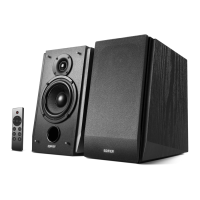
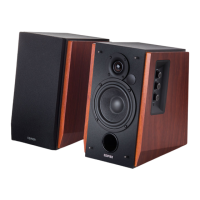
Optical/coaxial mode
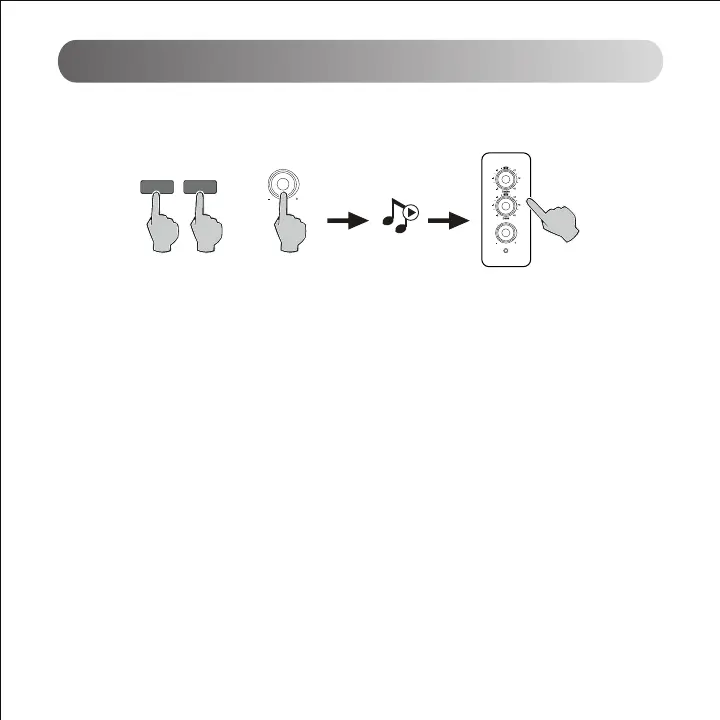
1. Press the master volume control on the active speaker or press the "OPT"/"COX" button on the remote control
to select the optical/coaxial input. The indicator turns to red.
2. Using optical or coaxial cable (optical cable included) to connect audio sources to your speaker.
3. Play from your devices and adjust the volume accordingly.
Note:
1. In optical and coaxial modes, only PCM signal with 44.1KHz/48KHz can be decoded.
COXOPT
or
Volume/input
Volume/input



 To Next Page