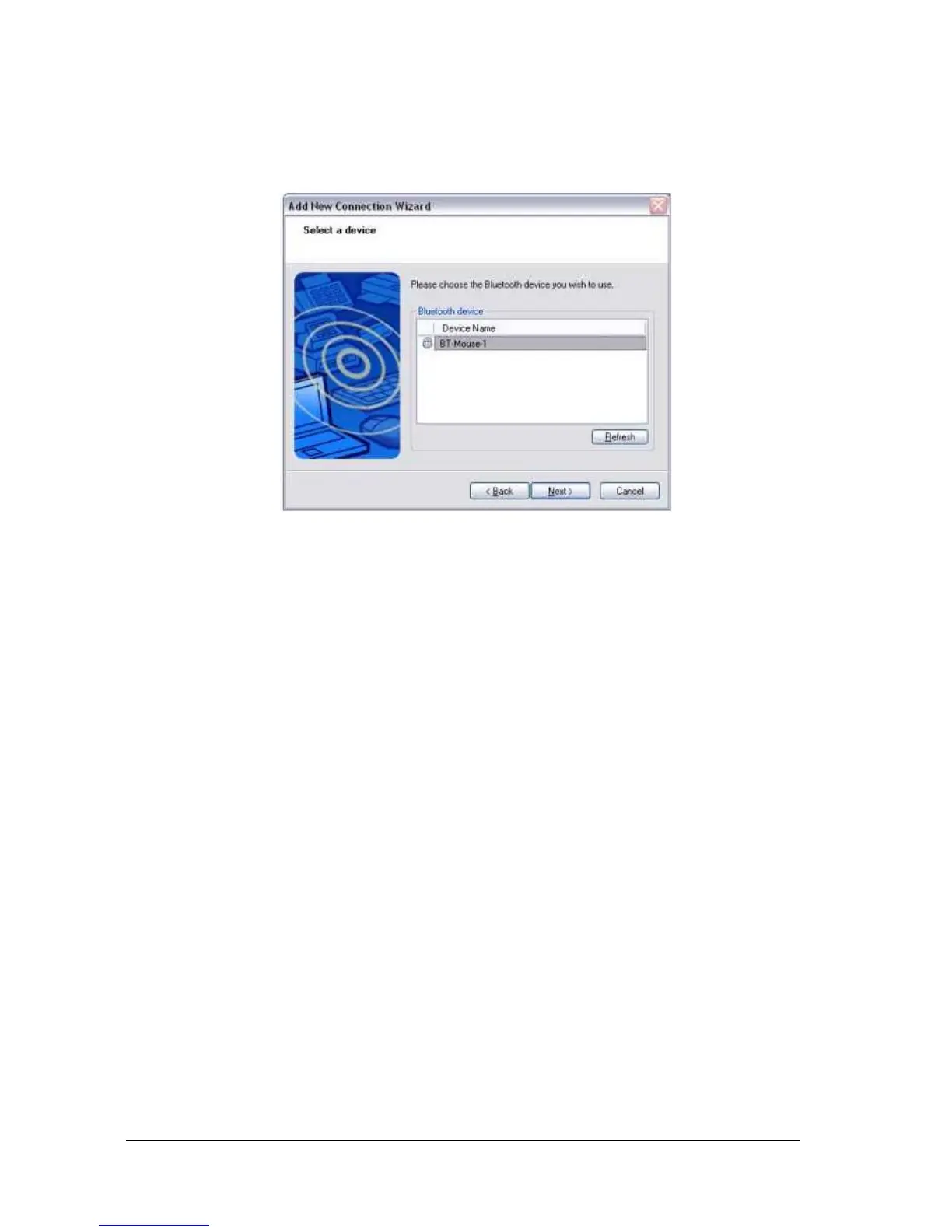
When the device has been detected, the name and address of the device will
appear in the [Add New Connection Wizard (Select Device)] window.
Note
●If no device is found, please confirm that the device has been made
connectable via Bluetooth, and click on the [Update] button.
●A further device search will be performed.



 To Next Page