Note
●When a device supports several services
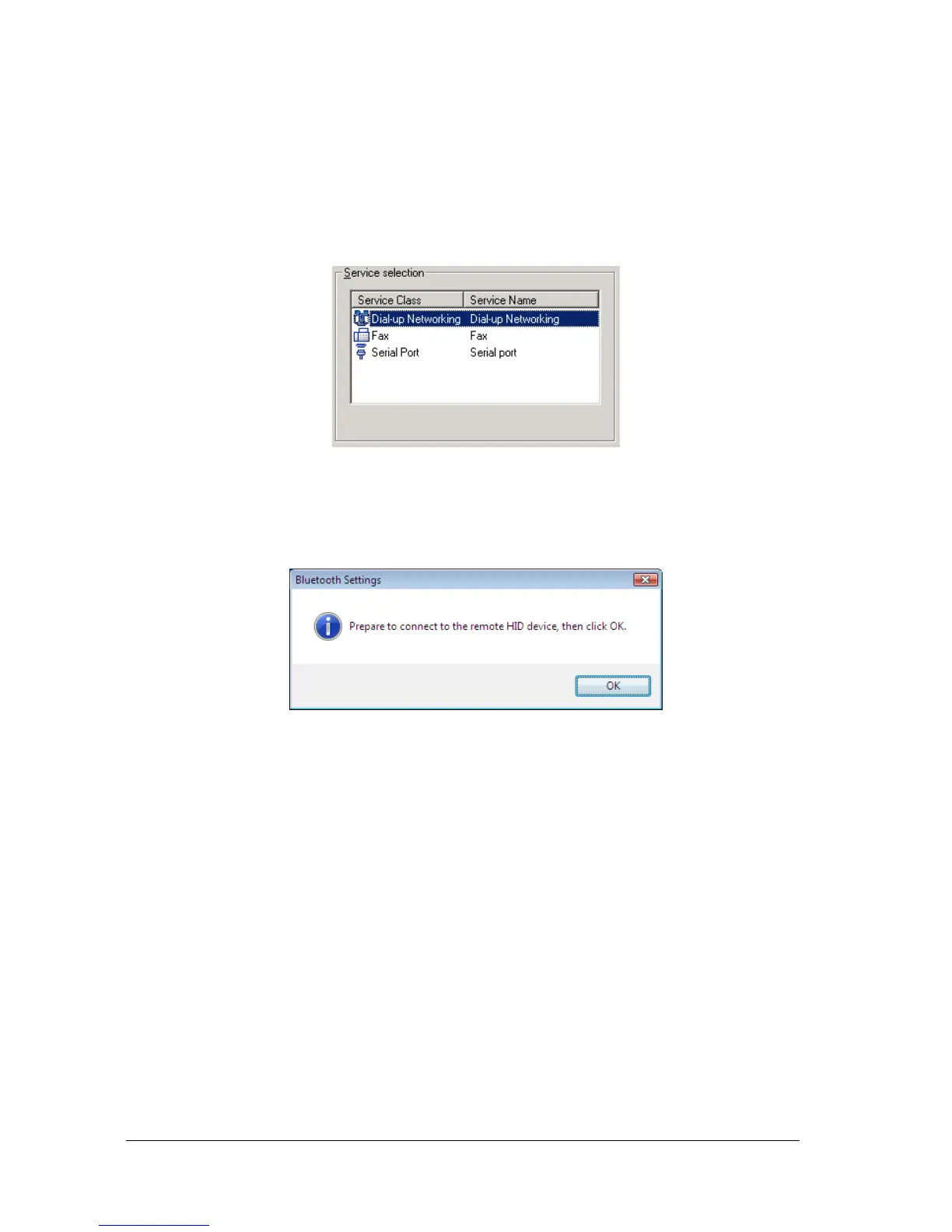
If the device supports several services, you can use Custom Mode to manually select the
services (profiles) you wish to use from the list that appears under [Select Services].
Example: List of wireless modem station services
If Express Mode is used to perform the set-up, the highest-priority service in the
device will be automatically selected and configured.
2. Click on the [OK] button.
The [Add New Connection Wizard (Connection Name Setup)] window will appear
if a service has been properly detected.
3. Select the type and name of the icon to be displayed once the device has
been registered, and click on the [Next] button.



 To Next Page