9
E. Restart Windows to complete the installation.
2.2.2 Windows : CD Drivers
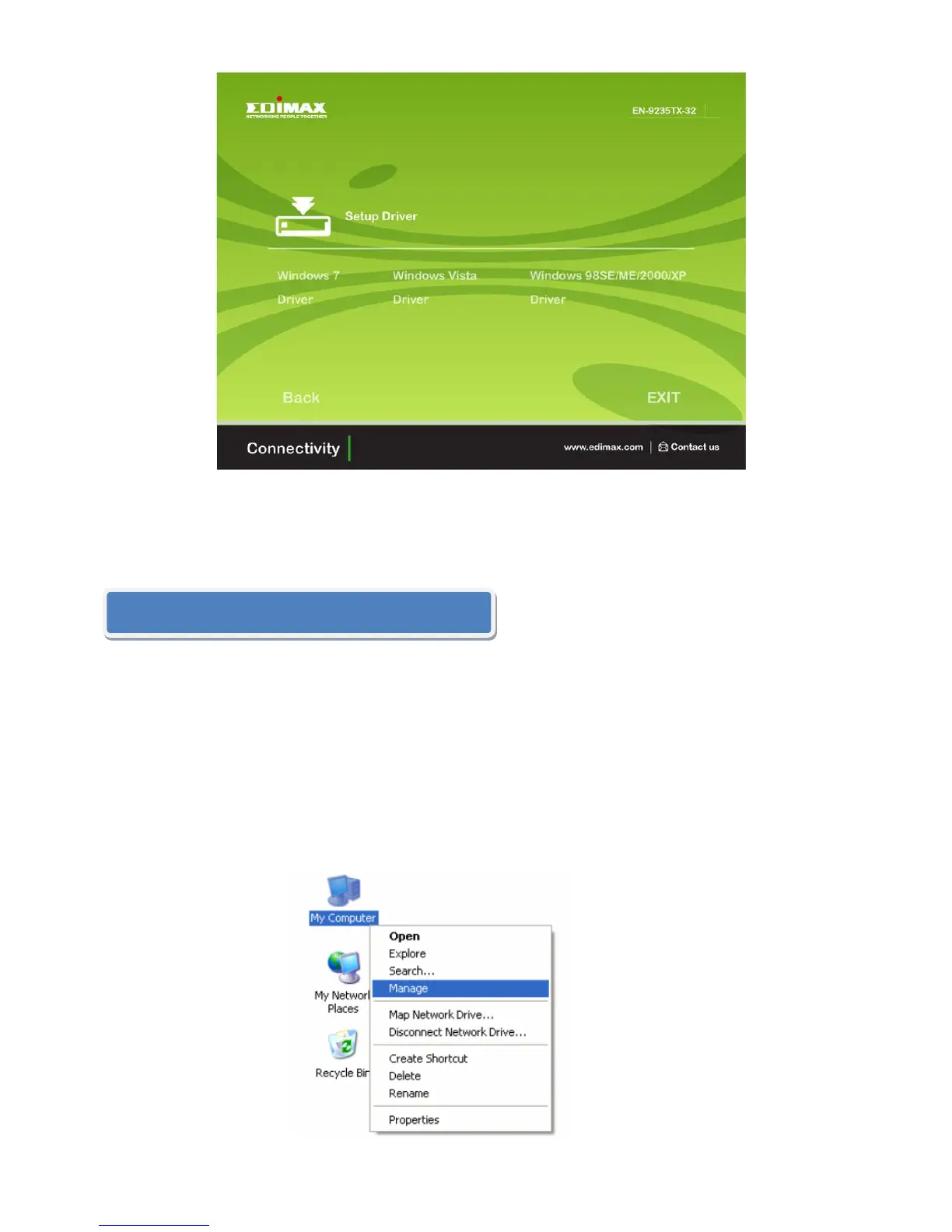
Windows 7/Vista/98SE/ME/2000/XP users can alternatively install the drivers
manually. The following instructions will guide you through the CD Drivers
installation procedure.
A. Insert the Edimax Resource CD into the CD-ROM drive.
B. Right-click the icon “My Computer” on the desktop, and then click
“Manage”.


 To Next Page