21
EW-7108PCg/ EW-7708Pn / EW-7738Pn
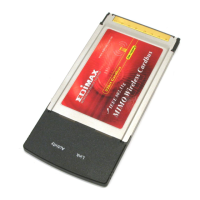
1. Please insert the wireless network card into an empty PCMCIA
slot (EW-7108PCg/EW-7708Pn) or ExpressCard slot
(EW-7738Pn) of your computer. You can insert the card when
the computer is power off or on
Don’t use force to insert the card into PCMCIA or PCIe
ExpressCard slot; if you feel it get stuck, remove it and flip
the card upside down, and then try again
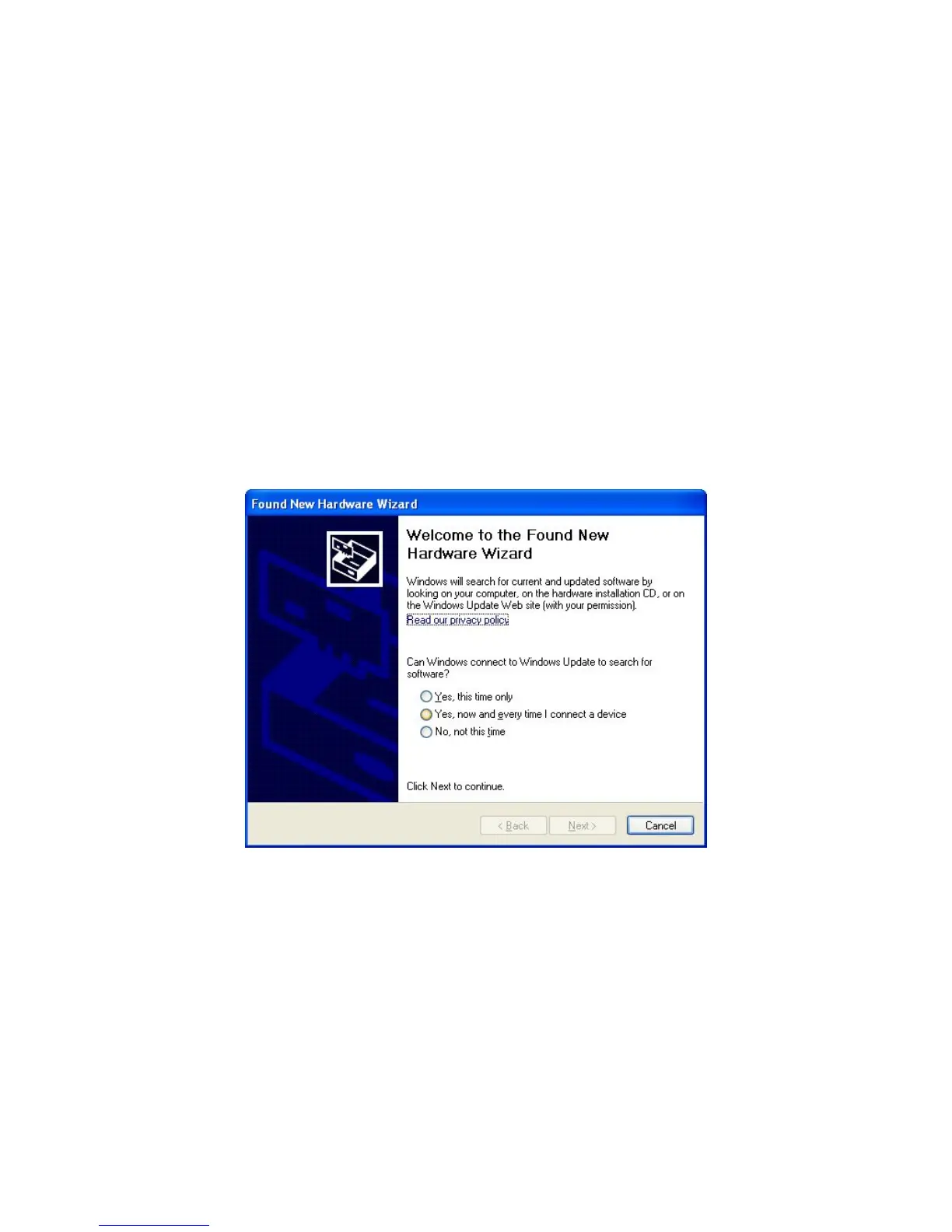
2. The following message will appear on your computer, click
‘Cancel’.


 To Next Page