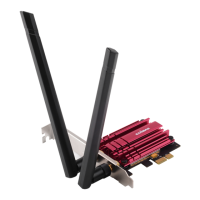
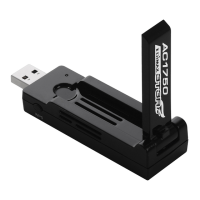
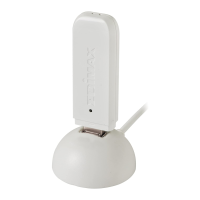
15
13. Next, please disable any other wireless adapters as described in V.
Disabling Network Adapters. Then Mac users can connect to a Wi-Fi
network using the included utility software. For guidance on doing so,
please refer to VI. Using The Adapter.
IV-2. Driver Uninstallation
Ensure you select the correct folder for your version of Mac OS. To
check your version of Mac OS, click the Apple logo in the top left
corner of your desktop and go to “About This Mac”.
1. Open the “Wlan_11ac_USB_MacOS10…” folder for your version of Mac OS
X (10.4 - 10.9).
2. Double click the “Uninstall.command” file and follow the on-screen
instructions.


 To Next Page
 Loading...