EasyManua.ls Logo

Edimax GP-103IT - Hardware Installation; II-1. Mounting; II-2. Connection

Edimax GP-103IT
10 pages
Print Icon
To Next Page IconTo Next Page
To Previous Page IconTo Previous Page
Loading...
2
II. Hardware Installation
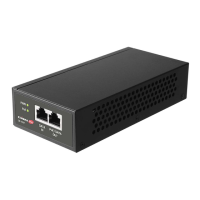
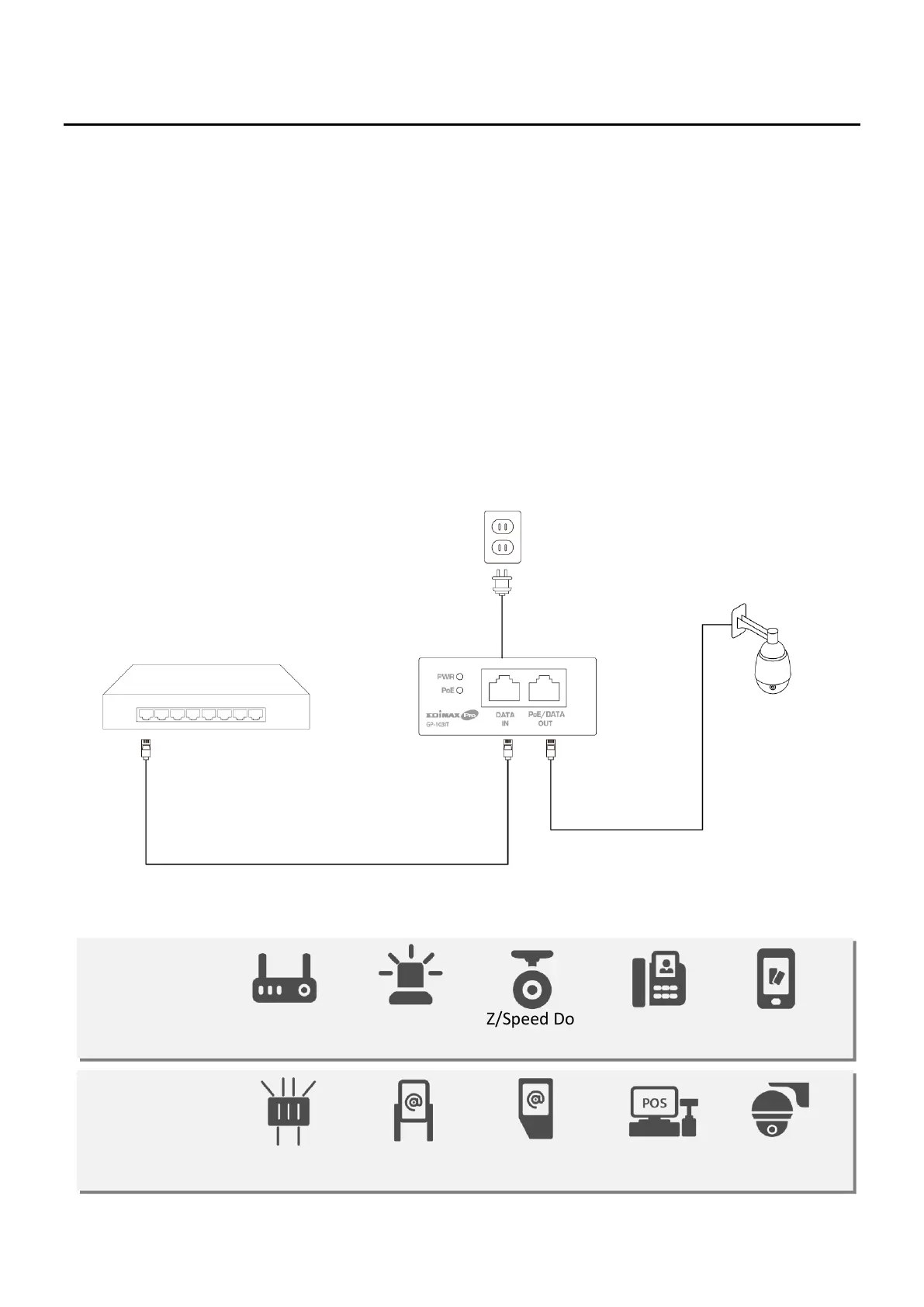
To connect a PoE Injector, please follow the steps below,
II-1. Mounting
The product is designed with wall-mounted holes. You can either wall-mount
the PoE injector or place the PoE injector on a flat surface.
II-2. Connection
1. Plug injector power cord into a wall outlet.
2. Plug an Ethernet cable from the DATA Input port to the router or switch.
3. Plug an Ethernet cable from the PoE/DATA Output port to the device or
any devices that base unit Ethernet port.
PoE Devices:

1. Power on
2. Data Input
3. PoE/Data
Output
PoE Device
Switch or Router
PE+
802.3at
Up to 30W
PE++
802.3bt
Up to 90W
802.11n High
Power AP
Alarm
System
PTZ/Speed Dome
IP Camera
Video IP
Phone
RFID
Reader
802.11ac/ax
Access Point
Digital
Signage
Information
Kiosk
POS
System
PTZ/Speed
Dome IP Camera

Related product manuals