27
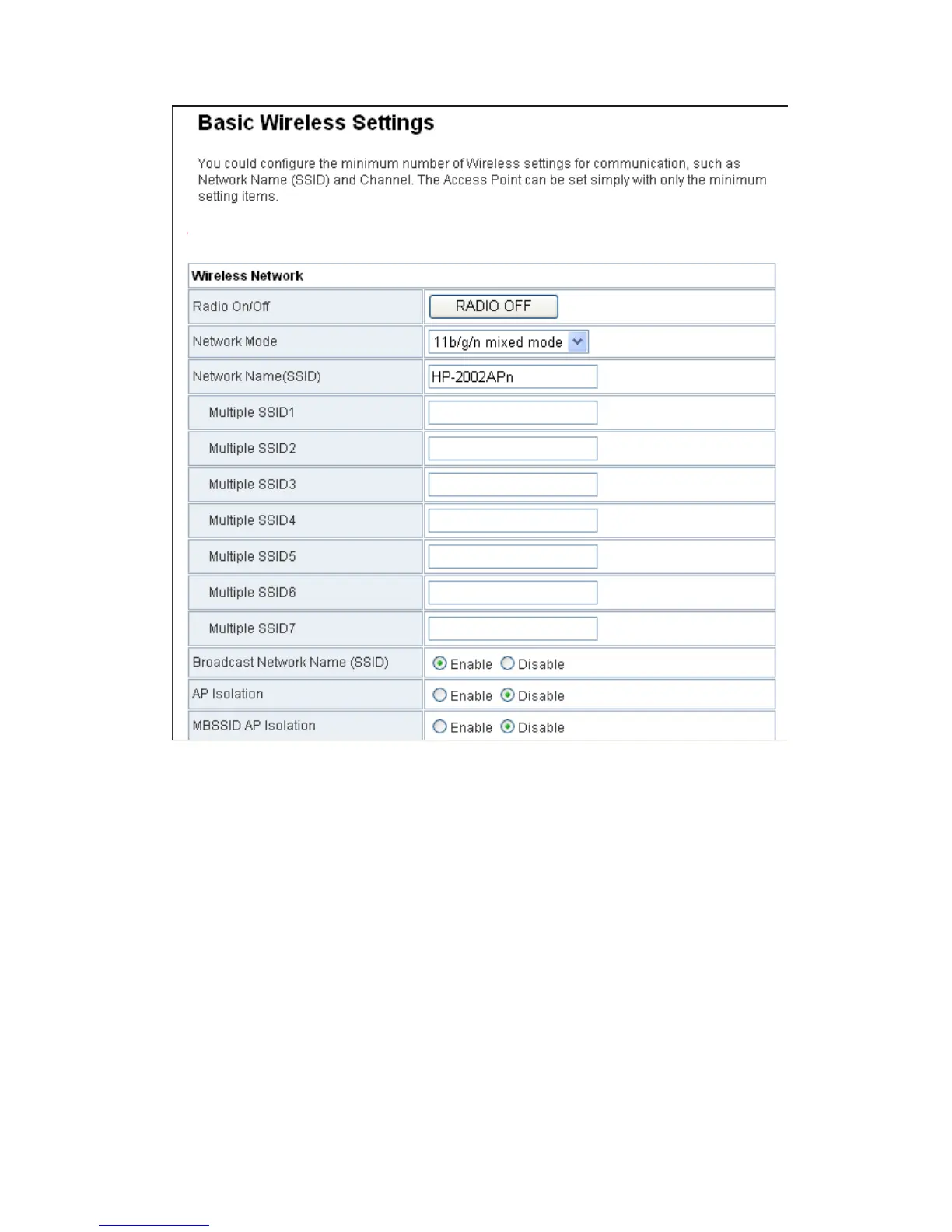
Set the Frequency(channel) according with the peer AP (An AP that wants to
connect to the HP-2002APN by WDS).
On the Basic Wireless Settings page, set the WDS mode to be Repeater Mode,
set the same physical mode and encryption type with the peer AP, and then
enter the MAC address of the peer AP. After finishing the settings, click the
Apply button to apply the settings. The HP-2002APN will work in the Repeater
Mode.


 To Next Page