Version: January 9th, 2020. 11
DC 12V/1,0 A
S/PDIF HD OUT
LNB IN 13/18V
400mA MAX
ETHERNET
SCART
1
HDMI in
2
HD mi
kabel
HDMI
kabel
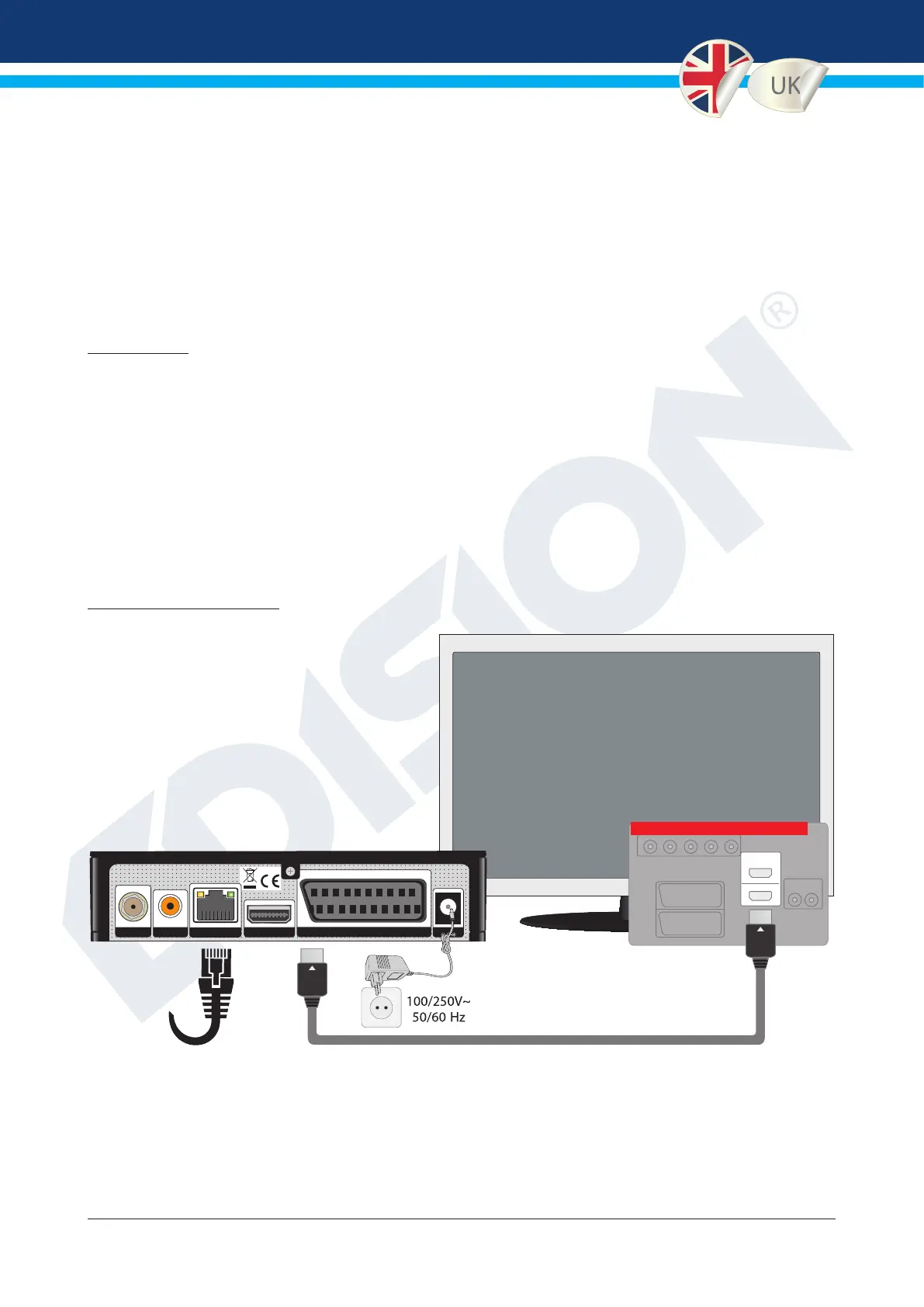
Mains high voltage socket
HD OUT:
signal ouput of the receiver
ETHERNET:
Connect the
ethernet cable
to the internet
router
HDMI cable
TV & receiver
connection chart.
Use the HDMI input.
The following EDISION receivers, with software version 1.4.06 and upwards, support the PAOK TV
channel, with official application.
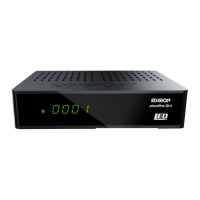
PICCOLLINO S2
PICCOLLINO S2+T2/C
PICCOLLO S2+T2/C
IMPORTANT: The following conditions must apply, for the proper function of the PAOK TV
APPLICATION with EDISION receiver:
• Log-in with your existing account or create a new user account in PAOK TV and buy your subscription from the option
«Subscriptions» or «Pay-per-View».
•
Your activated account is now ready to be registered into the EDISION receiver, so for you to enjoy the PAOK TV application.
• The connection is set only through Internet with speed of 10Mbps and more.
• Connection of the EDISION receiver to the TV can be made with HDMI, SCART, 3RCA cable, using the proper and
compatible cable for each signal output of the EDISION receiver.
• Connection of the EDISION receiver to the Internet, can be made only through ethernet cable and not wifi.
1. TV CONNECTION



 To Next Page