7
►Description
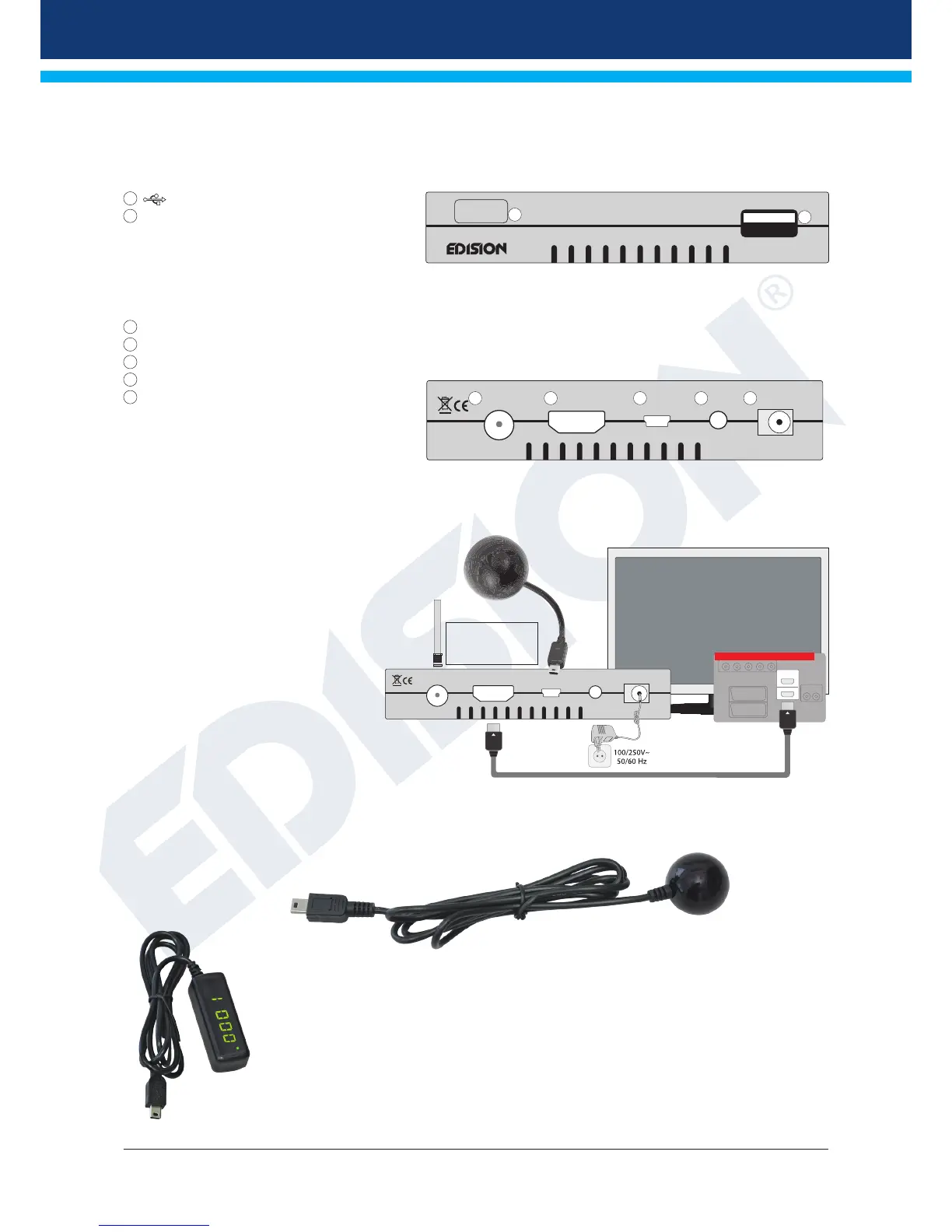
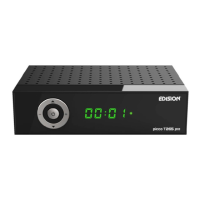
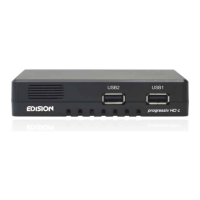
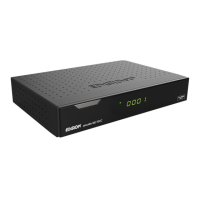
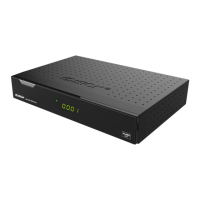
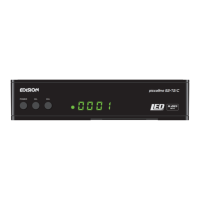
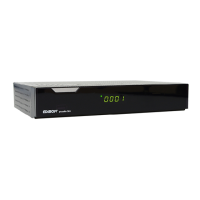
Front
1
/USB: Connection for USB storage devices.
2
Infrared sensor for the reception of commands
from the remote control.
Back
3
ANT IN: Connection for the coaxial cable to the antenna.
4
HDMI: Connection to an HDTV quality TV.
5
IR IN: Infrared connection
6
AV OUT: For broadcasting video and sound signals
7
Connection for a mains adapter (DC 5V/1.5A)
Connecting and switching on
Note: For interference-free reception, a specialist must
calibrate your antenna/connection with a digital TV level
measuring set.
•
Connect the receiver with the HDMI cable
via the HDMI interface with your TV set.
•
Now connect the receiver via the ANT IN input
with the satellite antenna cable.
•
Insert the batteries into the remote control.
Notes on the remote control can be found on
the back of these instructions.
•
Connect the receiver to the power supply.
•
The receiver starts with the BOOT process
and is ready for operation in no time.
External USB IR receiver!! included in scope of delivery!!
Proton T265 receiver can be hidden by connecting the USB/IR receiver.
External USB display/IR receiver!! not included in scope of delivery!!
Proton T265 receiver can be hidden by connecting the USB Display/IR receiver.
USB
proton T265
2
1
DC-5VAVHDMIANT IN
IR
3 4 5 6 7
DC-5VAVHDMI
ANT IN
IR
1
HDMI in
2
HD m i
kabel
HDMI
kabel
coaxial-wire Antenna
Power socket
HDMI:
Output receiver
HDMI cable
TV set connection panel
Use an HDMI input!
ANT IN: Connection
for the coaxial cable
to the antenna.


 To Next Page