SSMANN Electronic GmbH I Auf dem Schüffel 3 I 58513 Lüdenscheid I Germany
E-Mail: info@assmann.com I Internet: www.assmann.com
PAGE 12 USER GUIDE
PREPARATION
7. Preparation
Before you can use your IP camera, some preparations must be made!
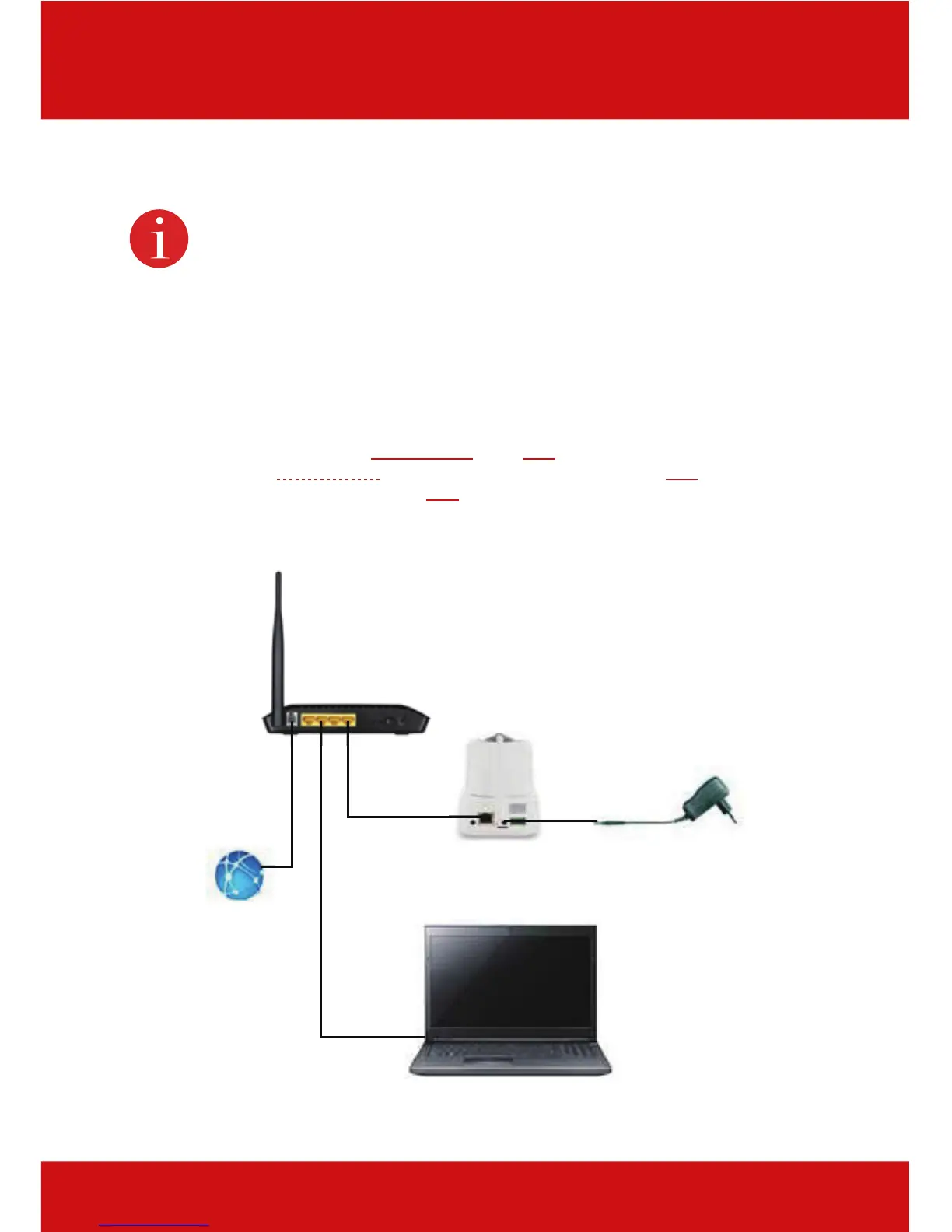
7.1 Connect power supply
Connect the connector plug of the enclosed power adapter with the power adapter connection
on the camera.
7.2 Connect camera to router
Connect one end of the included network cable to the LAN-connection on the camera. Connect
the other end of the network cable to one of the connectors marked with “LAN” on the back of
your router. Many routers have only one LAN-connection, others have several connections.
Your router must have a working Internet connection.
Switch/Router
LAN/www
Power adapte



 To Next Page