SSMANN Electronic GmbH I Auf dem Schüffel 3 I 58513 Lüdenscheid I Germany
E-Mail: info@assmann.com I Internet: www.assmann.com
PAGE 24 USER GUIDE
FUNCTIONS & SETTINGS
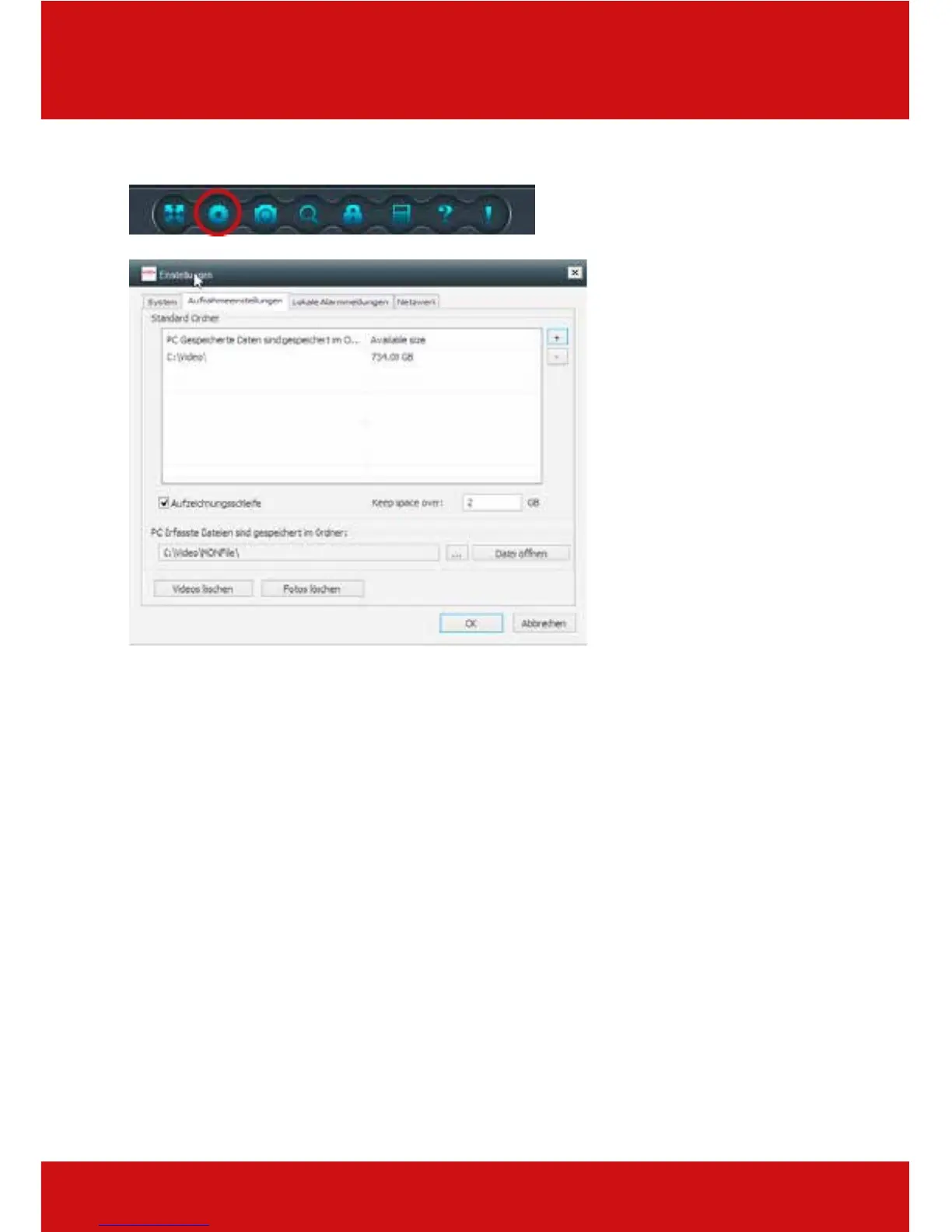
13.2 Recording settings
Root folder
With the recording settings, you determine the root folder, in which video and photo files should
be stored on your computer. By clicking on "+", you can add files at will, and also remove them
again by clicking on "-".
Loop recording
The "loop recording" function means that the recording automatically begins from the start
when the specified file size is reached, and the recorded file is overwritten. If you deactivate
this function, a file is saved without size restrictions.
Saved files
Here it is indicated where the files from the camera SD card should be copied to. With "open
file", you open files from the SD card, and with "Delete videos" or "erase photos", you remove
your recorded files on the camera SD card.



 To Next Page