SSMANN Electronic GmbH I Auf dem Schüffel 3 I 58513 Lüdenscheid I Germany
E-Mail: info@assmann.com I Internet: www.assmann.com
PAGE 26 USER GUIDE
FUNCTIONS & SETTINGS
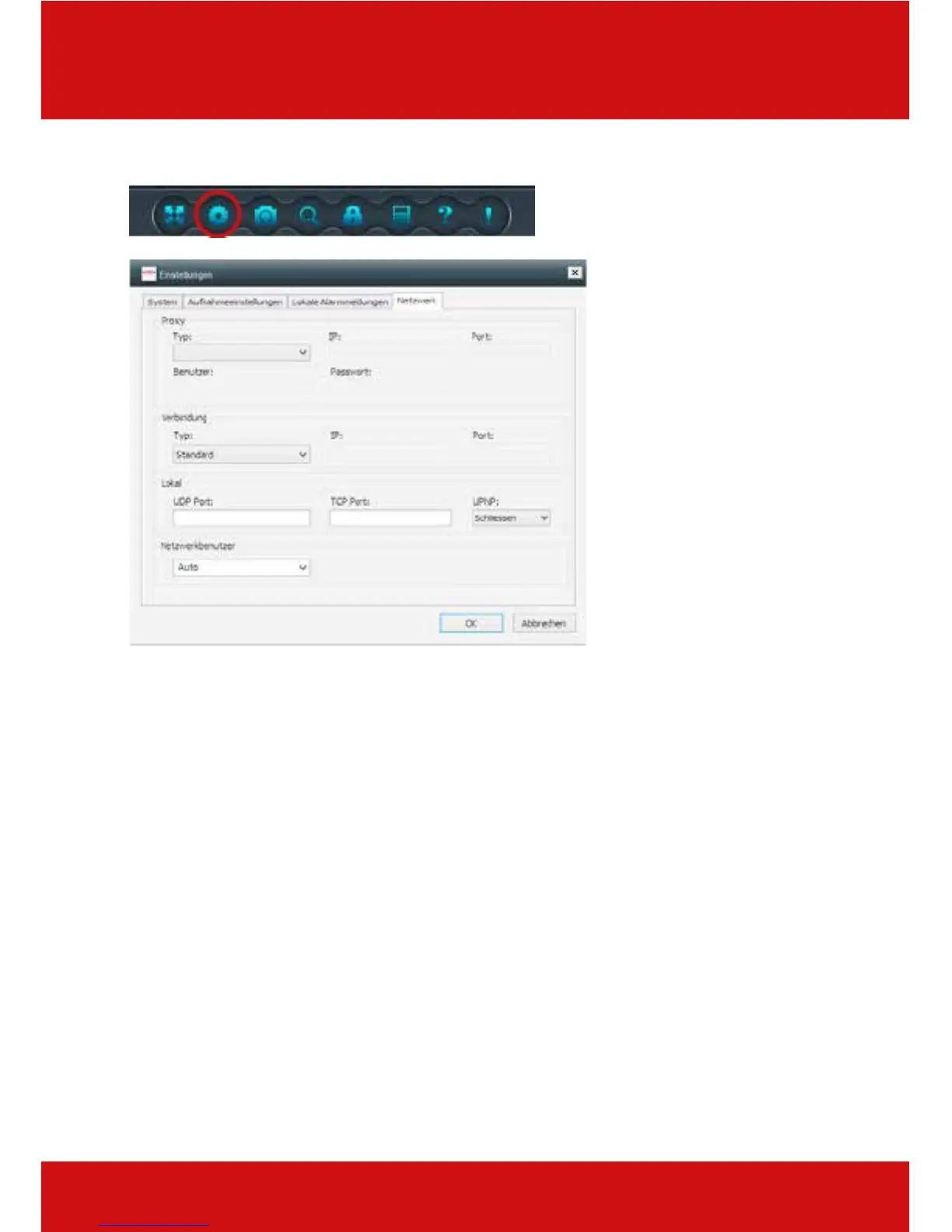
13.4 Network
Proxy
Here you can make settings for a proxy server. These protocols are available for you: HTTP,
SOCKS4 oder SOCKS5. After selecting the protocol, you have the input fields for the IP
address, the port, as well as the user and the password.
Connection
Setting the network protocol, either over UDP (User Datagram Protocol) or TCP (Transmission
Control Protocol), as well as setting the IP and the port.
Offline
The offline settings of the UDP-, the TCP- and the UPNP ports. (Universal Plug and Play)
Network user
Here you can set the network users.



 To Next Page