HD1492 HD Encoder Frame Card
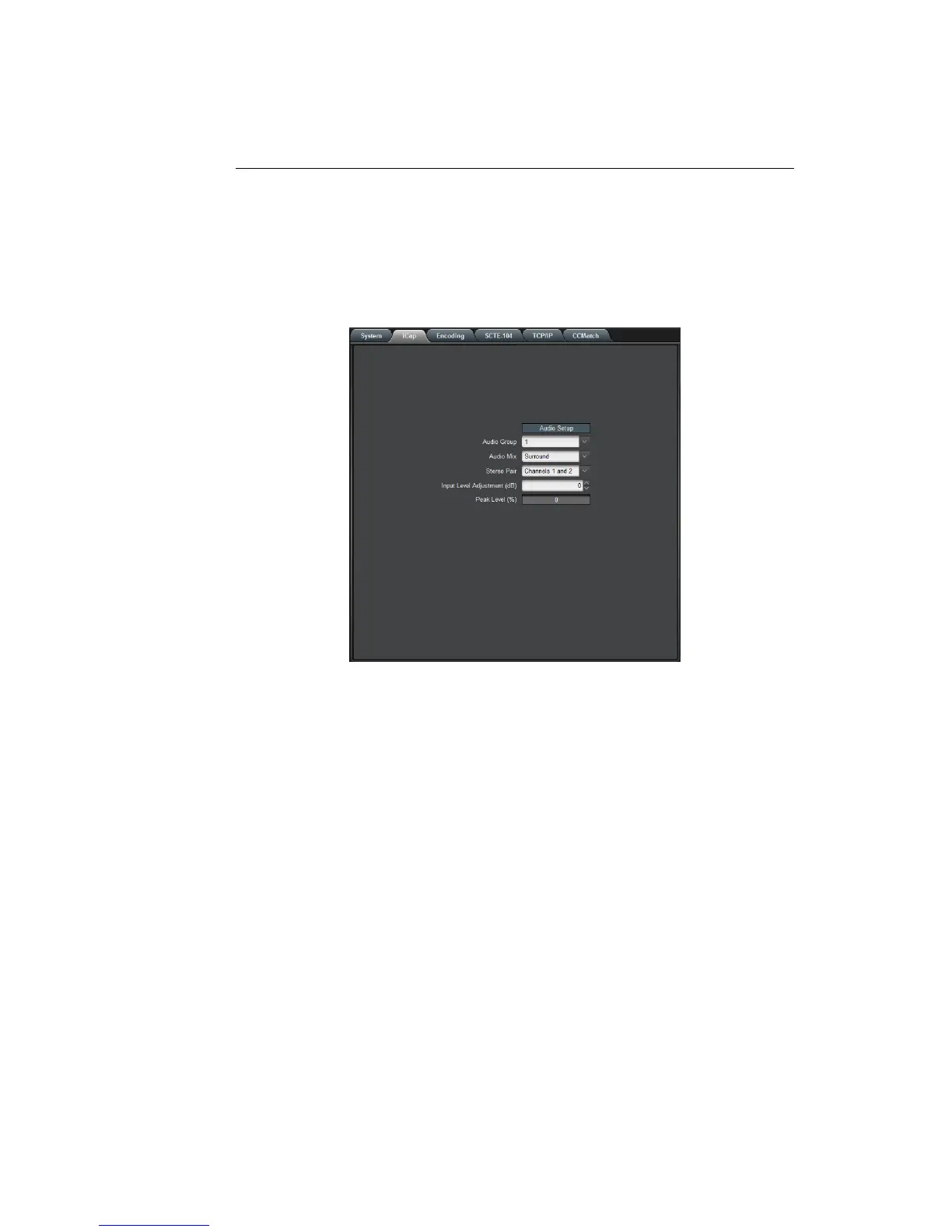
3.2.2 iCap™
The iCap™ setup menu allows configuration and monitoring of audio for
iCap™.
Audio Group Selects the SDI embedded audio channel group
that the iCap™mix is sourced from. Up to 4
channel groups can be carried on an SDI sig-
nal, though most commonly Group 1 carries the
primary audio program.
Audio Mix Selects whether the iCap™ mix is being cre-
ated from a Stereo or Surround channel group.
Choose “Stereo” to select a mix of the left and
right channels (1 & 2 or 3 & 4 within the se-
lected Audio Group, according to the Stereo
Pair setting), or “Surround” to select a mix of
the left, right, and center channels (1, 2 & 3
within the selected Audio Group).
Stereo Pair Selects whether the iCap™ stereo mix is being
created from channels 1 & 2 or channels 3 & 4
within the selected Audio Group.
12



 To Next Page