HD1492 HD Encoder Frame Card
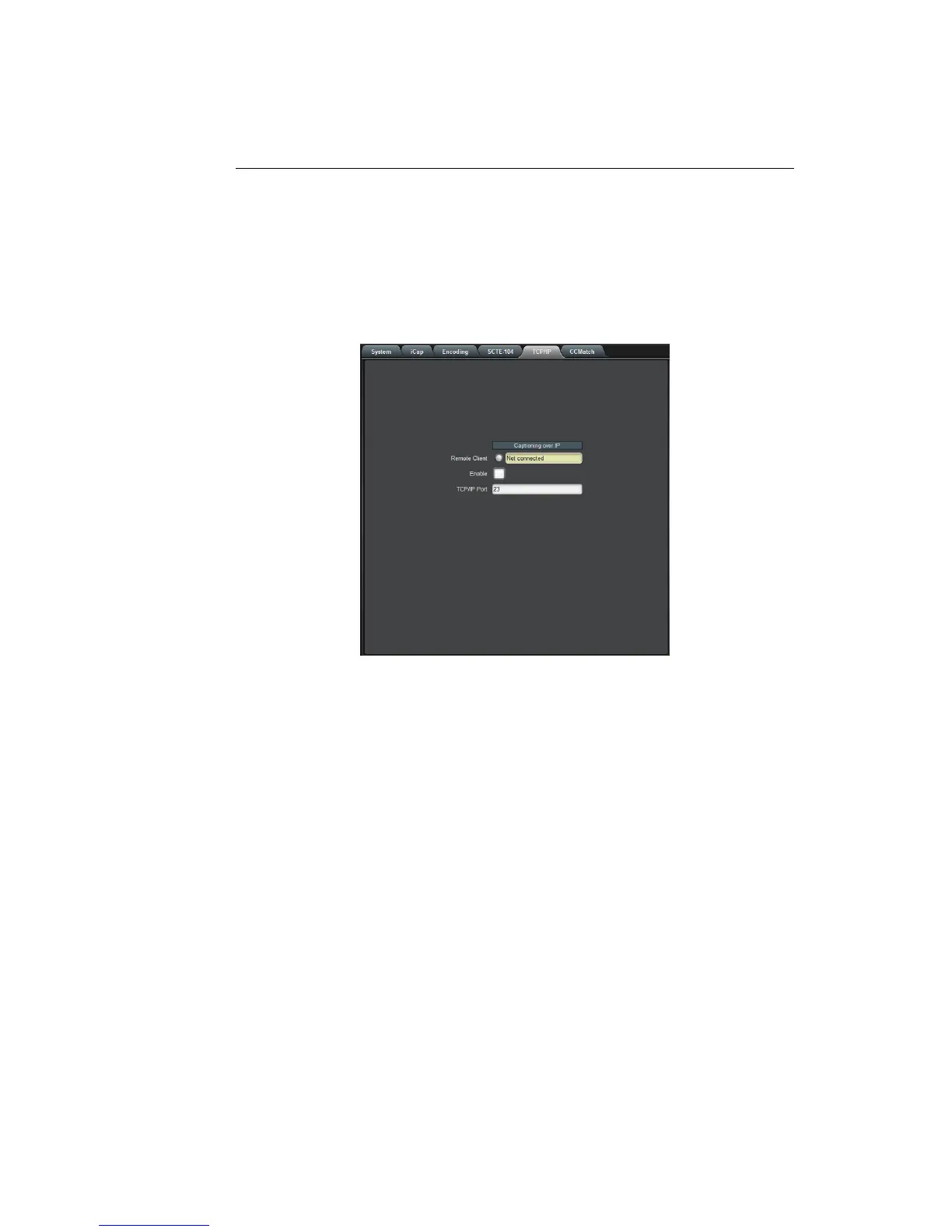
3.2.5 TCP/IP
This tab allows you to configure an optional TCP/IP connection into your
encoder, which provides an additional means of captioning, data entry,
and monitoring via Smart Encoder commands.
Connection Status When a connection into the specified
TCP/IP port is active, this field will display
Connected, with a green icon.
Enable Must be set to Enabled for connections to
be accepted on the specified TCP/IP port.
TCP/IP Port This is the port on which remote connec-
tions to the encoder will be allowed, if you
have enabled this feature; you can only
change this value while the port is disabled.
18



 To Next Page