11 / 24 SHIELD-SET-MANUAL-EN-Rev.02
Using SHIELD
Control the SHIELD devices in three ways:
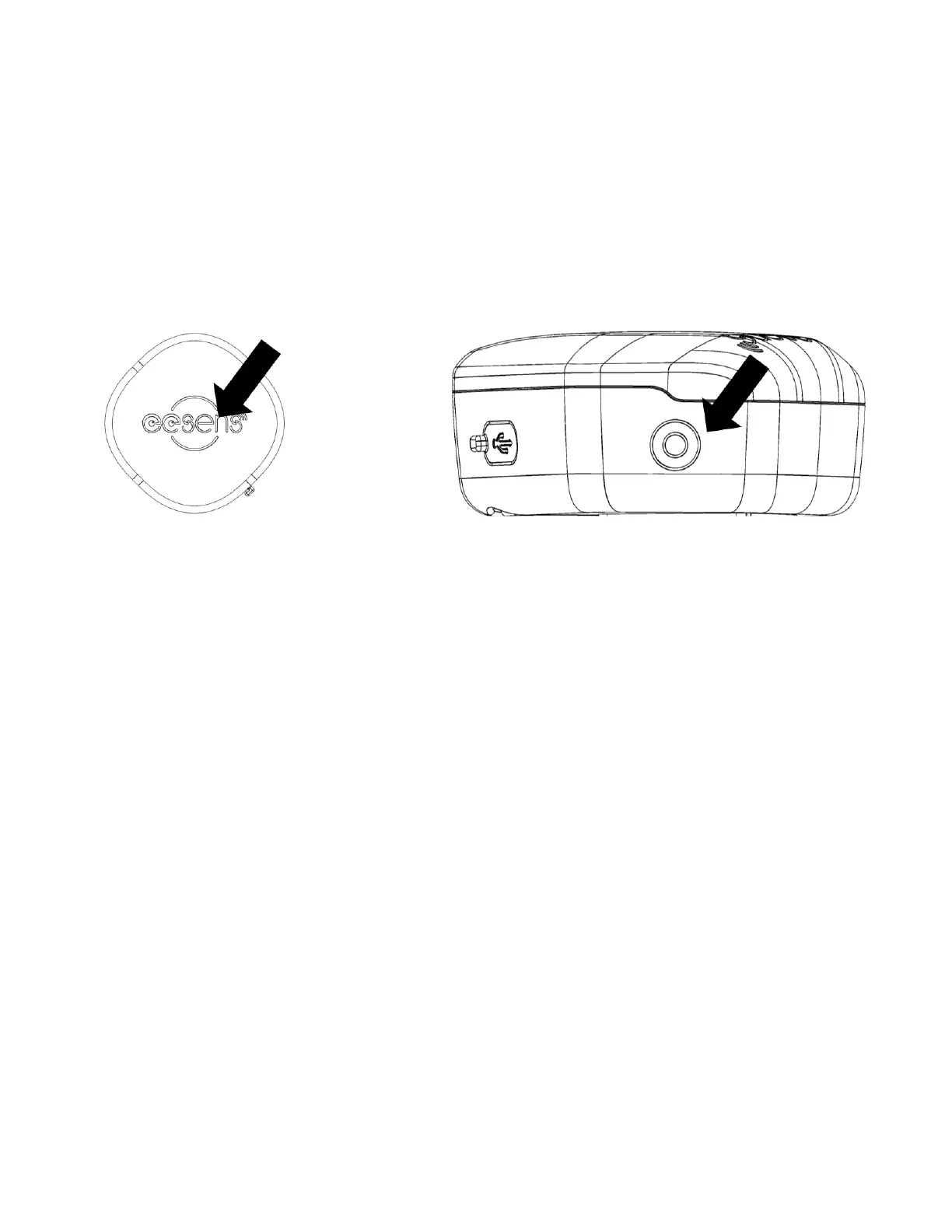
1. Multifunctional touch button: SHIELD uses capacitive
touch button for input. The location of touch is shown
below.
2. Feedback of devices includes LED and beeps to notify you
the status or command result of device.
Motion: SHIELD devices can detect motion to execute
automation functions, like on/off, brake or head-gesture.
3. Eesens APP can control all functions, customize settings
and update features of your tail light and controller.
The devices will light up and beep to notify you the status or
command results. Basic functions of SHIELD are described
below.
Basic Functions of Touch
Tapping the touch button triggers a green LED flash. Then,
holding for every second triggers a green LED flash and a
beep.



 To Next Page