7 / 24 SHIELD-SET-MANUAL-EN-Rev.02
Getting Started
1. Activate and Charge Devices
2. Connecting Devices with APP
3. Install Tail Light to Seat post
4. Install Controller to Helmet
1. Activate and Charge Devices
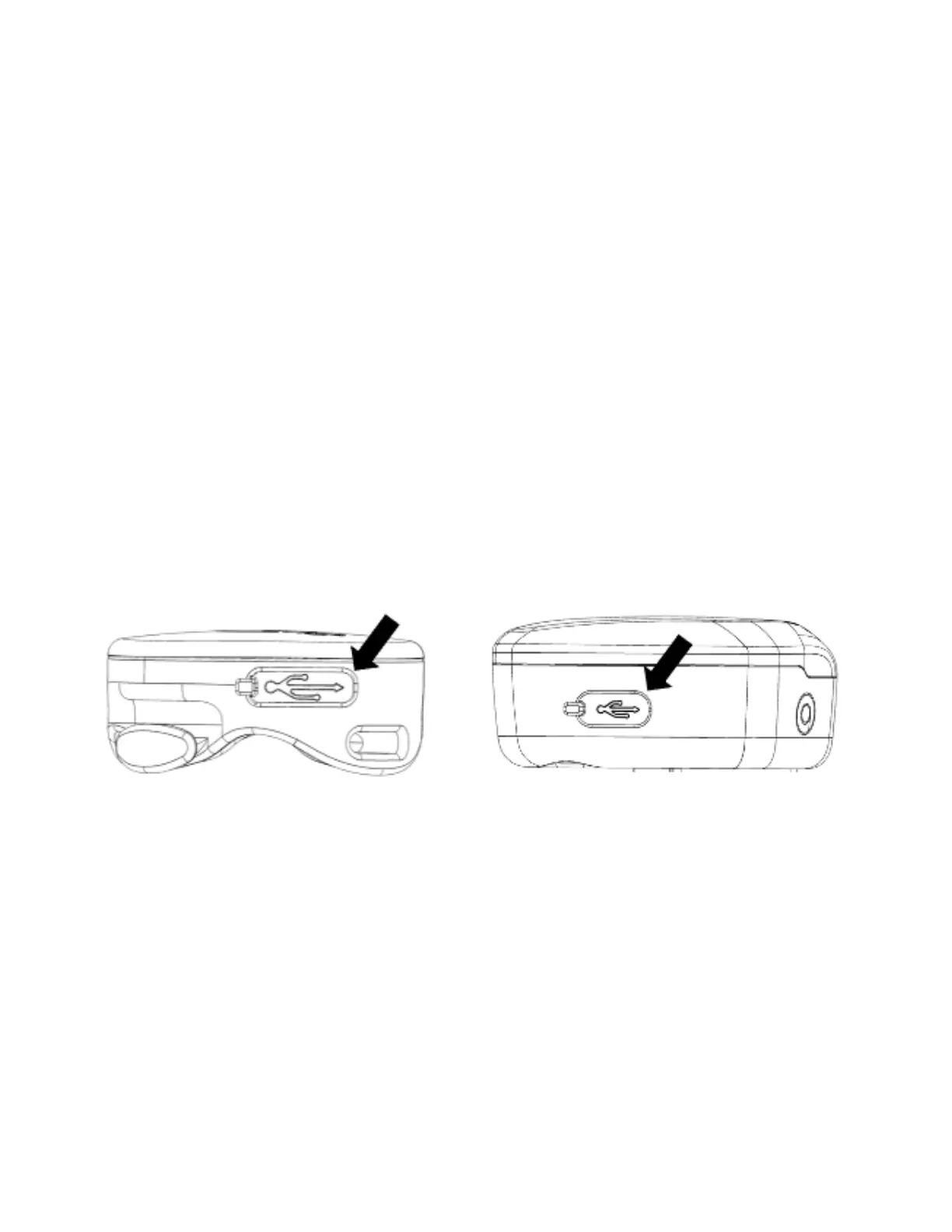
Before using you will need to activate the SHIELD device. Pull
the silicone lid over the port. Then, plug in USB-C cable into
the charging port. Charging the device from empty to full
(Status LED is solid green) with 5V 1A adapter takes about 2
hours.
2. Connecting Devices with APP
1. Download Eesens App to your smart phone:
• Android: Google Play Store > Eesens
• iOS: App Store > Eesens
2. Activate Bluetooth on your device and authorize all
necessary permissions required by the app.



 To Next Page