Electronic device DMU2000 - DMU3000 - DMU3000 PLUS
10
Electronic device DMU2000 - DMU3000 - DMU3000 PLUS
6. Instructions for communication port setting
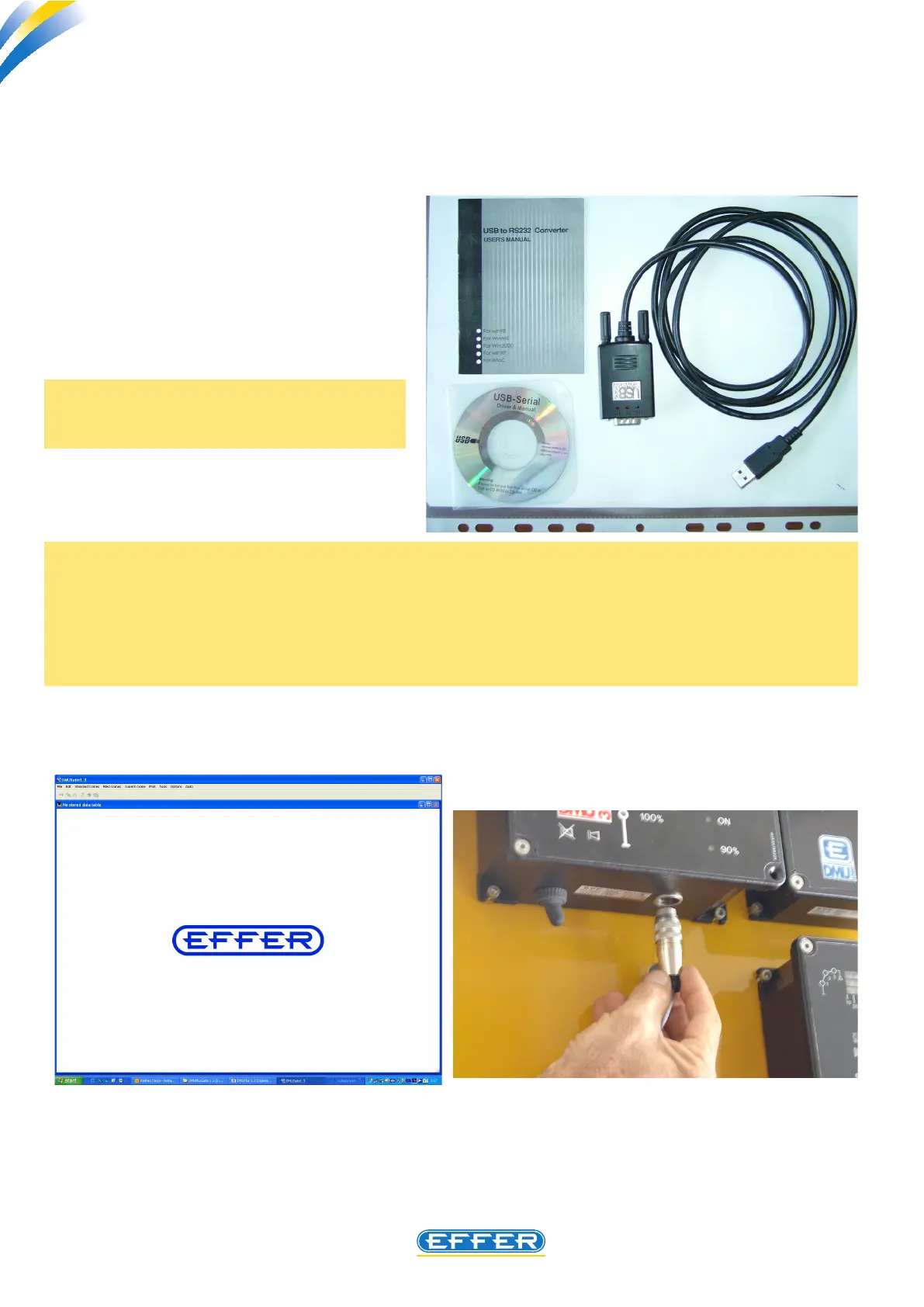
If your laptop has a Serial Port compatible with the original cable provided, you need an USB adapter, and
you have to install the adapter drivers present in the setup CD.
u Insert the CD in the computer.
NOTE:
In case there is no communication between the DMU and the computer, the words “ERROR 2” ap-
pear on the screen.
In this case, you have to match the communication port (COM 1 or COM 2) selectable in the software
from “Options”-” Communication port “, with the Port (COM 1 or COM 2) that is pre-set in the oper-
ating system.
u Click the icon related to the USB
adapter software installation.
u CLICK “NEXT” :
NOTE: Sol.ge can supply an USB adapter,
see page 2.



 To Next Page