EFKA DA82GA3312
11
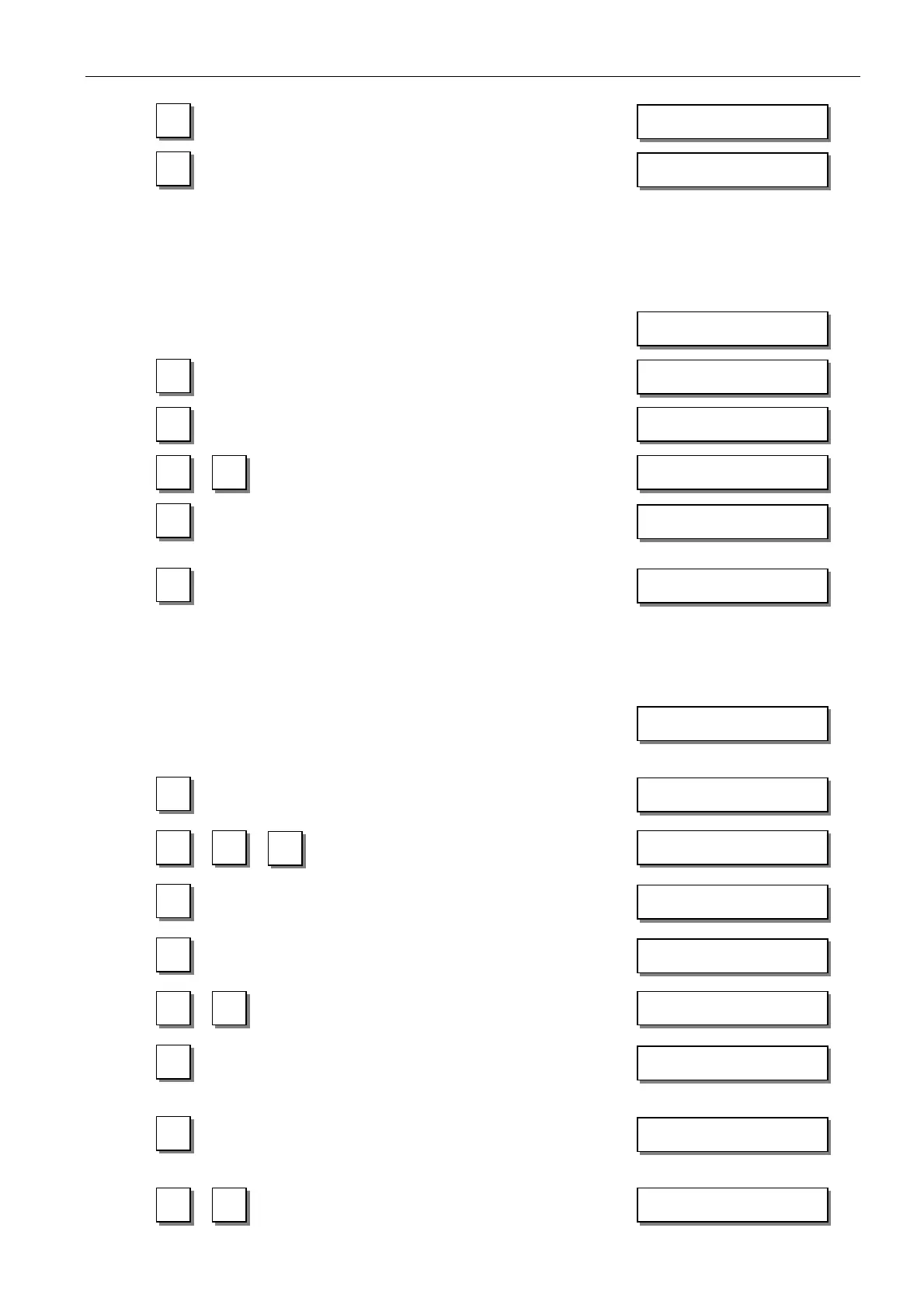
If CODE number is incorrect,
repeat input !
If CODE number is correct,
the first PARAMETER number at the
selected level is displayed.
3.3.2 Parameter Input at the Operator Level on the V820 Control Panel
Example: CODE number has not been input !
TURN POWER ON !
Display shows no reading !
Stitches for the start backtack forward at the
operator level are displayed. PARAMETER
number is not displayed.
Change the parameter value !
Parameter value is entered.
Display advances to the stitches for the
start backtack backward.
or
Exit programming !
3.3.3 Parameter Input at the Technician/Supplier Level on the V820 Control Panel
Example: After CODE number input at the technician level.
After CODE number input, the first
PARAMETER number is displayed.
The most significant digit of the
PARAMETER number blinks.
Input desired PARAMETER
number!
If PARAMETER number is incorrect,
repeat input!
If PARAMETER number is correct
Change the parameter value!
Parameter value is entered.
Display advances to the next parameter.
or
Parameter value is entered.
A new PARAMETER number can be
selected.
or
Press key P twice.
Exit programming!
These values are saved when you start sewing. They remain in effect even after turning the machine off!
C–0000 InFo F1
F–100
4000 dA82GA
Arv 003
Arr 003
4000 dA82GA
-
Arv XXX
F-100
F-100
1 1
F-110
F–XXX InFo F1
F–110 n1 180
F-111 n2- 4000
F-XXX
-
F-110 n1 XXX
4000 dA82GA


 To Next Page