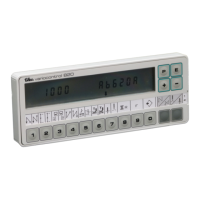
EFKA DA82GA3312
14
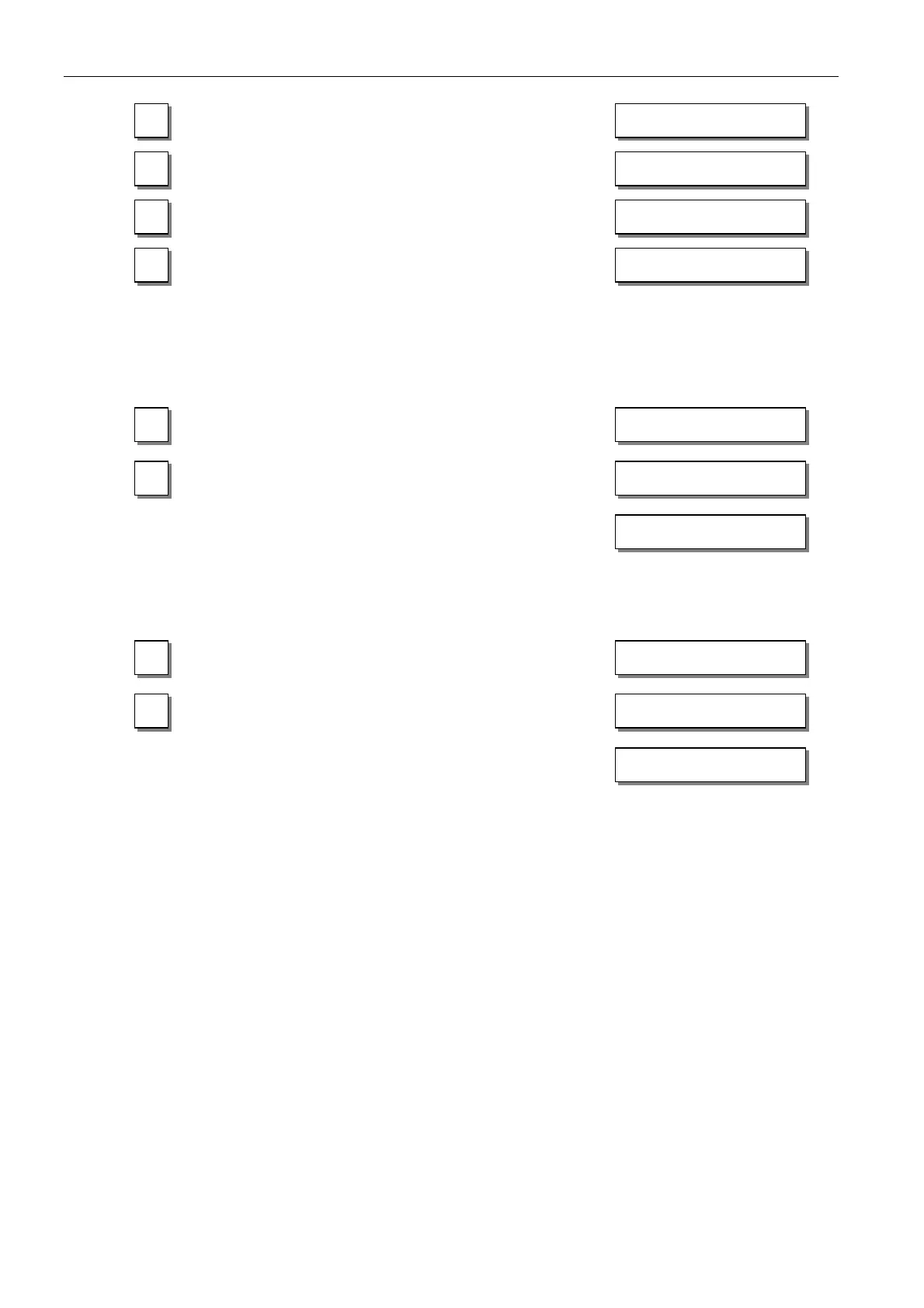
Press key E !
Press key E several times until the
letter symbol –F– appears !
(ornamental backtack On/Off)
Press the – key!
(softstart On/Off)
Press key P!
The assignment is completed.
The number of softstart stitches can be changed as follows:
Example: change number of stitches from 1 to 3 (softstart function (key 9) is off).
Press key 9 briefly !
The arrow above the key lights up
(softstart function is On)
Press the + key !
Number of stitches increases.
Display after 3 seconds
Example: change number of stitches from 1 to 3 (softstart function (key 9) is already on).
Press key 9 for at least 1 sec. !
The arrow above the key goes off momentarily
(softstart function is On)
Press the + key !
Number of stitches increases.
Display after 3 seconds
This value is saved when you start sewing. It remains in effect even after turning the machine off!
c2 002
-F- 2
- -F- 1
4000 dA82GA
9 SSc 001
SSc 003
4000 dA82GA
9 SSc 001
SSc 003
4000 dA82GA


 To Next Page