EF-Series Instruction Manual
Rev 2/01 2-31
2.8.2.2 Cold Start
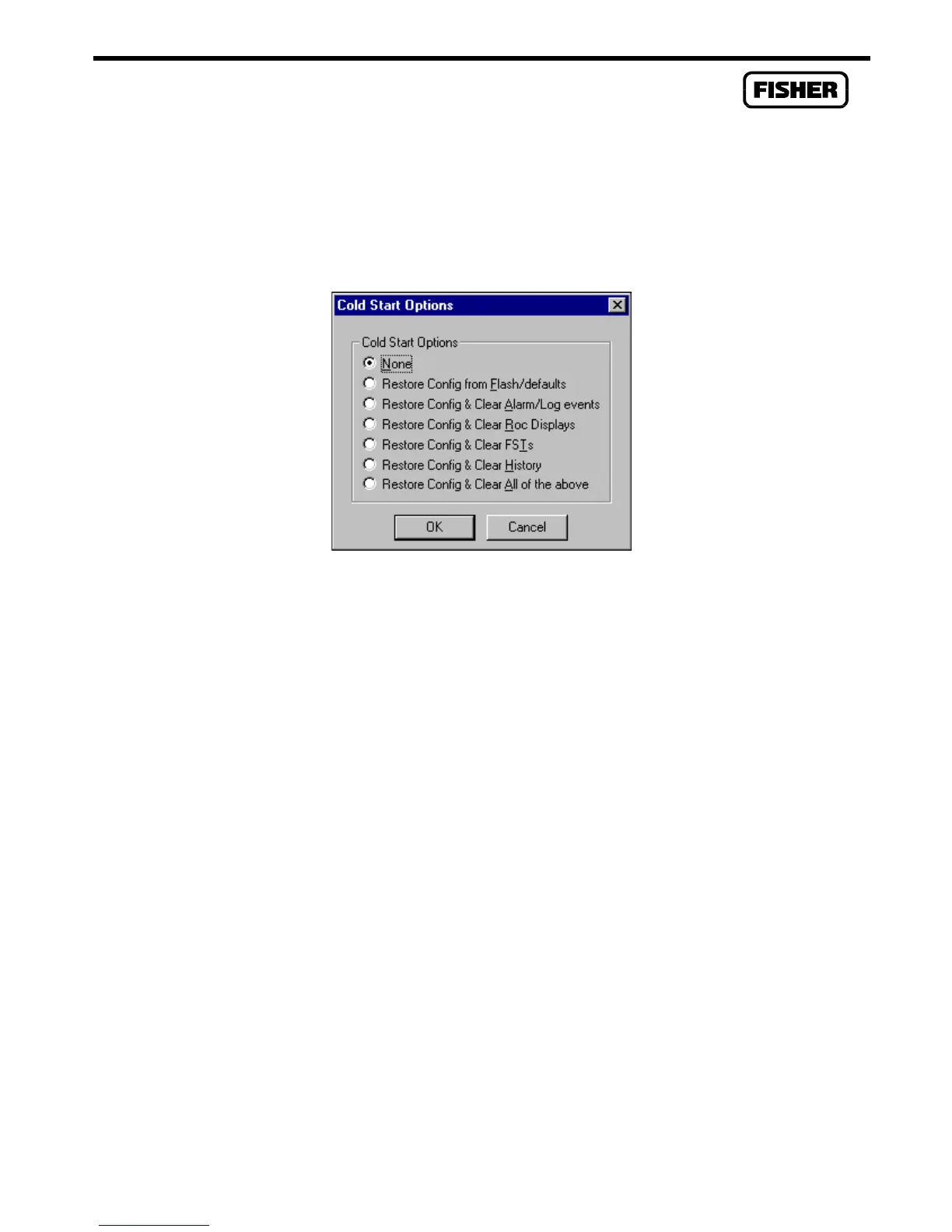
This re-initialization is performed by setting a parameter in the System Flags, called Cold Start
Options. The re-initialization includes the Tasks, Database, Communication Ports, Sensor, I/O, and
restoring the saved configuration if there is one. It also includes other items, based upon the selection
made in the Options screen shown in Figure 2-10.
Figure 2-10. Cold Start Options
1.
Launch the ROCLINK Configuration Software.
2.
Perform the Backup Procedure in Section 2.8.1.
3.
Select the ROC Flags screen, and select the Cold Start flag.
4.
Click the Cold Start Options pushbutton.
5.
Select the type of Cold Start you desire. Select “Restore Config and Clear All of above” to
reset all options.
6.
Click OK.
7.
Apply or save the change.



 To Next Page