4. Installation
11
4.3 Connection to the EFOY Pro
1. Screw the fuel-cartridge connector of the EFOY Pro on the
DuoCartSwitch.
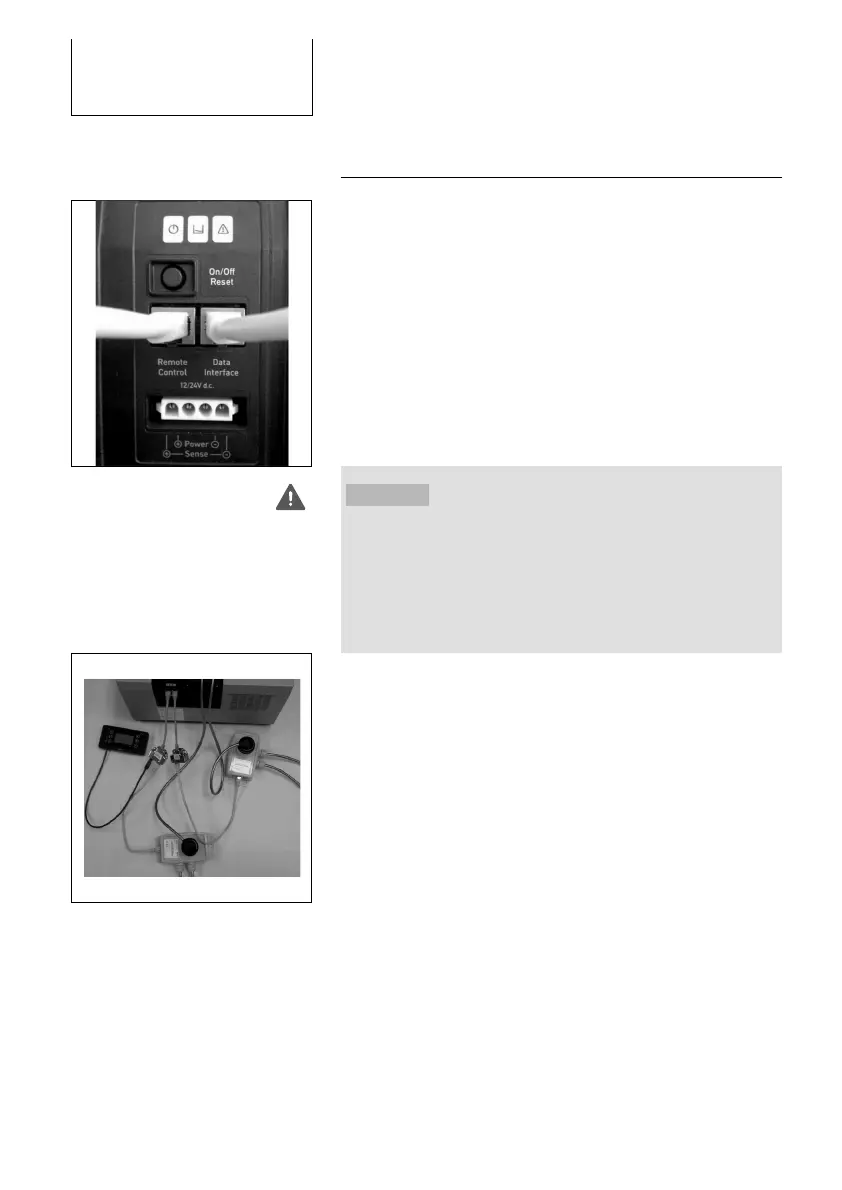
2. Connect one DuoCartSwitch via a Port Doubler to each
RJ45-plug of the EFOY Pro:
- Remote Control
- Data Interface
WARNING!
Only connect one DuoCartSwitch to each RJ45-plug (Remote
Control / Data Interface). If both DuoCartSwitch are connected
to one RJ45-plug the switching of the DuoCartSwitch fuel
connectors malfunctions, which might damage the EFOY Pro
fuel cell.
3. Activate the DuoCartSwitch (see Chapter 5.1, page 12).



 To Next Page