EasyManua.ls Logo

EGO Nexus PST3040 - User Manual

EGO Nexus PST3040
100 pages
Print Icon
To Next Page IconTo Next Page
Loading...
WARNING: To reduce the risk of injury, the user must read and understand the
Operator’s Manual before using this product. Save these instructions for future reference.
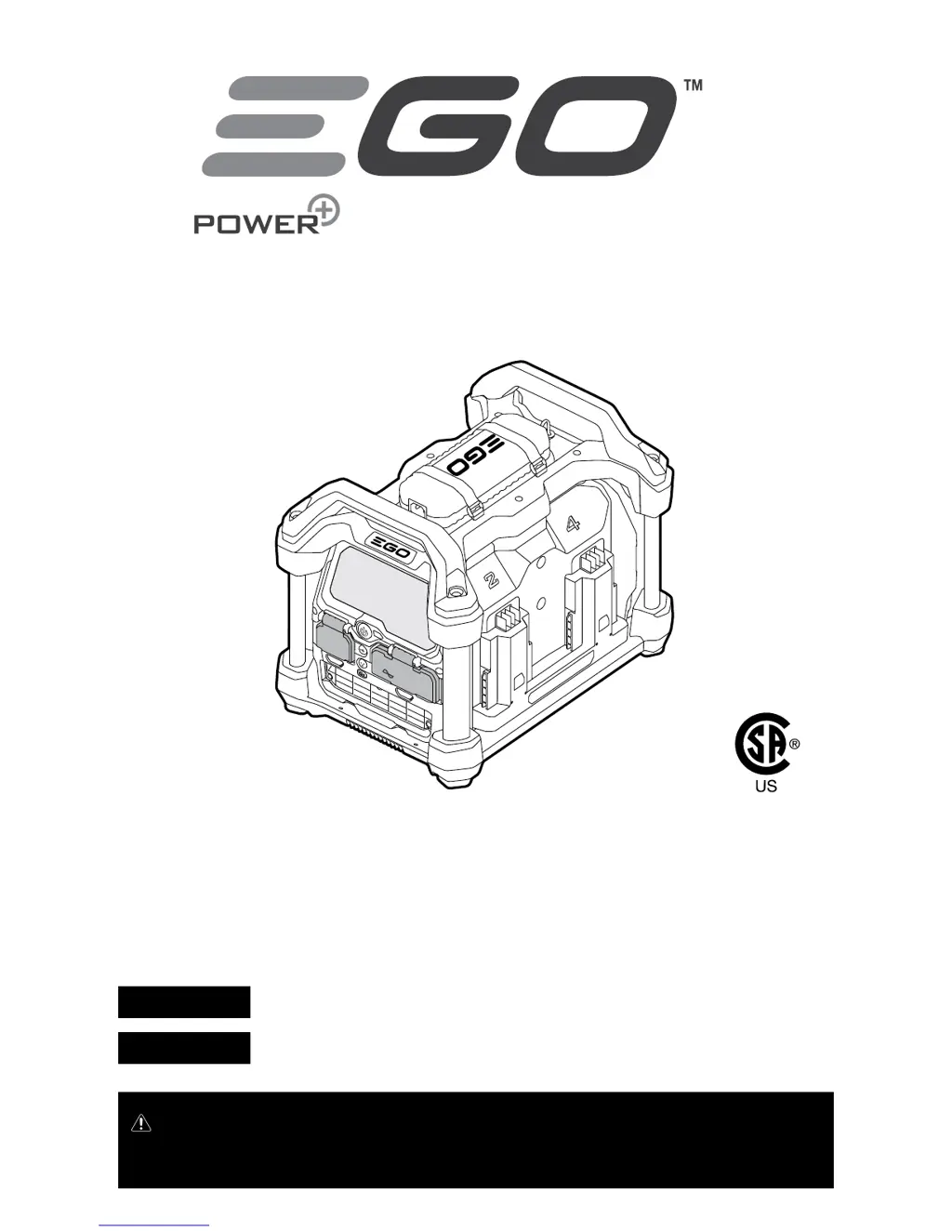
NEXUS POWER STATION
OPERATOR’S MANUAL
56-VOLT
NEXUS POWER STATION
MODEL NUMBER PST3040/ PST3040-FC
PURE SINE WAVE
NEXUS POWER STATION
RESET
Español p. 67
Français p. 33

Questions and Answers

  • C
    Colin BurnsJul 28, 2025
    What to do if the overheat icon is red on my EGO Nexus PST3040?
    • K
      Kelly PattersonJul 28, 2025
      If the overheat icon illuminates red on the LCD screen of your EGO Battery Charger, it means the Nexus power station is too hot. You should turn it off and allow it to cool completely before using the AC ports again.
  • J
    Joshua LewisAug 11, 2025
    Why is the battery indicator flashing on my EGO Nexus PST3040 Battery Charger?
    • M
      marywhiteAug 11, 2025
      If the battery indicator on the LCD screen of your EGO Battery Charger is flashing, it means the battery is too hot. Detach the battery from the Nexus power station and allow it to cool until its temperature drops below 152°F (67°C). The Nexus power station can work normally during this.

Summary

Safety and Compliance Information

FCC Statement

Details compliance with Part 15 of the FCC Rules for radio frequency emissions.

Safety Symbols and Instructions

Explains the purpose of safety symbols and general instructions for safe operation.

Important Safety Instructions

Provides critical safety precautions for using the power station, including warnings and precautions.

Product Information and Overview

Introduction and Specifications

Overview of the Nexus Power Station, its design, and technical specifications.

Packing List

Lists all items included in the product package for the user.

Product Description and Components

Identifies and describes the main parts and features of the Nexus Power Station.

LCD Screen Indicators and Controls

Details the functions of buttons, ports, and indicators displayed on the LCD screen.

Operation and Usage Guide

Application and General Operation

Outlines potential uses for power emergencies, camping, and general power needs.

Charging EGO Batteries

Step-by-step instructions for connecting and charging EGO portable batteries.

Powering AC;USB Devices

Guide on connecting and operating external AC and USB devices using the power station.

Operational Conditions and Alerts

Explains how the power station handles overload and overheat conditions and associated indicators.

EGO Connect and Remote Control

Instructions for connecting the power station to mobile devices via Bluetooth and WiFi.

Maintenance and Support

Maintenance and Storage

Procedures for cleaning, transporting, and storing the power station safely.

Troubleshooting Guide

Lists common problems, their causes, and suggested solutions for the power station.

Warranty and Service Information

Details the warranty policy, coverage, and how to obtain service for the product.

EGO Nexus PST3040 Specifications

General IconGeneral
Charging Time (2.5Ah battery)30 minutes
Charging Time (5.0Ah battery)60 minutes
Charging Time (7.5Ah battery)90 minutes
Charging Time (10.0Ah battery)120 minutes
Input Voltage120V
CompatibilityEGO 56V ARC Lithium batteries

Related product manuals