40
触摸屏
Touch screen
Settings
设置
Background colour scheme
背景颜色方案
Background
背景
Page name from selection list or free editable
来自选择列表或可自由编辑的页名称
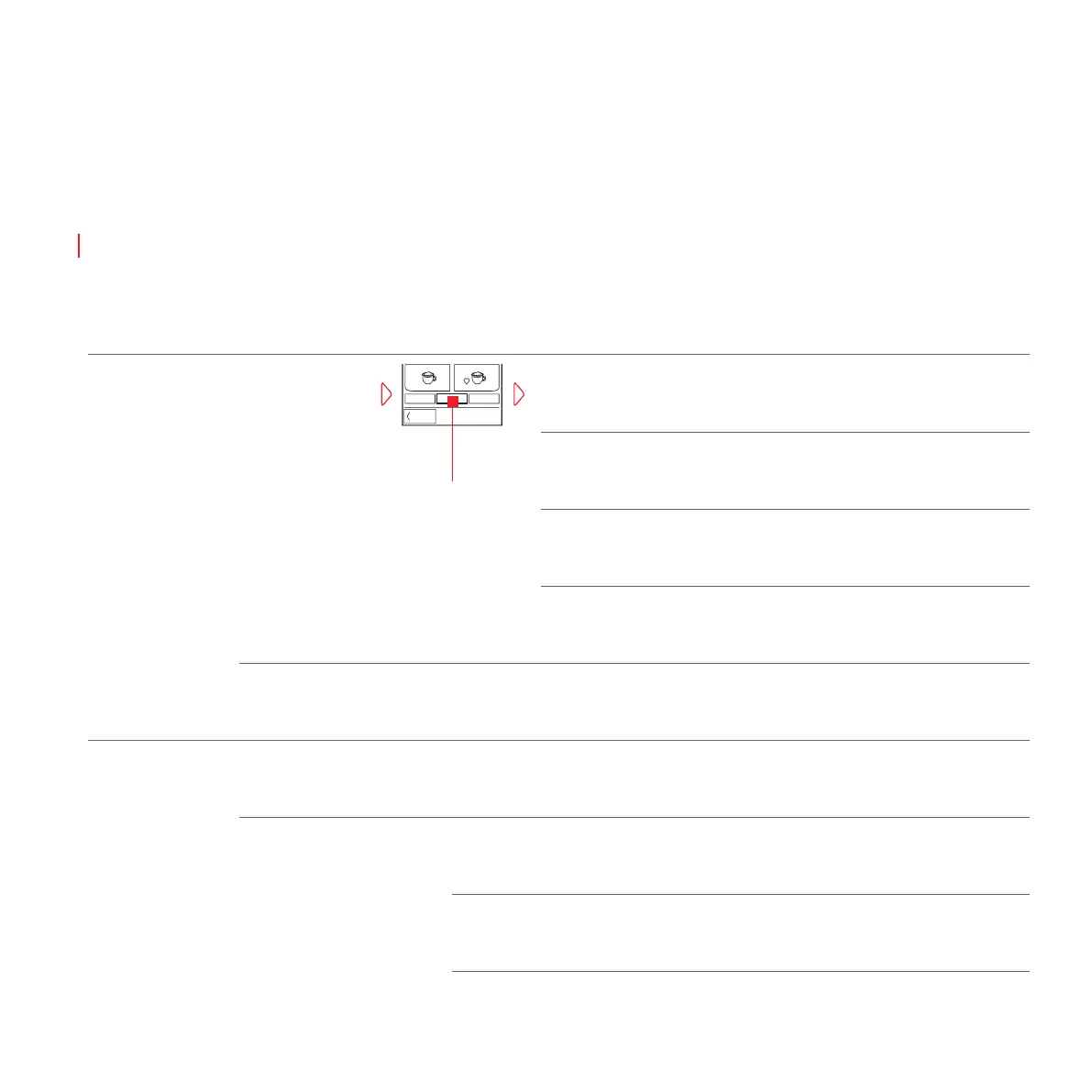
Press «Settings» to access submenu
按 «设置» 可访问子菜单
Name
名称
Pages
页面
Starts backup after confirmation
确认后开始备份
Backup settings
备份设置
Set the order of the pages
设置页面的顺序
Order
顺序
Activate page
激活页
Visible
可视
Time after which it automatically returns to home page
在自动返回到首页前时间页仍然显示
Time to home
返回首页的时间
Restore setting
恢复设置
Backup
備份
Restores auto backup files
恢复自动备份文件
Auto Backup
自动备份
Restores user backup files
恢复用户备份文件
User Backup
用户备份
Delete all user or auto backups
删除所有用户或自动备份
Clear backup memory
清空备份内存
Customize
自定义




 To Next Page