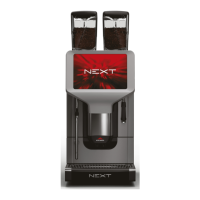
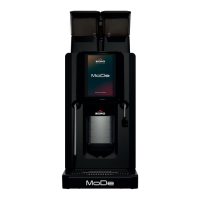
48
USB menu will show up automatically
USB 菜单将自动显示
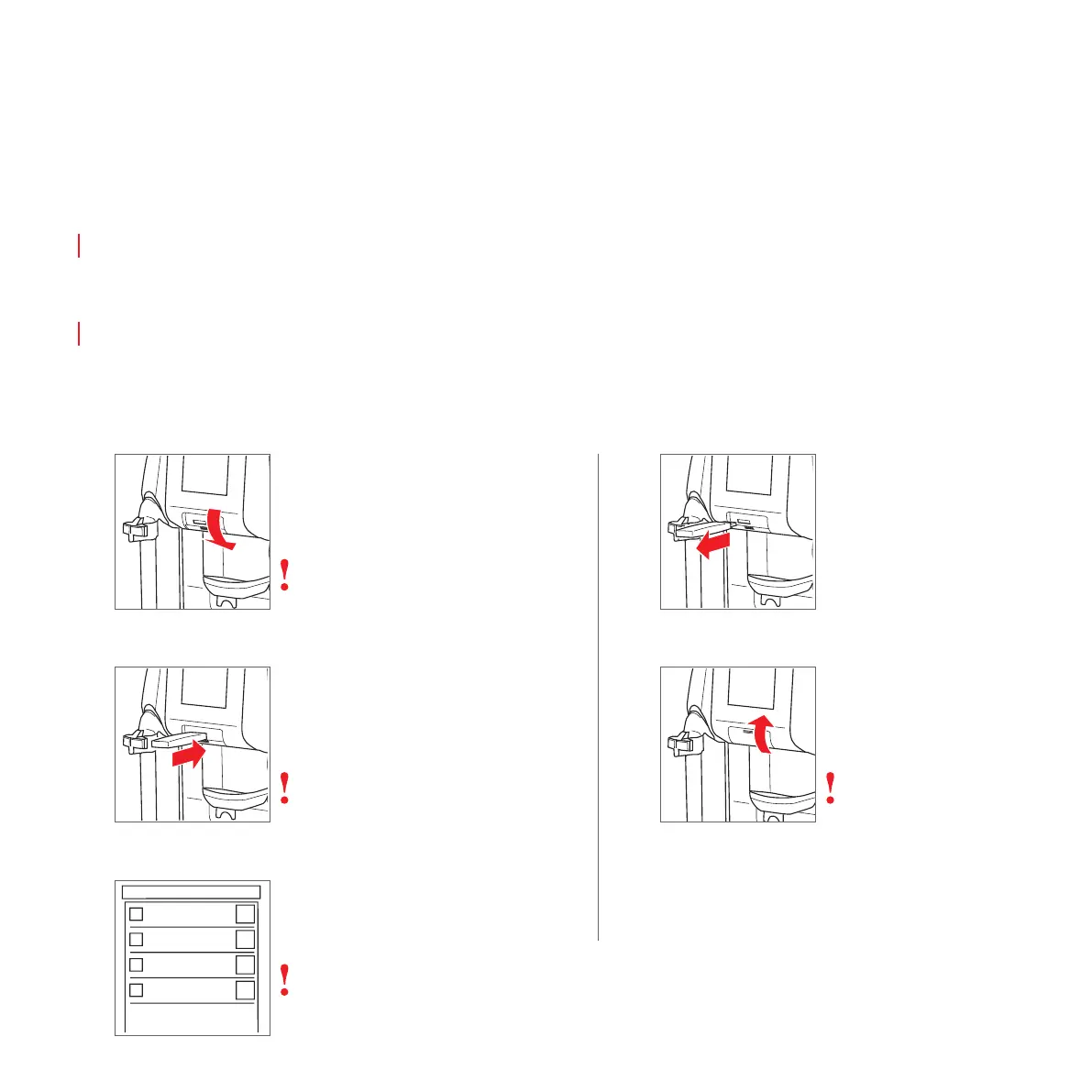
上传图片/视频(触摸屏)
Uploading pictures / videos (Touch)
1
Open cover
打开盖子
3
2
Plug in USB-Stick
插上 USB 存储棒
Follow on-screen information
按照屏幕信息操作
Loose safety screws if necessary
必要时松开安全螺丝
5
Close cover
关闭盖子
Use safety screws if necessary
必要时使用安全螺丝
Picture resolution: 480x640 pixels, ratio of
3:4. Use jpg, bmp, png or mp4* files
图片分辨率: 480x640 像素,比率 3:4。
使用 jpg、bmp、png 或 mp4* 文件
Data to upload must be saved in the root directory of the USB drive
要上传的数据必须保存在 USB 驱动器的根目录下
To save memory erase all non used files on the ONE
要节省内存,擦除 ONE 上所有未使用的文件
4
Remove USB-Stick
拔下 USB 存储棒
Format: AVC, Format/Info: Advanced Video Codec, Format profile: Baseline@
L3.0, Format settings: CABAC: No, ReFrames: 1 frame, Codec ID: avc1, Codec ID /
Info: Advanced Video Coding, Bit rate mode: Variable, Bit rate: 986 Kbps, Width:
640 pixels, Height: 480 pixels, Display aspect ratio: 4:3, Frame rate mode: Con-
stant, Frame rate : 25.000 fps, Standard: PAL, Resolution: 24 bits, Colorimetry:
4:2:0, Scan type: Progressive, Bits / (Pixel*Frame): 0.128
Do not include an audio track!
*




 To Next Page