40
every
48 sec
1
every
48 sec
2
every
48 sec
Green LED
(power)
Yellow LED
(fault)
Red LED
(alarm)
What to doWhat it
means
Reconnect AC
mains power
Reconnect AC
mains power
AC mains off
AC mains off
Low battery
backup
Chirps
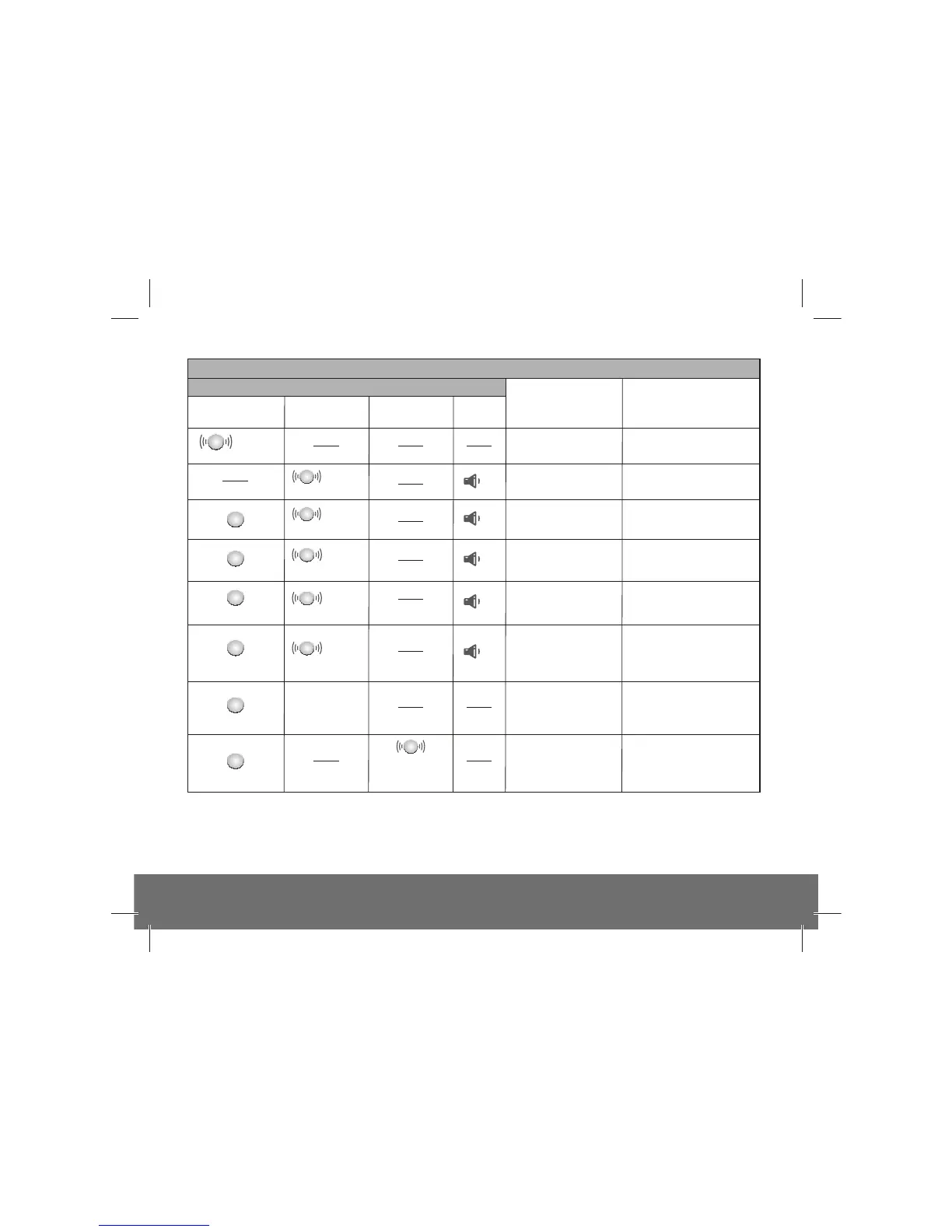
Fault modes and Memory indicator
Replace
Alarm
every
48 sec
Low battery
backup
Replace
Alarm
Sensor
fault
Replace
Alarm
End of Life
when pressing
Test button
Max Dust
Compensation
has been reached
1 ON when AC mains power is switched on, flashes every 48s when on backup battery, OFF when both AC mains
and backup battery are off.
2 If you are unsure of the amount of flashes of the Yellow LED you can at any time while a fault condition
exists, press the Test button. The relevant number of flashes will then be 8s apart.
Note: Fault chirps can be silenced by pressing the Test/Hush button.
see Maximum
Dust Compensation
section
There has
been an
alarm in
your absence
Check Alarm
memory
section
Flashes as
per fault type
Fault chirps have been
silenced. Rate of the
yellow LED flashing
indicates fault type
If required chirping can be
silenced again by pressing
Silence button
What you hear / see
x2
x1
x1
x1
x2
x3
x4
every
48 sec
x3
every
8 sec
x4


 To Next Page