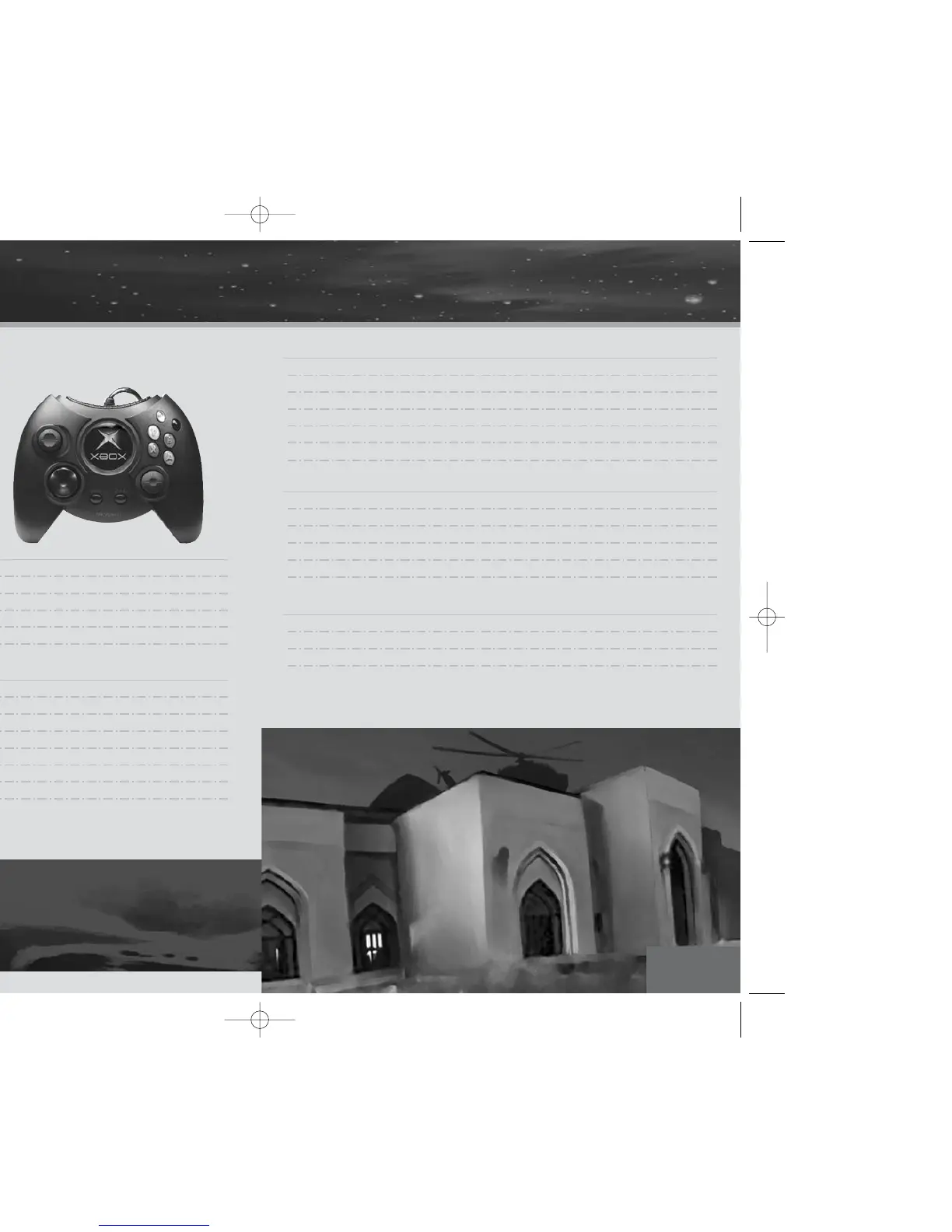
MENUS
directional pad Select menu item
a button Accept menu selection
b button Cancel selection (if applicable)/Return to previous menu
h button Open Map and Briefing Menu
g button Open Pause Options menu
ACTION
left thumbstick Move a short distance to walk; move further to run
directional pad $/^ Lean left/right
double tap & hold $/^ Step out left/right
e trigger Pull lightly to Sneak; pull and hold to Crouch
a button Open door/Pick up item/Drag
f trigger Use item
b button Drop item/Exit Keyhole mode
WEAPONS
right thumbstick Move crosshair to aim
left thumbstick Precise Aiming: click and hold to slow down aiming speed
f trigger Fire/Enter Snipe mode
i button Reload
c button Holster weapon
b button Exit Snipe mode
INVENTORY
c button Quick Inventory
d button Open/Close Inventory
directional pad Select Inventory item
a button Equip item
b button Drop selected item
CAMERA
right thumbstick Move camera (look around)
j button Toggle 1st or 3rd person view
directional pad */@ Zoom in/out
In third person view, zoom in and zoom out affect the
distance between Hitman and the camera. When you’re
using a rifle with a scope attached, Zoom In and Zoom Out
affect the scope's magnification levels.
default controls default controls
4
5



 To Next Page