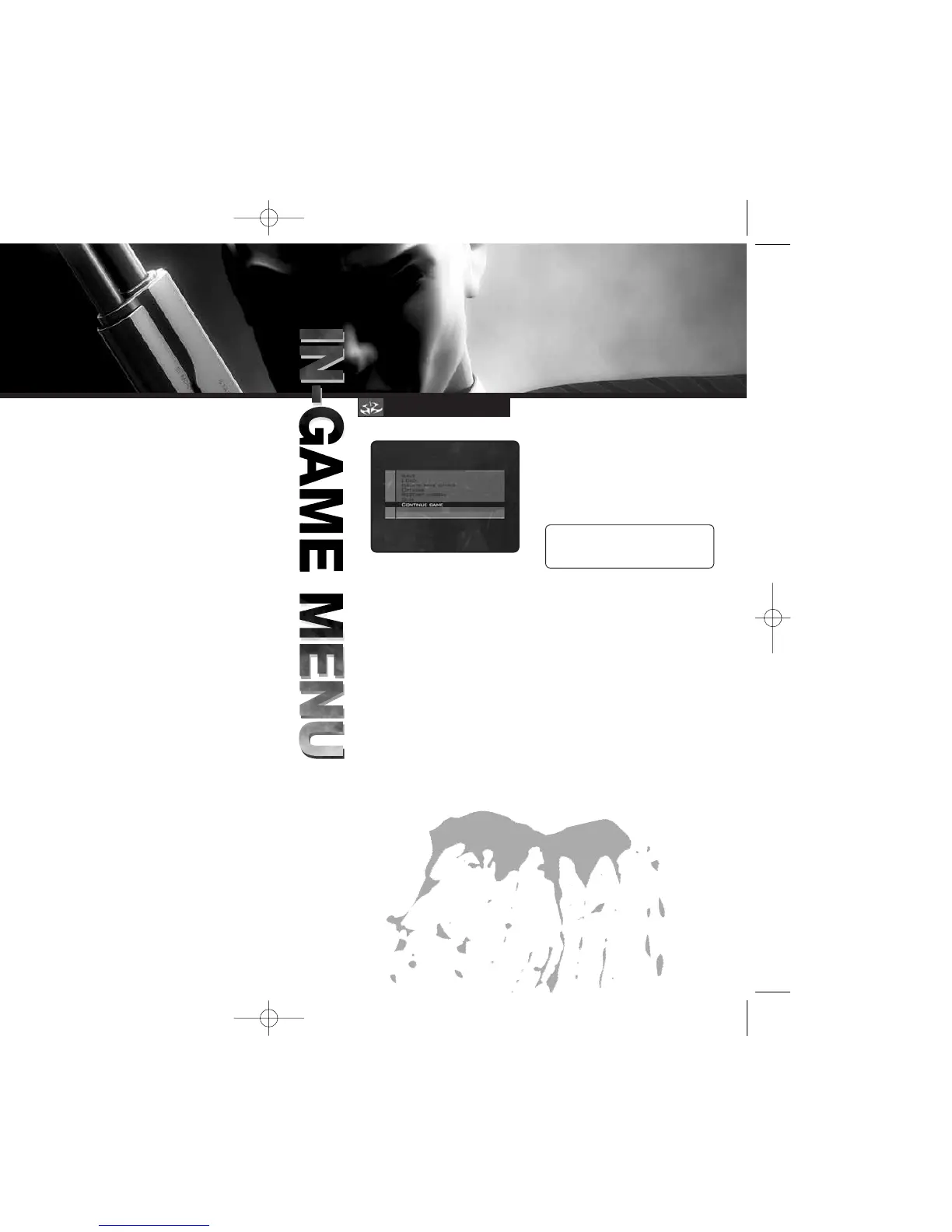
Press
>
during play to pause
the game and access the In-Game
Menu. This menu offers
the following options:
SAVE
While playing HITMAN: CONTRACTS,
you’ll want to save your game often
to preserve your progress.
To save a game:
1. Press
>
to pause the game.
2. Highlight SAVE in the menu
and press
A
.
3. Highlight CREATE NEW to create
a new save game, or highlight
a save game to overwrite,
and press
A
.
4. To resume a saved game, follow
the steps in LOAD below.
NOTE: You can save a maximum
of 100 HITMAN: CONTRACTS game
files on the Xbox Hard Disk.
LOAD
You can resume save games by using
the LOAD option from either the
Main Menu or the In-Game Menu.
If HITMAN: CONTRACTS save game
data is on the Xbox Hard Disk,
then when you select LOAD, a list
of saves will be displayed.
Highlight a save game and press
A
to load it. The game will be restored
at the point where it was saved.
To open the Options Menu, select
OPTIONS from the Main Menu
or press
>
to pause the game
and select OPTIONS from
the Pause Menu.
Three sub-menus are available
with options for adjusting the game’s
Graphics, Sound and Control Setup.
GRAPHICS OPTIONS
Use this menu to set your graphics
and display choices.
• SUBTITLES: Toggle the display
of in-game subtitles.
• BLOOD AND GORE: Toggle
the display of blood effects.
SOUND OPTIONS
Use this menu to configure sound
and audio settings:
• MUSIC: Move the slider to adjust
the game’s music volume.
• SPEECH: Move the slider to adjust
the volume of spoken dialogue.
• EFFECTS: Move the slider
to adjust the volume of in-game
sound effects.
CONTROL SETUP OPTIONS
Use this menu to configure various
control settings:
• INVERT UP/DOWN AIM: Changing
this option switches the movement
control on the Y axis. If you find
yourself looking down at the floor
when you want look up, try
adjusting this setting.
• VIBRATION MODE: Toggle
the controller’s vibration action
ON/OFF. (When ON, the controller
will vibrate in response
to game events.)
• HORIZONTAL TURN SENSITIVITY:
Move the slider to adjust Hitman’s
turning speed. To turn faster, use
a higher setting.
• VERTICAL TURN SENSITIVITY:
This slider adjusts the speed
with which Hitman looks up
and down. Use a higher setting
to speed up the response.
• BUTTON CONFIGURATION: Choose
between three control schemes.
(See pages 4-5.)
IN-GAME MENU
OPTIONS
8 9



 To Next Page