7
Using
your
player/recorder
(continued)
Recording with
automatic
level
control
This unit is equipped with Automatic
Level Control which adjusts the record-
ing
level automatically. Combined
with
the built-in Condenser Microphone,
you have the advantages
of
"hands
free"
recording. Move the
ALC
switch
to the
"on"
position. Insert a blank tape
cassette with
"knock-out"
tabs intact
and depress the Record and
Play key.
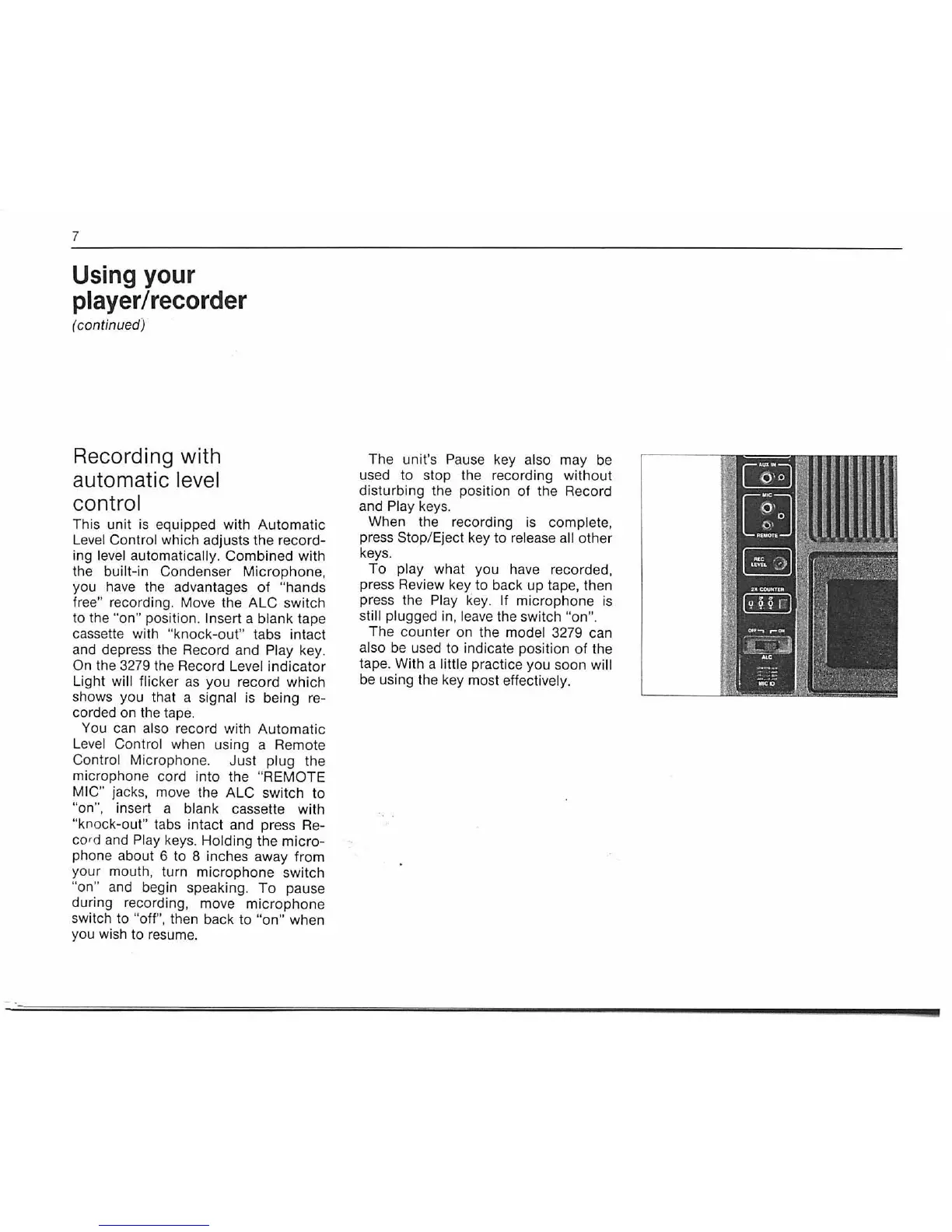
On the 3279 the Record Level indicator
Light
will flicker
as
you record
which
shows you that a signal is being re-
corded on the tape.
You can also record with Automatic
Level Control when using a Remote
Control Microphone. Just plug the
microphone cord into the
"REMOTE
MIC"
jacks, move the
ALC
switch to
"on", insert a blank cassette with
"knock-out" tabs intact and press Re-
cord and
Play keys. Holding the
micro-
phone about 6 to 8 inches away from
your mouth, turn microphone switch
"on" and begin speaking.
To
pause
during recording, move
microphone
switch to "off", then back
to
"on"
when
you wish to resume.
The unit's
Pause key also may be
used to stop the recording
without
disturbing the position
of
the Record
and
Play keys.
When the recording is
complete,
press Stop/ Eject key to release all other
keys.
To
play what you have recorded,
press Review key to back
up
tape, then
press the
Play key. If microphone is
still plugged in, leave the switch "on''.
The counter on the model 3279 can
also be used to indicate position
of
the
tape. With a
little practice you soon will
be using the key most effectively.


 To Next Page