16
Bookmarking Favorites
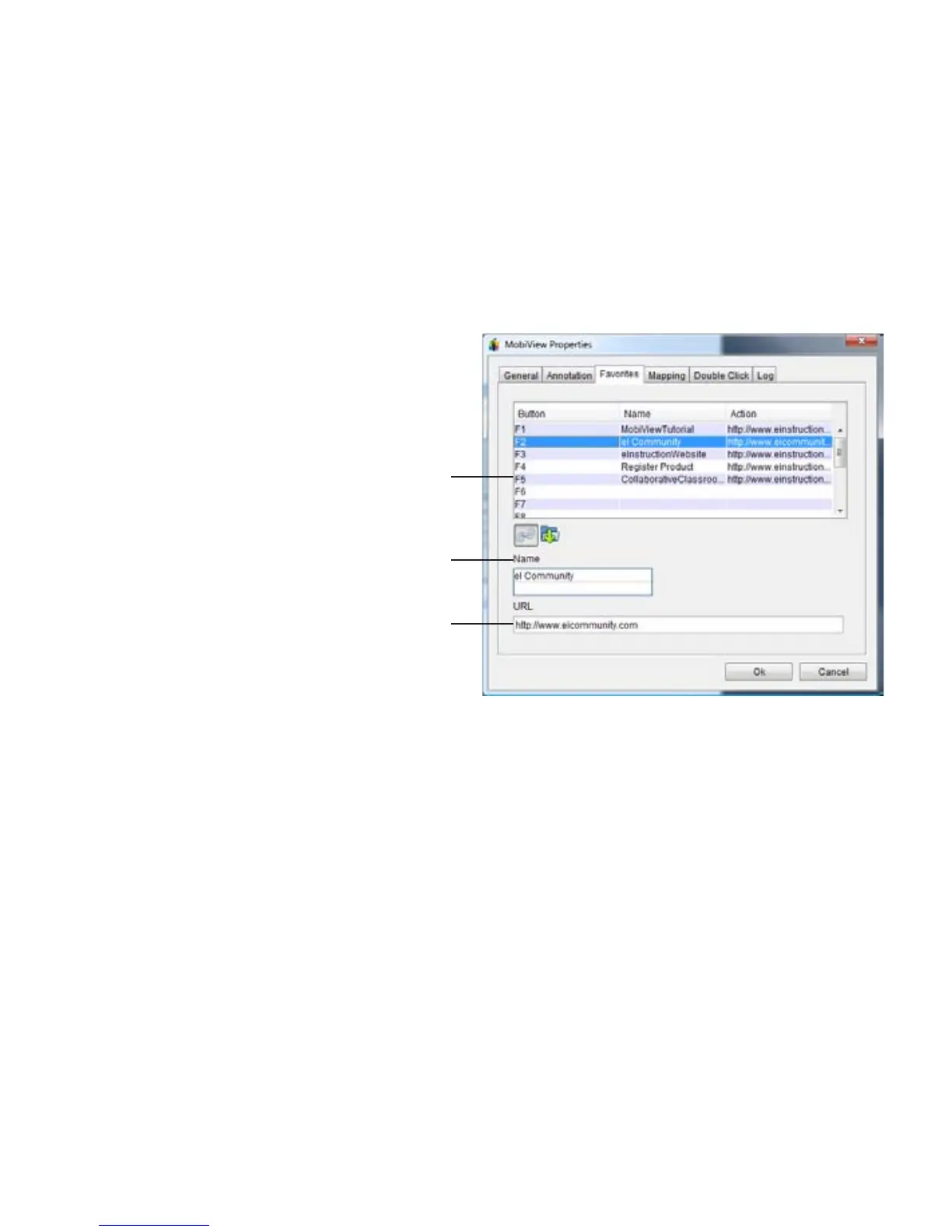
1. Press the Add Favorites button.
This will launch the Device
Manager utility on the computer.
Device Manager will open to the
Mobi View Properties window,
Favorites tab.
2. Select the function row you wish
to change.
3. Select the folder or link icon for
a file or website.
4. Enter the bookmark name and
location.
Set Favorites in Device Manager



 To Next Page