15
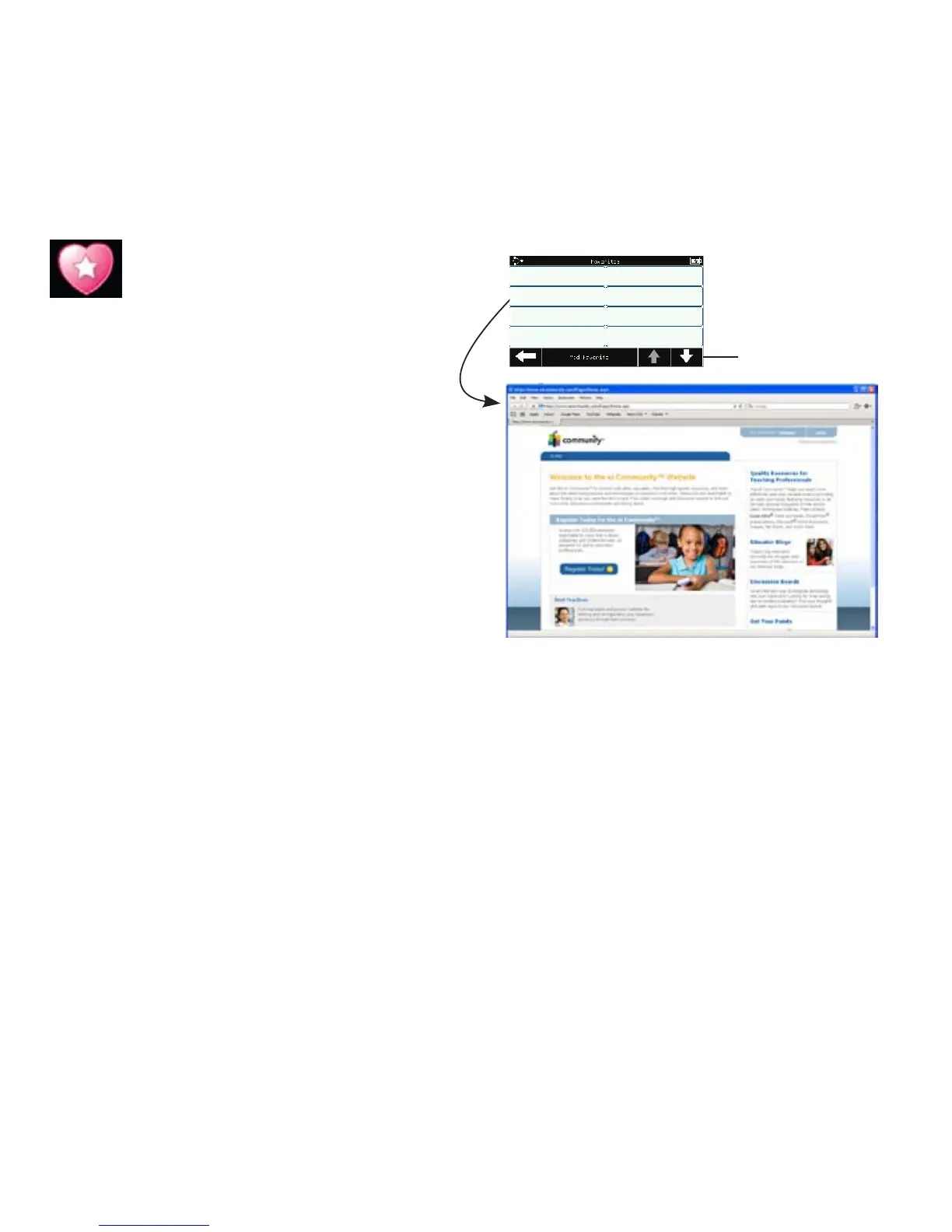
Bookmark and access up to 16
favorite links to websites or files.
Favorites are set up and stored in
eInstruction’s Device Manager utility
on the computer.
Tip! If you use Mobi View with a
different computer, you will need to
reset your favorites.
Using Favorites
• Press the desired Favorites
button. The link, file, or
application will open
immediately.
Page
forward
and back
through Favorites
list
eICommunity
Favorites
Quickly access favorite links



 To Next Page