19
Reports
If your classroom uses eInstruction
Student Response System devices,
you can view the assessment reports
in real-time on your Mobi View.
Available reports:
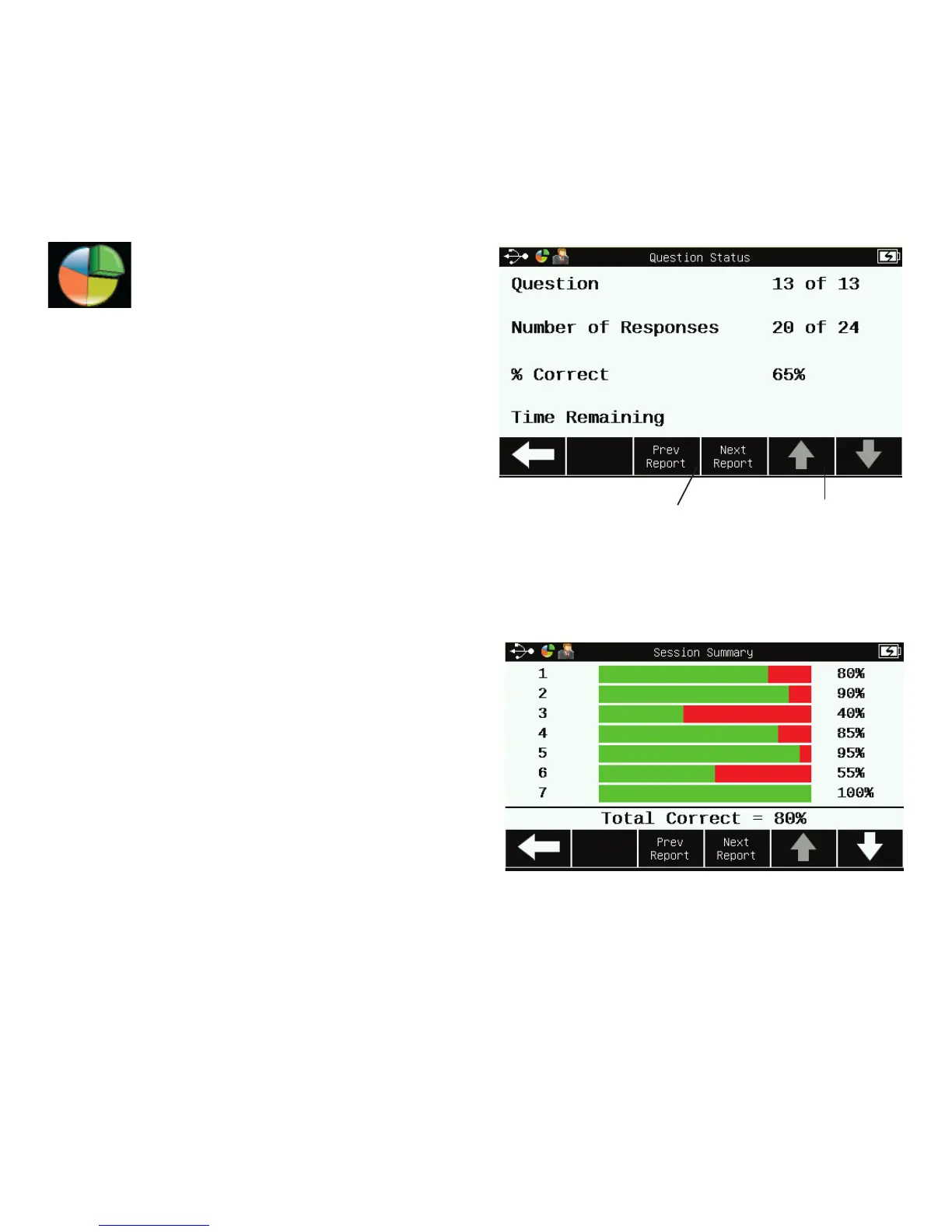
• Question Status
• Session Summary
• Answer Distribution
• Session Results by Student
• Response Grid
• Response per Student
Tip! When report data is available,
a Reports icon will appear on the left
side of the title bar at the top of the
touchscreen.
Question Status
Page up or down
through a report
View previous or
next report
Session Summary



 To Next Page