4
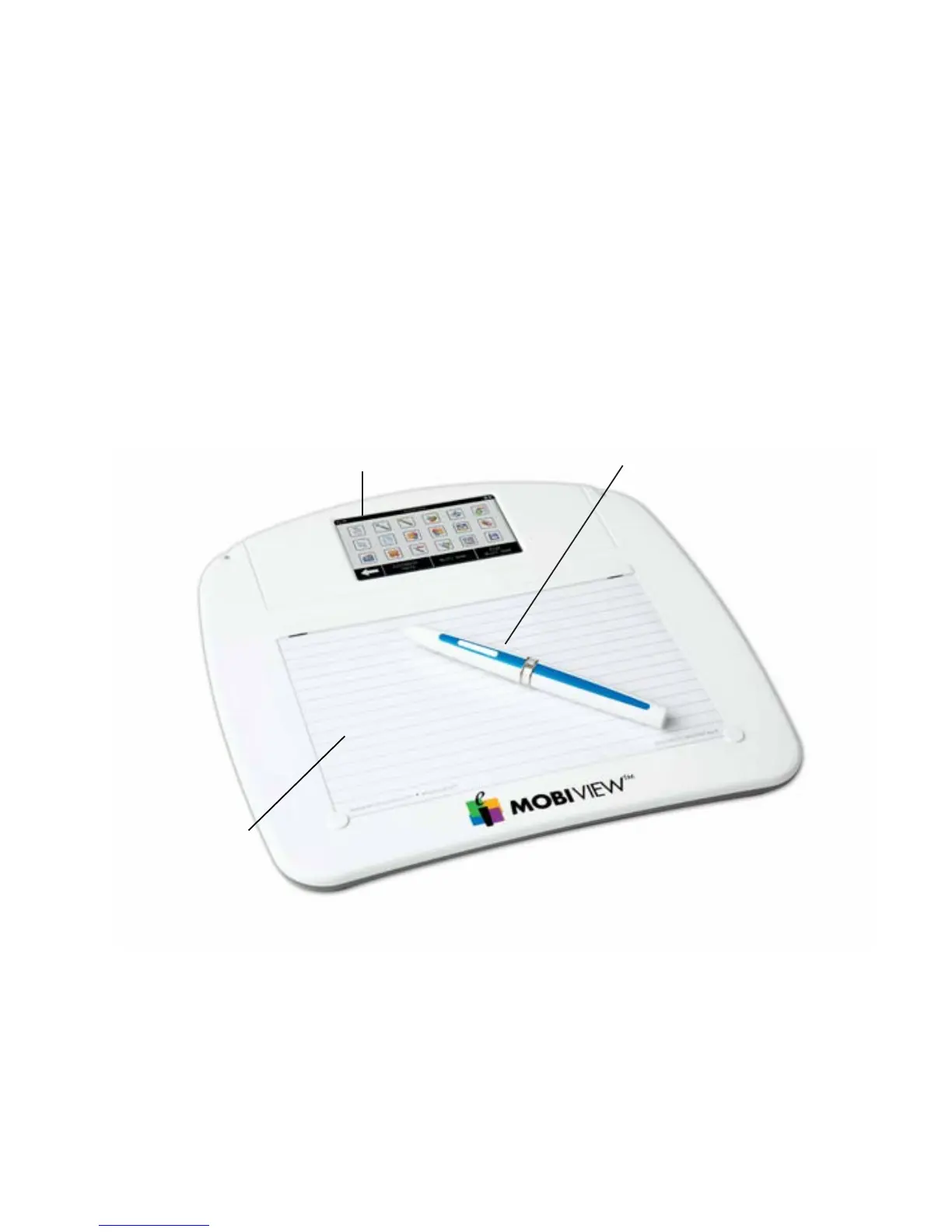
Active writing area
doubles as a remote
mouse pad.
Interactive touchscreen provides
one-click access to annotation
tools, notes, favorites, keyboard,
reports, and custom settings.
Mobi View pen doubles as a
remote mouse. Clicking the pen
tip simulates a left-click; clicking
the top of the rocker button
simulates a right-click.
Mobi View at-a-glance



 To Next Page