EIS
12
1. General Description
Ø
Ø
Ø
Ø
Ability for individual, group or
general intercom transmission
as well as transmission to a
set of zones (zone
combination function).
Ability to select the
announcing tone, both
for first and end tone of
intercom transmission.
Ability to activate audio alarm
signal on the keypad and via external input.
Ability to use program (without the need of manual control
device) to adjust levels of microphone signal, announcing tone,
and alarm.
...
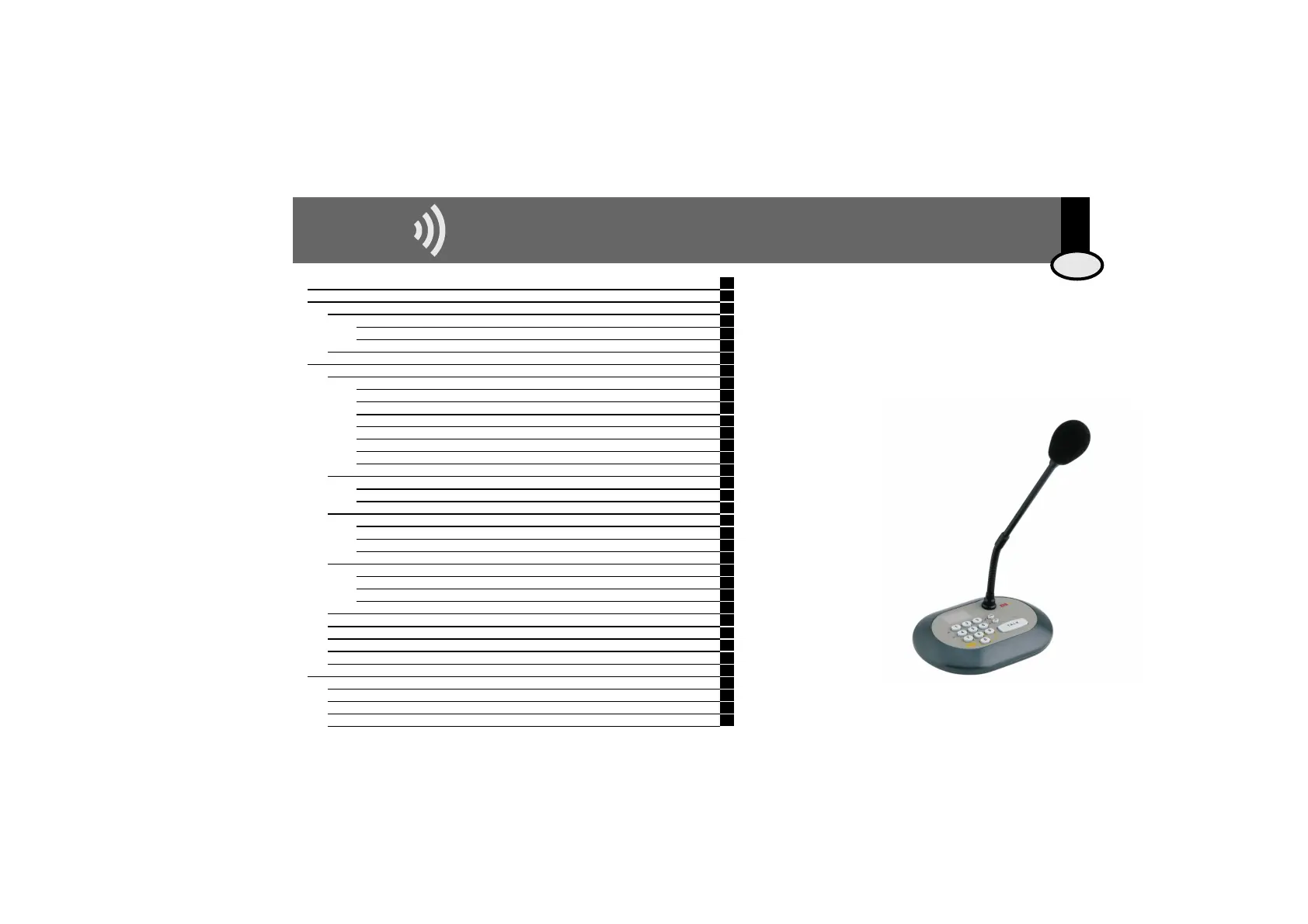
Intercom Microphone Base 13503 provides the ability to
generate intercom calls from a console to any zone of a New
100 Series or 400 Series installation. It was designed for use in
existing installations in stores, offices, waiting rooms, etc.
Its versatility allows for the installation of one or several bases
combined with one or several control units. It is equipped with
an audio signal generator for both announcing tones as well
as for alarm signals.
Ergonomic and compact in design, it is specifically
made to be user-friendly. It is extremely easy to use
and install, requiring minor electrical installation
work only.
This manual contains installation and user instructions
for the base. Some of its many features include:
ENG
1 General Description 12
2 Installation Manual 13
2.1. Installation with the New 100 Series Control Units 13
2.1.1. General Paging Installations 13
2.1.2. Individual Paging Installations 13
2.2. Installation with the 400 Series Control Units 13
3 User Manual 14
3.1. To make an announcement 14
3.1.1. General Paging 14
3.1.2. Individual Paging Installations 14
3.1.3. Group Paging 14
3.1.4. Paging to a set of zones: the “zone combination” function (New 100 Series only) 15
3.1.5. Group Programming 15
3.1.6. Deleting Groups (the New 100 Series only) 16
3.1.7. Transferring Group Prog. to several Intercom Microphone Bases (New 100 Series only) 16
3.2. Adjusting the Microphone Signal Level 17
3.2.1. Programming Option 17
3.2.2. On-line Adjustment 17
3.3. Announcing Tone Selection 17
3.3.1. First tone 17
3.3.2. End tone 17
3.3.3. Adjusting Announcing Tone Volume Level 17
3.4. Alarm Generator 18
3.4.1. Alarm Activated by Keypad (type 1) and Alarm Activated by External Output (type 2) 18
3.4.2. Selecting the Alarm’s Audio Signal 18
3.4.3. Destination Address of Alarm Signals 18
3.5. Adjusting Display Light Level 19
3.6. Manual Assignment of Zone Address for Intercom Microphone Base 13503 (Series 400 only) 19
3.7. Manual Selection of Installation Type 19
3.8. Factory Reset 19
3.9 Programming Quick Guide 20
4 Technical characteristics 21
E100/1 Installation Diagram for the New 100 Series 22
E100/2 Installation Diagram for the New 100 Series with Zone Extension (2 channels) 23
E100/3 Installation Diagram for the New 100 Series with Zone Extension (4 channels) 24
E400 Series Installation Diagram 25



 To Next Page