CC-1194ENG-01
10
Key
sequence
Display
The wireless accessory allows you to listen to the
music stored in any device that has the ability to transmit via Bluetooth
through the 2 1/2", 5" or
SPACE kts.
KB Bluetooth
KB KB
KB
SOUND
SOUND iSelect SOUND iSelect
SOUND
® ®
® ®
®
5. Operating the
wireless accessory
KBSOUND
®
05
6”
KBsound XX
IMPORTANT: Before pairing the Bluetooth a numeric
address must be assigned to each kit installed (See
Chapter 5.2).
Several kits in the same house can be distinguished by assigning
them a different identification number such as KBsound 00 or 01, 02
etc.
KB
KB
SOUND
SOUND
®
®
KB-05
5.1.- Assign a numeric address to your KB BluetoothSOUND
® ®
iPOD
BT
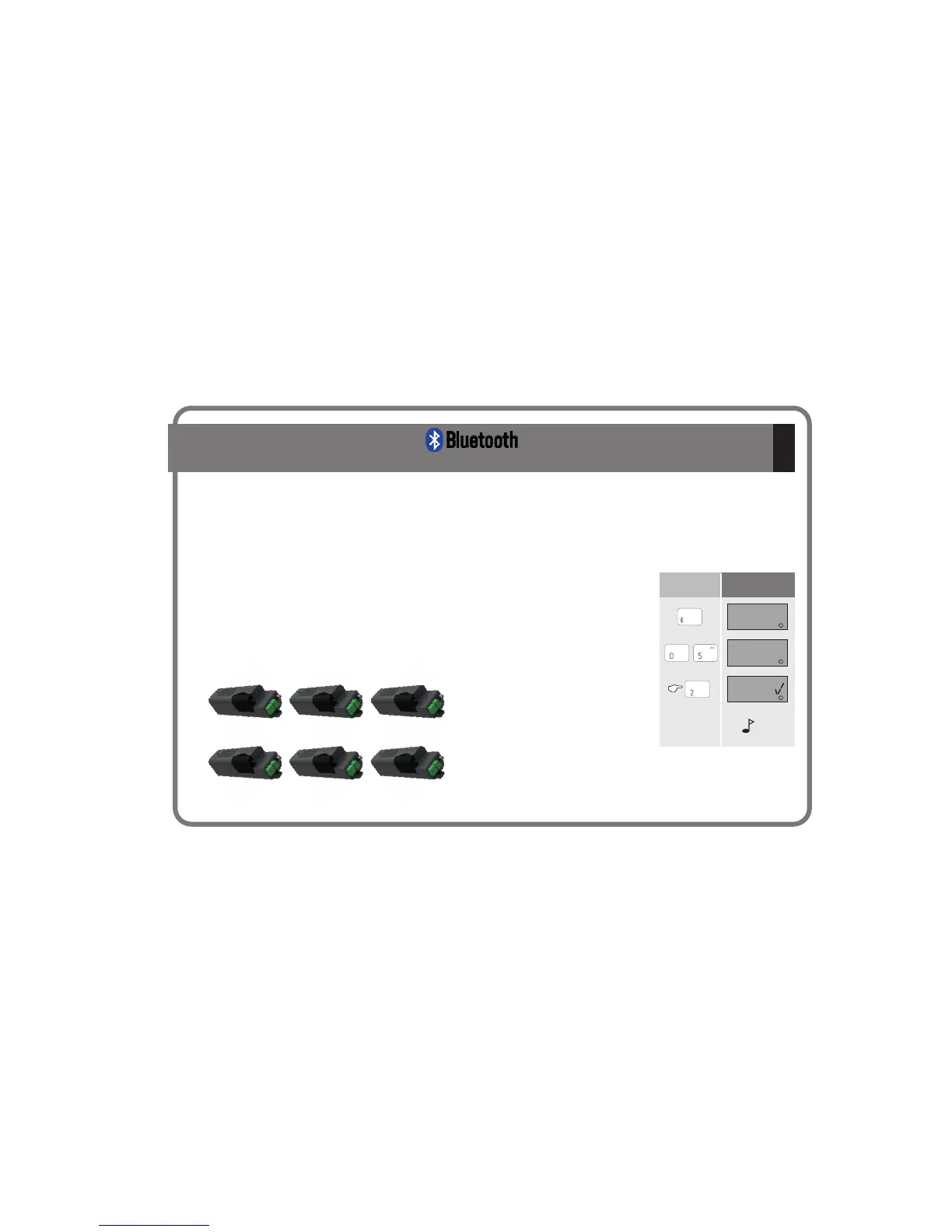
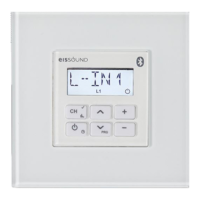
Select Bluetooth key.
Dial the two digits that identify the KBsound kit
such as “05" on the Remote Control.
Then press the 2 key for aproximately
5 seconds.
A confirmation beep will be heard through the
speaker to indicate that the identifier has
been stored.
KBsound00 KBsound01 KBsound02
KBsound03 KBsound04 KBsound05
beep
From this moment the identification code of that kit becomes KBsound 05.
Repeat this procedure for all kits you have installed in your home, taking care of
choosing different numbers for each one.
IMPORTANT: before you begin make
sure that the Bluetooth device from
which you want to stream the music has
the A2DP and AVRCP profiles.



 To Next Page